Clinical imagingfor dermatology, one visit at a time.
How dermatology practices use Dermi Atlas
Records, tags, and consent
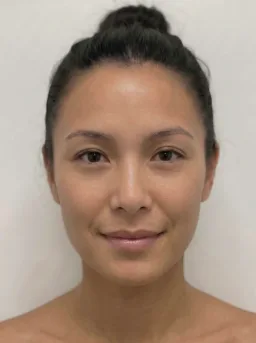
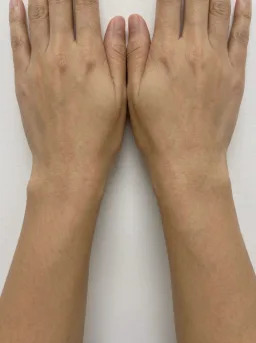

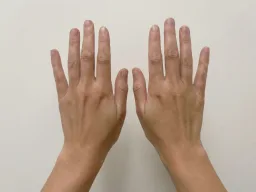
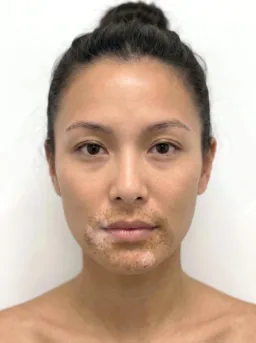
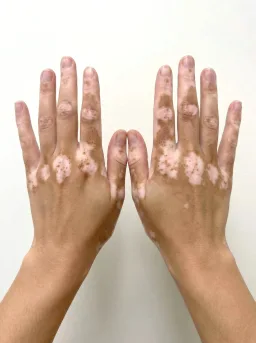
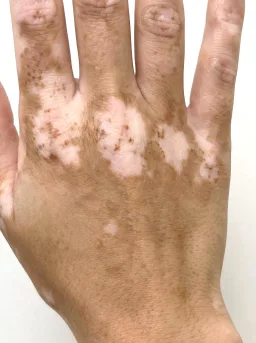
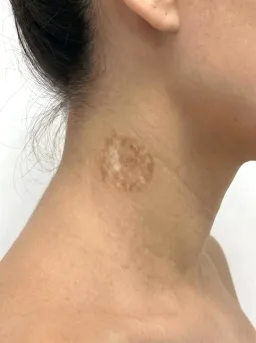
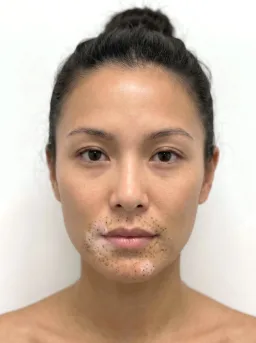
Patient records
Each patient record shown with its thumbnail, tags, and visit history at a glance.
Tag management
Organize images with dermatological condition, body location, and treatment phase tags.
Search and filters
Search patient records by name, ID, or tag, then narrow the list by date and member.
Consent records
Record patient consent by digital signature or an external method, enforced at the level each account sets.
Full body, zones, tags, and consent
Full Body Photography
Total body photography in sessions, with pose capture, lesion records, and compare.
Sessions at a glance
Illustrative demo with synthetic data. Learn more
- Capture steps through a pose set with coverage progress
- Review pins lesions beside a lesion detail panel
- Dermoscopy linked to each lesion for close-up context
Zones
Photographs grouped by body area, each zone with an overview image and its dermoscopy.
Create a zone
Illustrative demo with synthetic data. Learn more
- Zone cards group a visit's photographs by body area
- A primary overview image fronts each zone
- Dermoscopy beside the overview, one date at a time
Annotations
Markup drawn on the photograph, anchored to it, and live on every device.
Draw on the image
Illustrative demo with synthetic data. Learn more
- Arrow, shape, freehand, text, and pin tools
- Anchored through zoom, pan, alignment, and rotation
- Colleagues mark up the same image at the same time
Patient Management
Find patients by thumbnail, name, or ID, and create a record from the search.
Visual patient search
Illustrative demo with synthetic data. Learn more
- Thumbnail search for picking out the right patient
- New records with an ID suggested from the search
- PDFs of details, the Image Pool, or the full record
Tagging System
A practice-defined tag library, color-coded and applied across the whole record.
Create tags
Illustrative demo with synthetic data. Learn more
- Custom tags in color-coded tag categories
- Tags on images, patients, and clinical entries
- Image tags inherited by the patient record
Consent Management
Consent recorded on the patient, enforced at the level each account sets.
Set enforcement mode
Illustrative demo with synthetic data. Learn more
- Enforcement from advisory to required before upload
- Digital consent with the patient's typed name
- Verbal, written, or other methods recorded with notes
Photo capture on iPhone and iPad
Reference overlay
A live overlay of the prior photograph guides each follow-up into matching framing.
Sent to the record
Photographs go straight to the patient record on the practice network, not to the camera roll.
iPhone and iPad
Capture with the native camera, then continue in the Atlas workspace on the same device.

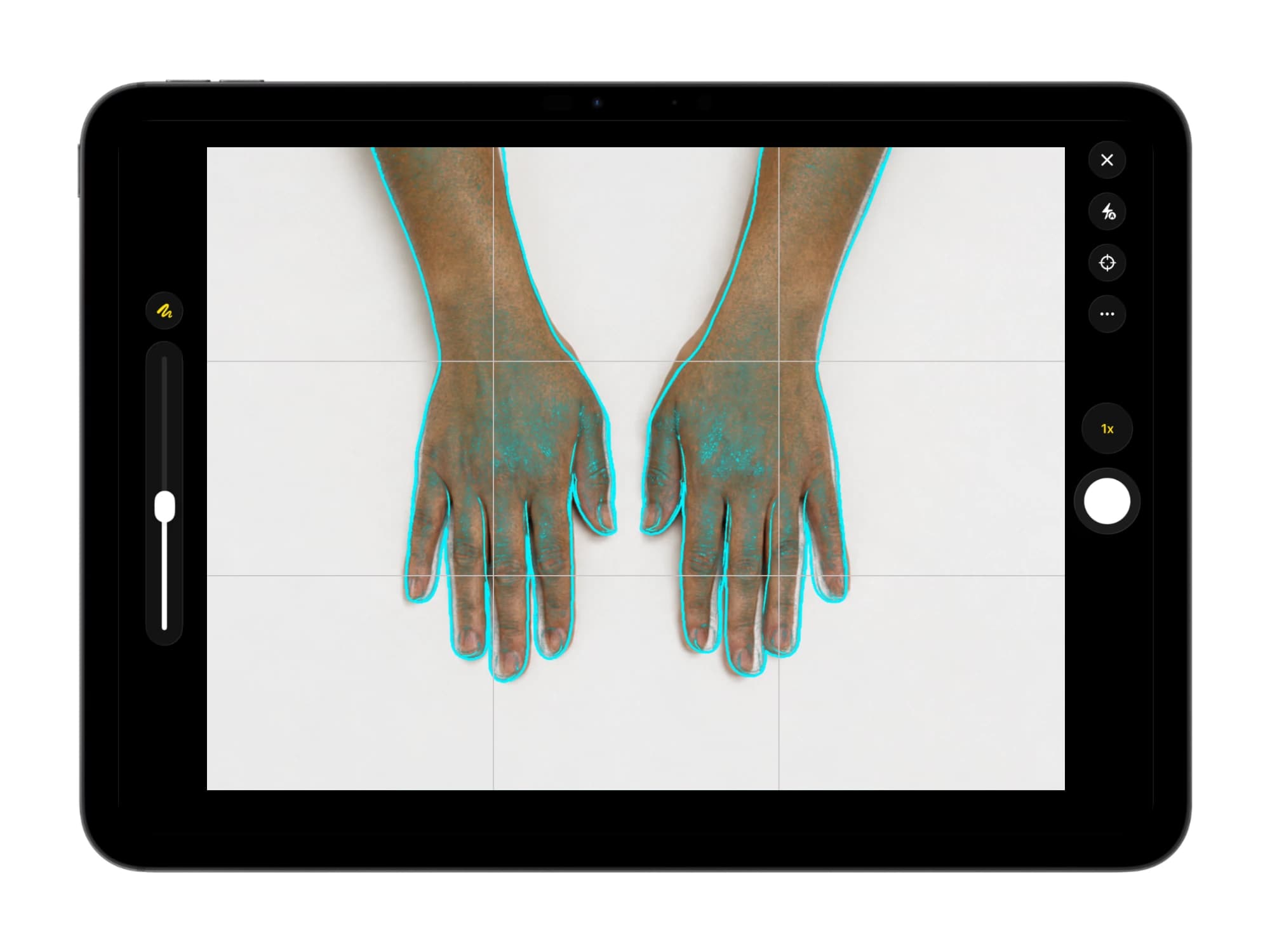
Illustrative demo with synthetic data. Learn more
Frequently asked questions
Atlas organizes clinical photographs by patient, visit date, and condition tags, lines up visits in split and overlay comparisons with automatic alignment, and exports formatted PDF reports. Full body photography and zones cover whole-skin and body-area documentation.
Yes. Full body photography is a dedicated workspace: Capture steps through a systematic pose set with coverage progress, lesion sites prefill from each pose's anatomical term, dermoscopy links to each lesion, and sessions line up for review. Every lesion record and cross-visit link is made by the clinician, with a clear audit trail.
Photographs are grouped by the date each was taken, giving every patient a timeline on which clinicians track each lesion's history. Overlay comparisons with automatic alignment place a prior session beside the current one, and comparison layouts are saved from visit to visit.
Atlas has no direct EMR integration; it works beside the EMR as the practice's imaging record. Patient records, Image Pools, and clinical entries export as formatted letter-size PDF reports for printing or adding to an EMR, with images, comparisons, and notes in one layout.
Atlas records consent with three enforcement levels, chosen per account: Disabled, Advisory, or Required. Digital consent takes the patient's typed name, verbal or written consent is documented with notes, and consent actions, revocations, and re-consents are logged.
Yes. Every patient record on a deployment belongs to the practice's team, and every member works from the same patient list under their own login. Clinician accounts carry export, deletion, and recovery; Assistant accounts cover documentation and capture, including full body sessions. Patients can be assigned to members.
Try dermatology imaging in Dermi Atlas
The demo runs in a browser; the free trial runs on the computers your practice already owns.
Resources and further reading
Related pages
Plans, pricing, and free trial
Atlas Cloud Demo
- No time limit
- No credit card
- Nearly every feature, with photos you upload
- Runs in a browser, nothing to install
- A free Dermi Cloud Services account to sign in
- Not for real patient data
- Data cleared at least weekly
Dermi Atlas Professional
- Base plan per deployment
- First 30 days free
- Additional clinician seat$59 USD / month
- Additional assistant seat$12 USD / month
- Every feature, with real patient records
- Runs on computers the practice already owns
- Technical support at no extra charge
Synthetic Data Notice
All demonstrations, screenshots, and media on this page use synthetic data only. No real patient information is shown.
The following are synthetic and do not correspond to real patients:
- All human faces and individuals are synthetic and do not represent real people
- All clinical and medical images, including photographs and scans, are synthetic or simulated
- All patient names, dates, identifiers, and other details are fictional
- All clinical notes and documentation are sample content for demonstration only
Media is provided solely to illustrate platform functionality and workflows.