One-click alignmentVisits lined up on the anatomy they share.
How automatic alignment works
Photo capture on iPhone and iPad
Reference overlay
A live overlay of the prior photograph guides each follow-up into matching framing.
Sent to the record
Photographs go straight to the patient record on the practice network, not to the camera roll.
iPhone and iPad
Capture with the native camera, then continue in the Atlas workspace on the same device.

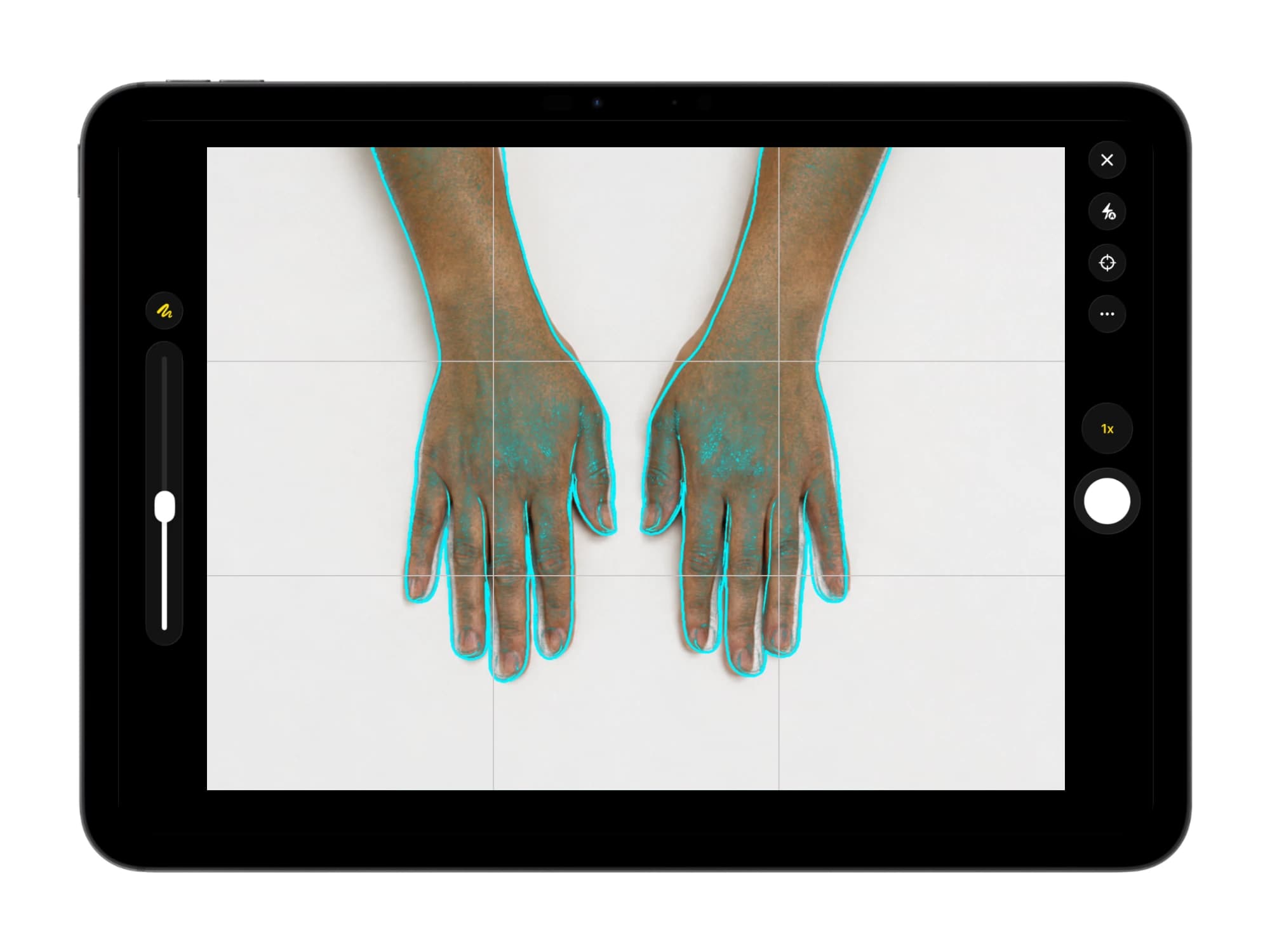
Illustrative demo with synthetic data. Learn more
Aligned images in comparison view
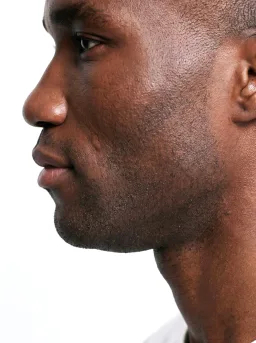
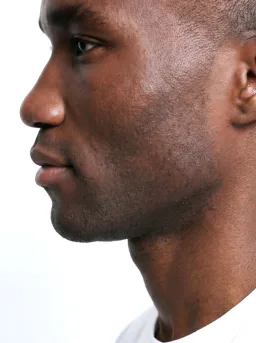
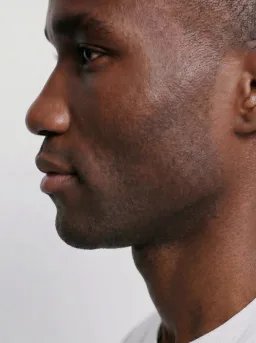
Aligned comparison groups
Aligned visits sit in comparison groups in date order, with the layout saved as arranged.
Frequently asked questions
On the computers the practice operates, as part of the Dermi Atlas Professional installation, so it needs no internet connection and no patient image leaves the practice network for it.
Yes. Alignment allows for changes in camera distance, angle, and patient position between sessions, and wide-angle overviews and close-up captures can be aligned and scaled to one frame.
Yes. Reset Transforms returns the aligned images to their original placement at any time, so alignment can be applied and undone as often as needed.
Try automatic alignment in Dermi Atlas
The demo runs in a browser; the free trial runs on the computers your practice already owns.
Resources and further reading
Related pages
Plans, pricing, and free trial
Atlas Cloud Demo
- No time limit
- No credit card
- Nearly every feature, with photos you upload
- Runs in a browser, nothing to install
- A free Dermi Cloud Services account to sign in
- Not for real patient data
- Data cleared at least weekly
Dermi Atlas Professional
- Base plan per deployment
- First 30 days free
- Additional clinician seat$59 USD / month
- Additional assistant seat$12 USD / month
- Every feature, with real patient records
- Runs on computers the practice already owns
- Technical support at no extra charge
Synthetic Data Notice
All demonstrations, screenshots, and media on this page use synthetic data only. No real patient information is shown.
The following are synthetic and do not correspond to real patients:
- All human faces and individuals are synthetic and do not represent real people
- All clinical and medical images, including photographs and scans, are synthetic or simulated
- All patient names, dates, identifiers, and other details are fictional
- All clinical notes and documentation are sample content for demonstration only
Media is provided solely to illustrate platform functionality and workflows.