Automatic Alignment for Clinical Image Comparisons
Dermi Atlas now includes automatic image alignment, using computer vision to register anatomical features across split and overlay comparisons.
March 16, 20262 min read

Dermi Atlas now includes automatic image alignment, a computer vision-powered capability that precisely registers clinical photographs within split and overlay comparisons. Anatomical landmarks and visual features are matched across images so that corresponding anatomy lines up automatically.
Precision Alignment for Clinical Comparisons
Tracking lesion progression over time requires comparing images taken at different appointments. Differences in camera angle, distance, and patient positioning between visits make direct comparison less reliable. Manual repositioning of images within comparisons is time-consuming and inconsistent.
Automatic alignment eliminates this manual step. With a single action, images are matched and repositioned so that the same anatomical region occupies the same spatial position across all panels or layers. The result is a precisely registered comparison ready for clinical assessment.
Illustrative demo with synthetic data. Learn more
How It Improves the Clinical Workflow
- Comparison setup time is significantly reduced. What previously required careful manual positioning now happens automatically.
- Alignment consistency is no longer dependent on individual technique. Every comparison uses the same feature-based registration process.
- Overlay comparisons become more effective. When layers are precisely aligned, opacity-based blending reveals subtle changes that would otherwise be obscured by positional differences.
- Multi-scale alignment handles images captured at different zoom levels, allowing wide-angle and close-up photographs to be compared directly.
Available in Both Comparison Modes
Automatic alignment works across all comparison types in Dermi Atlas. In split comparisons, images are aligned across vertical, horizontal, and grid layouts. In overlay comparisons, layers are registered so that anatomy overlaps precisely when adjusting opacity.
Illustrative demo with synthetic data. Learn more
Processed Locally with Atlas Vision
All alignment is performed on-premises within the Dermi Atlas Professional deployment. No patient images are transmitted to external servers. Alignment results are saved automatically as part of the comparison state and can be reset at any time.
Getting Started
Automatic alignment is available in Dermi Atlas Professional. To use it, images should be added to a split or overlay comparison, and the align button should be pressed to trigger automatic registration. For detailed usage instructions, best practices, and information about limitations, see Automatic Alignment for Image Comparisons.
Was this article helpful?
Your feedback helps improve these articles
Related
 ProductOct 02, 2026
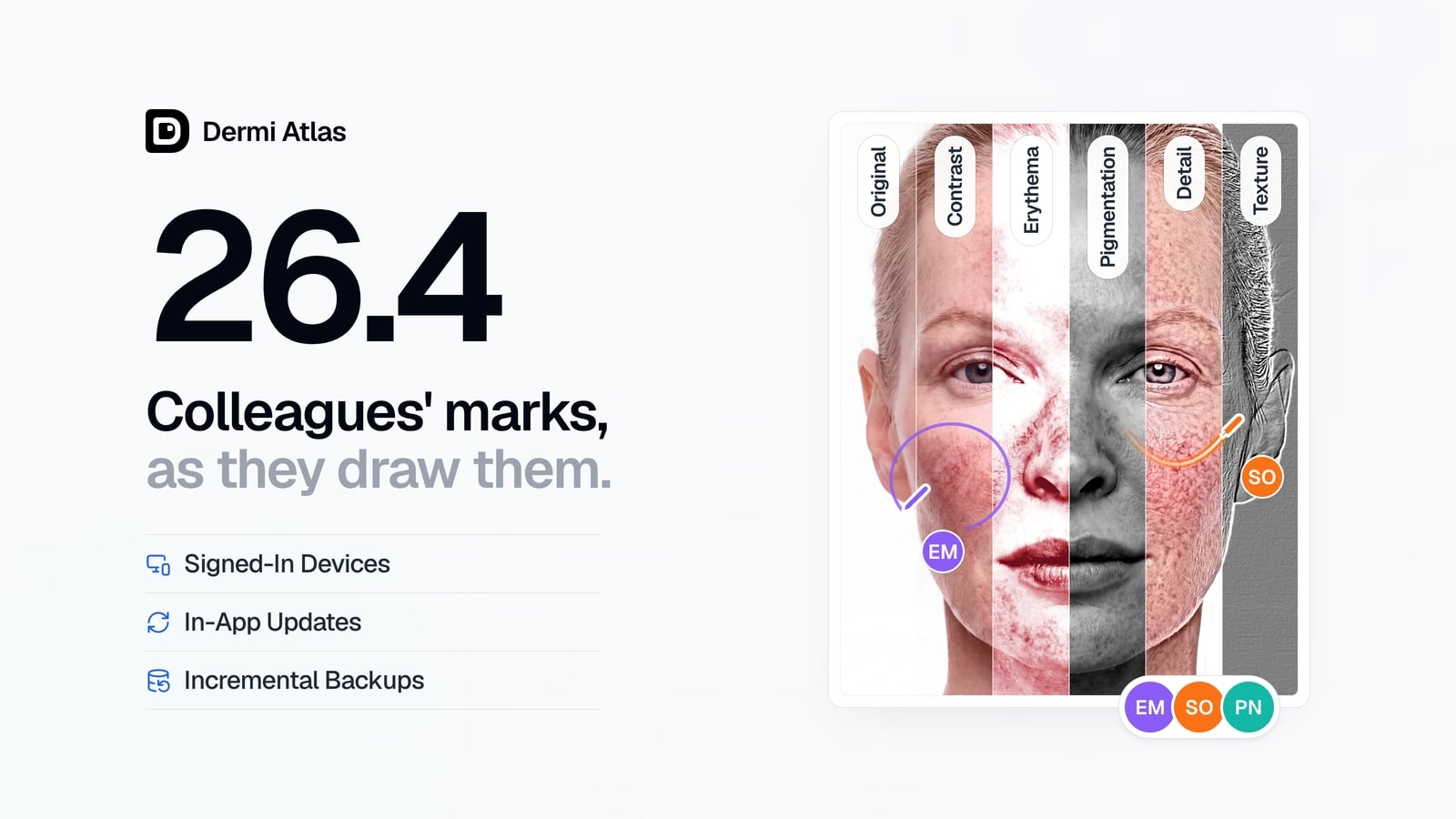
Dermi Atlas 26.4 Release Notes
Dermi Atlas 26.4 introduces real-time collaboration, image filters, and Signed-In Devices in Dermi Atlas Professional, with in-app updates and incremental backups in Dermi Atlas Manager.
 ProductSep 09, 2026
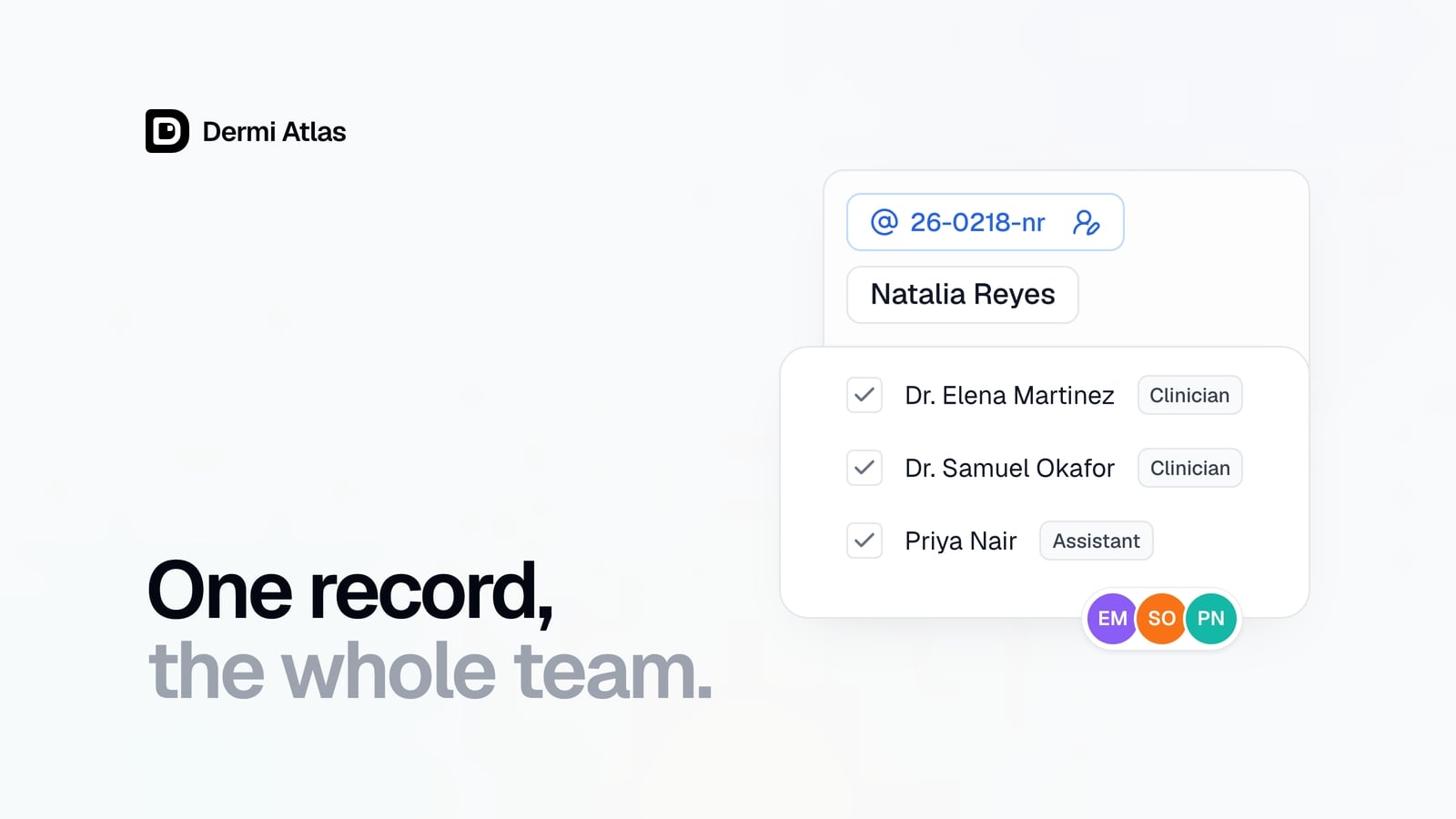
Team Accounts for Dermi Atlas Professional
Dermi Atlas Professional brings one shared patient record to the whole practice, with a login for every person and Clinician and Assistant accounts invited from the Dermi Portal.
 ProductJul 27, 2026
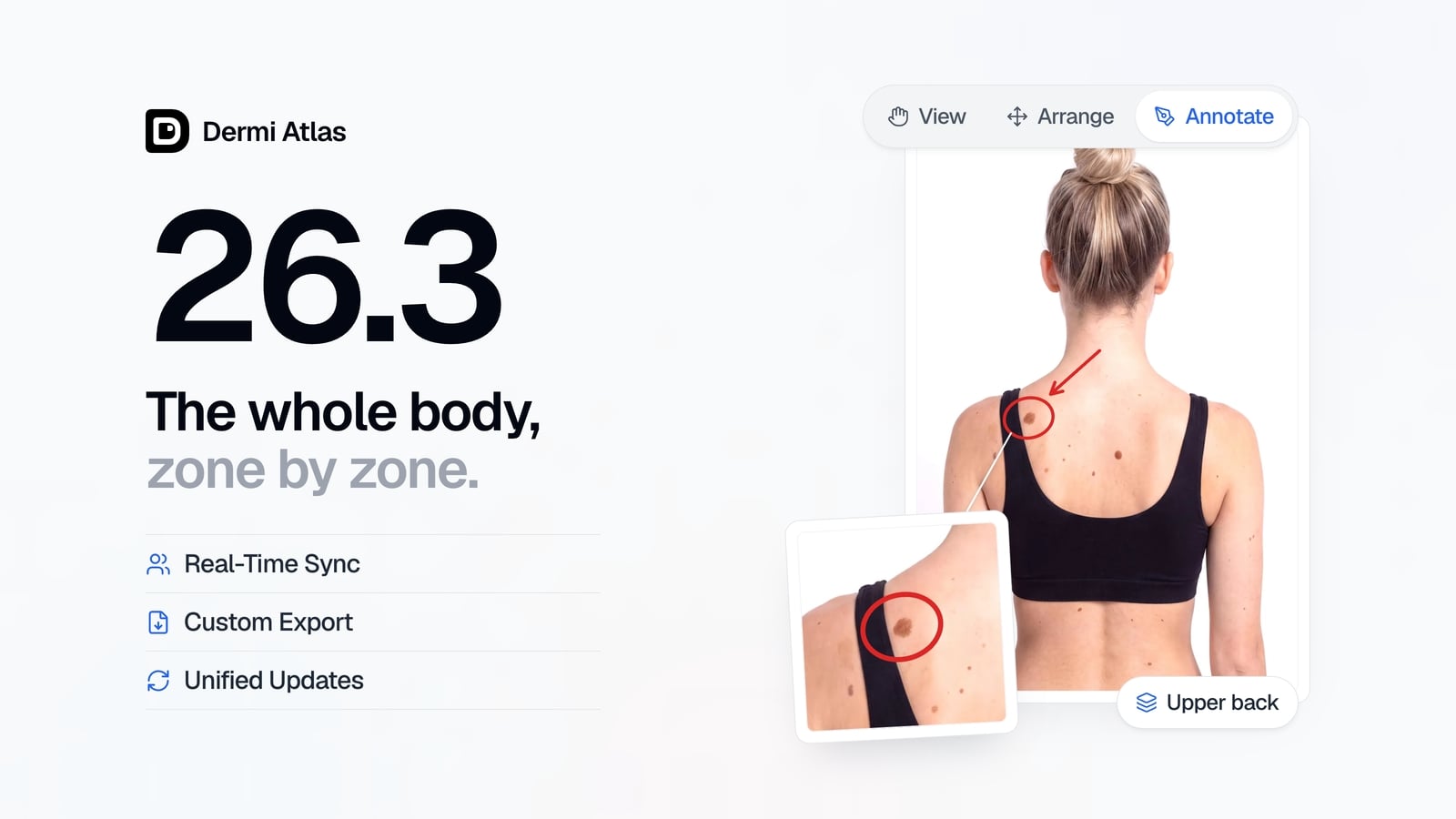
Dermi Atlas 26.3 Release Notes
Dermi Atlas 26.3 introduces persistent annotations, Full Body Photography, Zones, enhanced real-time sync, and Custom Export in Dermi Atlas Professional.
Read more from the newsroom
Synthetic Data Notice
All demonstrations, screenshots, and media on this page use synthetic data only. No real patient information is shown.
The following are synthetic and do not correspond to real patients:
- All human faces and individuals are synthetic and do not represent real people
- All clinical and medical images, including photographs and scans, are synthetic or simulated
- All patient names, dates, identifiers, and other details are fictional
- All clinical notes and documentation are sample content for demonstration only
Media is provided solely to illustrate platform functionality and workflows.