Team Accounts for Dermi Atlas Professional
Dermi Atlas Professional brings one shared patient record to the whole practice, with a login for every person and Clinician and Assistant accounts invited from the Dermi Portal.
September 9, 20263 min read
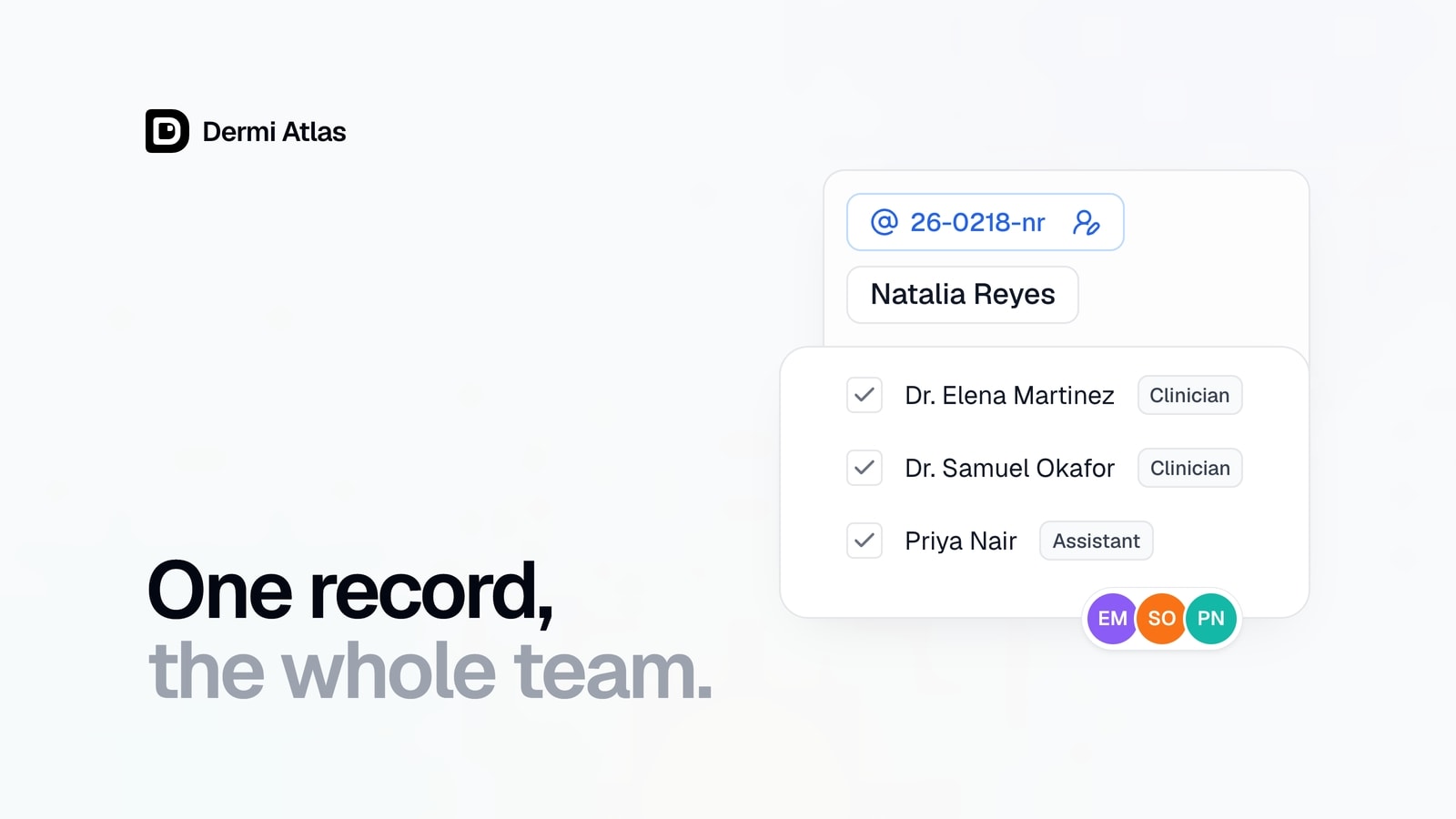
Team accounts are now available in Dermi Atlas Professional 26.3.2. A practice that runs Dermi Atlas on its own network works from one shared patient record: the session an assistant captures is the record the clinician reviews, every action carries the name of the person behind it, and the people on the team are chosen by the practice owner from the Dermi Portal. Two account types, Clinician and Assistant, reserve export, deletion, and recovery for clinicians.
One patient record, a login for every person
Every clinical record on a deployment belongs to the practice team, and every member sees every patient. Each person signs in with their own login, and the activity log records every action under the person who performed it. A Member filter narrows a patient's trail to one person.
Illustrative demo with synthetic data. Learn more
Clinician and Assistant accounts
Both types capture images, create patients, write entries, annotate, compare, and search the shared patient list. Export, deletion and recovery, and original-resolution downloads are reserved for clinicians, and both types see the same complete record. The full comparison is on the Team Accounts page.
Invited from the portal, claimed on site
The owner invites a member from the license card in the Dermi Portal, choosing the Account Type, and a single-use claim code is emailed to the invitee.
Illustrative demo with synthetic data. Learn more
The invitee claims the code from the Dermi Atlas sign-in page on the practice network and sets a username and password, and the account is created on the deployment. Account type changes, removals, and reinstatements are made in the portal and reach the deployment at its next check-in. The owner side is documented in Inviting and Managing Team Members, and the member side in Claiming a Team Invitation.
Illustrative demo with synthetic data. Learn more
Assignment, views, and named live sessions
Assign Members records who is responsible for a patient and drives the My Patients view and the Members filter, while every record stays open to the whole team. Real-time sync names the colleague with an entry open, so the session pill reads "Entry open by" that person. Assigning Patients and Team Views covers the details.
Illustrative demo with synthetic data. Learn more
Seats, priced per person
The base plan is $79 USD per month for each deployment and includes one Clinician account and one Assistant account. Each additional clinician seat is $59 USD per month, and each additional assistant seat is $12 USD per month. A seat is bought inside the invitation that needs it, and Manage Seats on the plan card adjusts seats at any time.
Illustrative demo with synthetic data. Learn more
The 30-day free trial, no new hardware, setup done for you at no charge, and the practice's ownership of its photographs are part of every plan, which can be cancelled at any time. Billing detail is in Seats and Team Billing.
Local administration in Dermi Atlas Manager
Dermi Atlas Manager administers the deployment itself behind an admin passphrase. Its User Accounts card mirrors the team and disables or enables an account locally and immediately, beside the deployment-wide settings for audit logging, deletion policy, and retention. Billing, invitations, and seats are managed in the portal. See Atlas Manager Administration.
Illustrative demo with synthetic data. Learn more
Where the data lives
Photographs and clinical records stay on the practice's own computer. The Dermi Portal holds billing, the license, and the member list, and tells the deployment only who is on the team. In Dermi Atlas Cloud Demo, each visitor's account is its own single-member team.
Availability
Dermi Atlas Professional 26.3.2, released on September 9, 2026, is available now.
Was this article helpful?
Your feedback helps improve these articles
Related
 ProductOct 02, 2026
Dermi Atlas 26.4 Release Notes
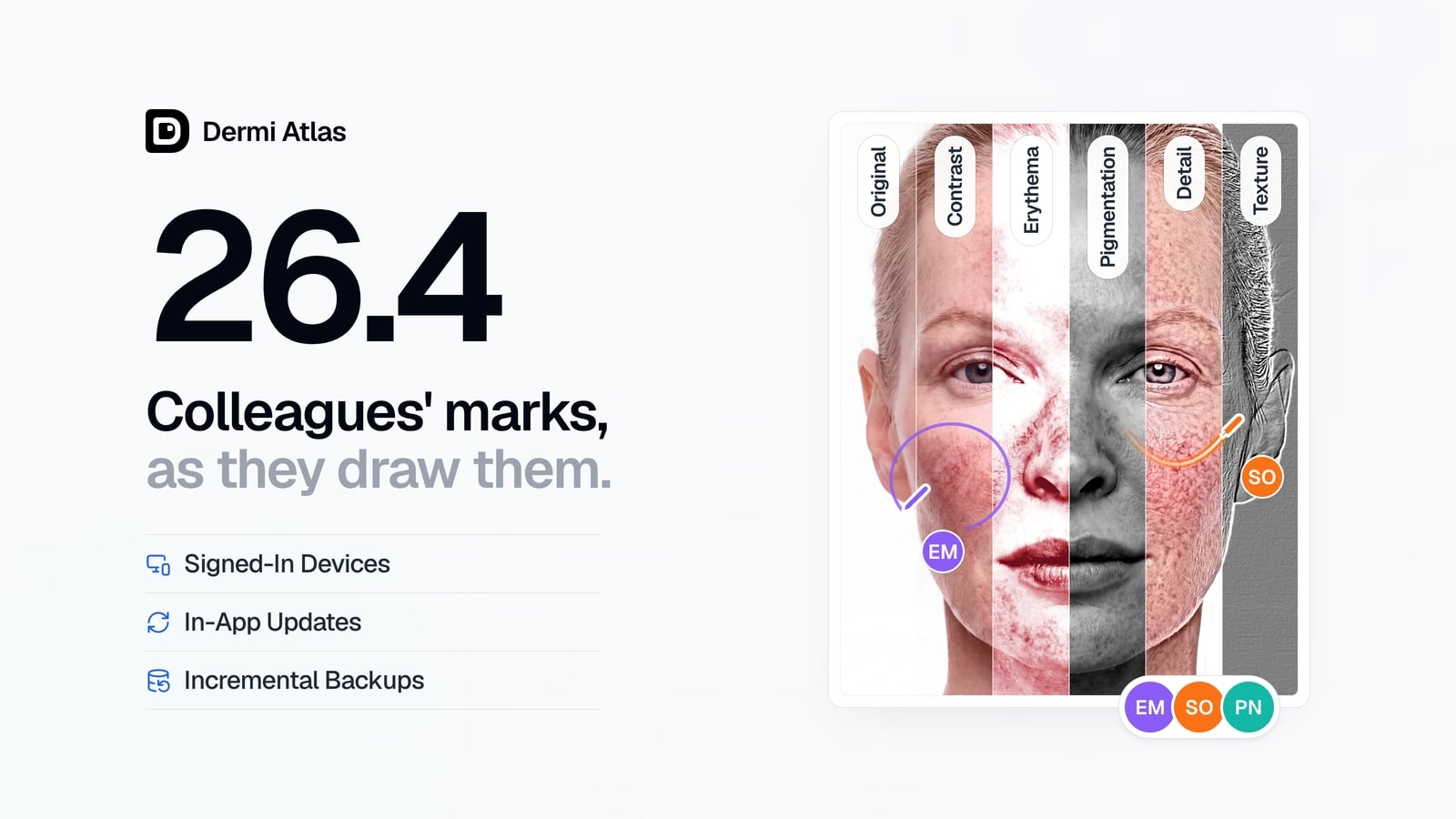
Dermi Atlas 26.4 introduces real-time collaboration, image filters, and Signed-In Devices in Dermi Atlas Professional, with in-app updates and incremental backups in Dermi Atlas Manager.
 ProductJul 27, 2026
Dermi Atlas 26.3 Release Notes
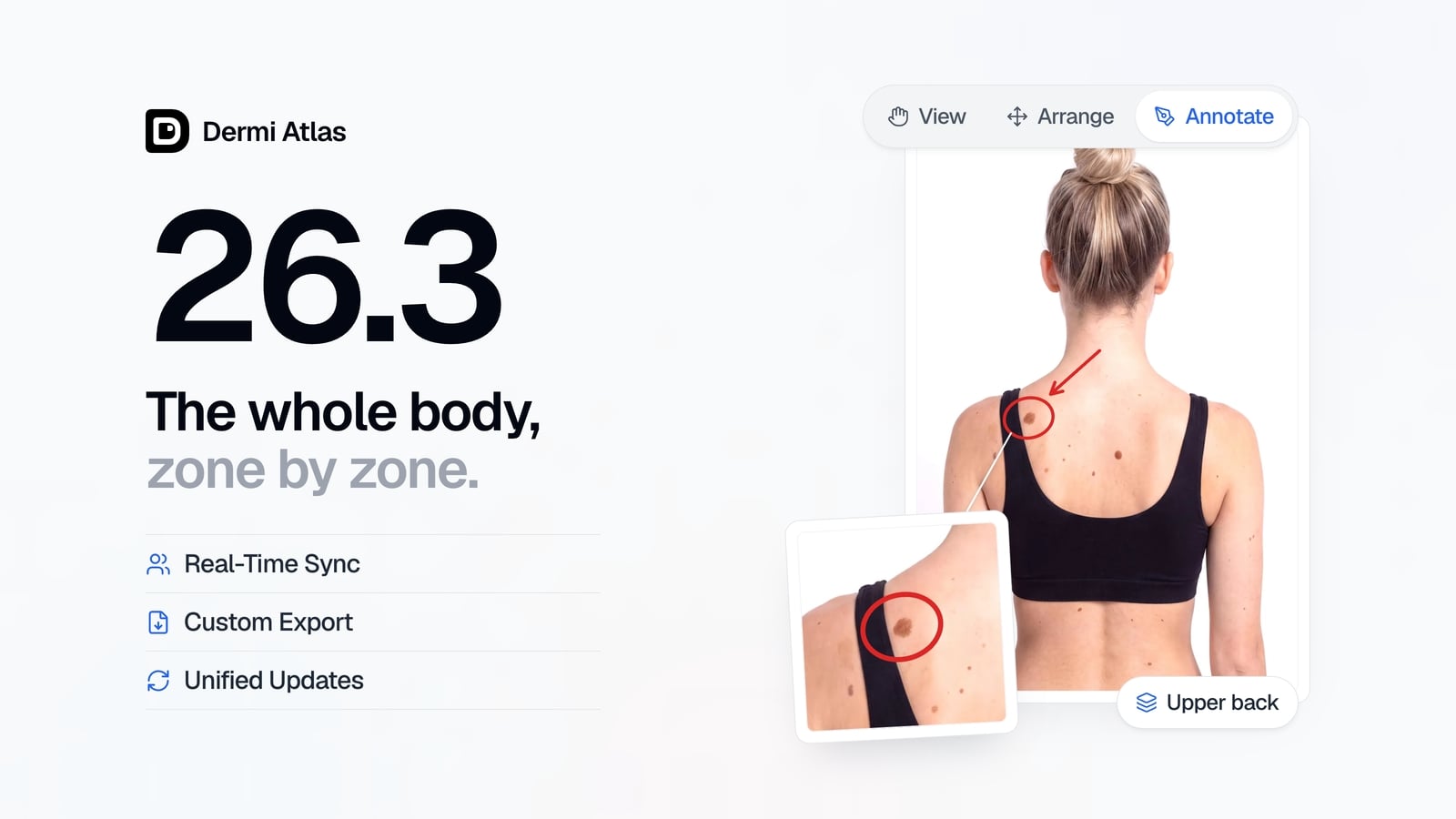
Dermi Atlas 26.3 introduces persistent annotations, Full Body Photography, Zones, enhanced real-time sync, and Custom Export in Dermi Atlas Professional.
 ProductJun 22, 2026
Dermi Atlas 26.2.4 Release Notes
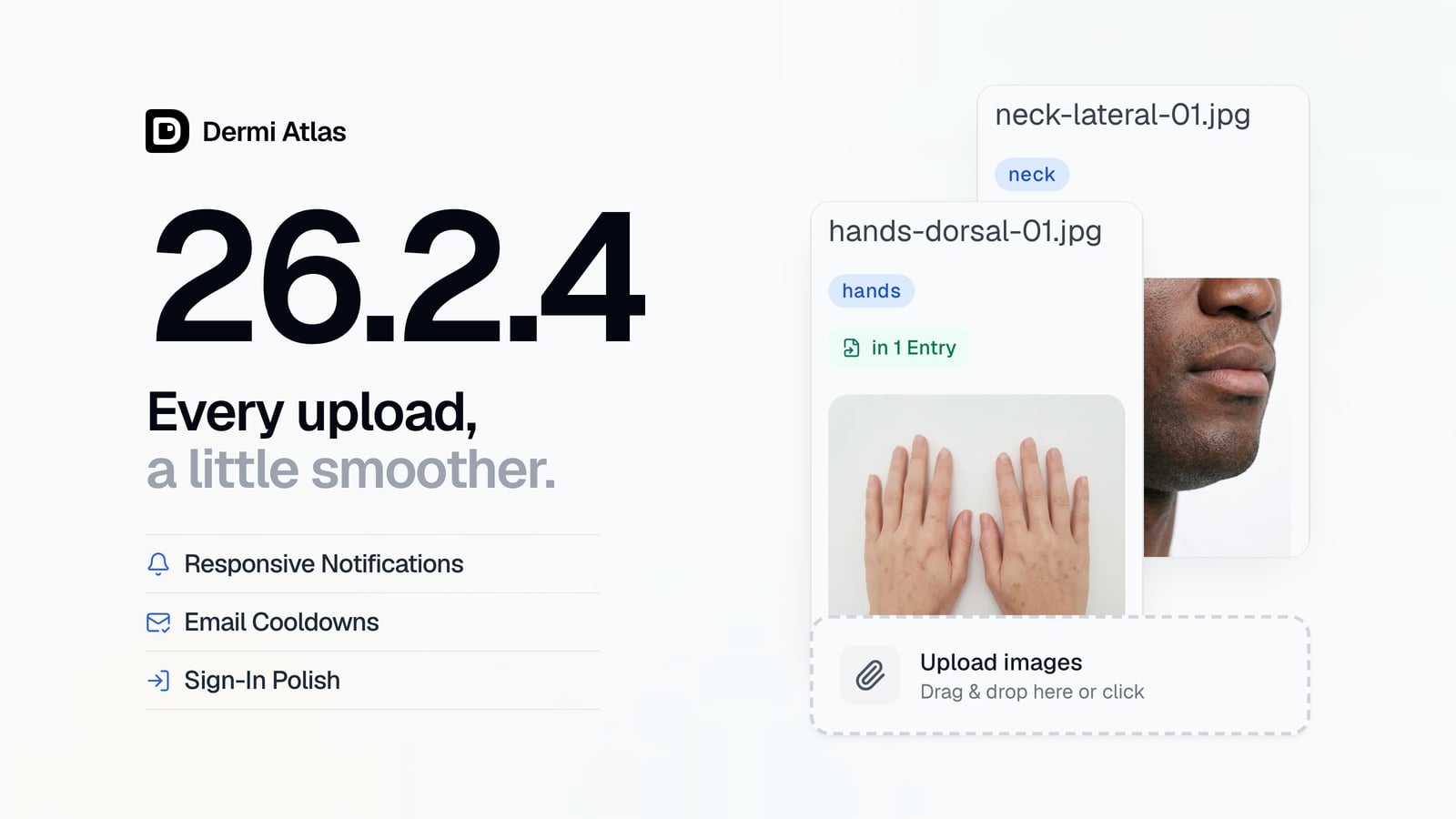
Dermi Atlas 26.2.4 brings a more polished image upload experience, more responsive notifications, brief cooldowns on email requests, and smoother progress animations in Dermi Atlas Manager.
Read more from the newsroom
Synthetic Data Notice
All demonstrations, screenshots, and media on this page use synthetic data only. No real patient information is shown.
The following are synthetic and do not correspond to real patients:
- All human faces and individuals are synthetic and do not represent real people
- All clinical and medical images, including photographs and scans, are synthetic or simulated
- All patient names, dates, identifiers, and other details are fictional
- All clinical notes and documentation are sample content for demonstration only
Media is provided solely to illustrate platform functionality and workflows.