Dermi Atlas 26.3 Release Notes
Dermi Atlas 26.3 introduces persistent annotations, Full Body Photography, Zones, enhanced real-time sync, and Custom Export in Dermi Atlas Professional.
July 27, 20266 min read
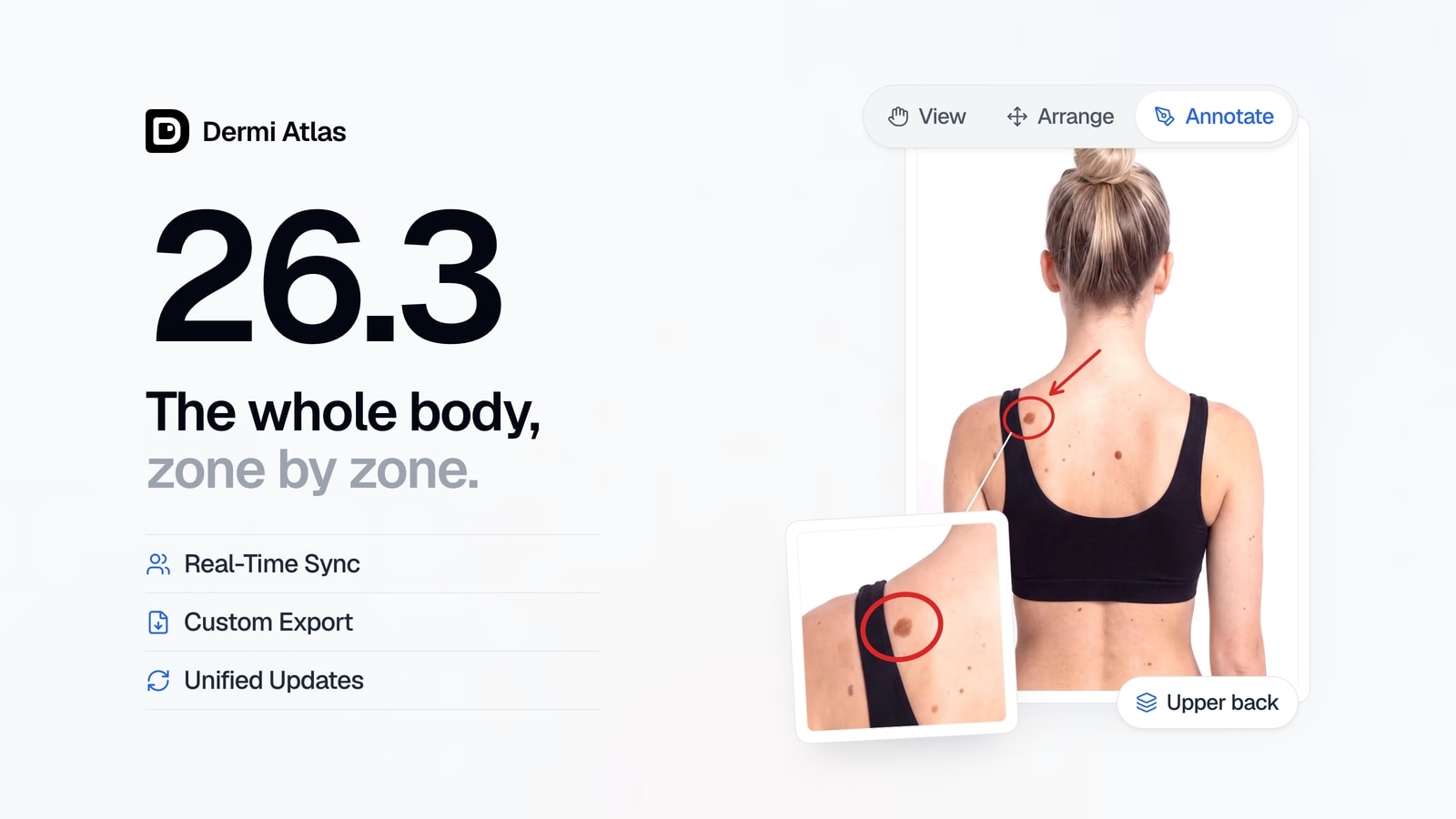
Dermi Atlas version 26.3 is now available, a major release for Dermi Atlas Professional. It introduces persistent annotations, Full Body Photography, Zones, enhanced real-time sync across devices, and Custom Export, alongside a unified update experience and a refreshed design in Dermi Atlas Manager. The notes below consolidate the 26.3.0 release and the 26.3.1 update, organized by product and feature.
Illustrative demo with synthetic data. Learn more
Dermi Atlas Professional
Annotations
Persistent annotations have been added to images. An annotation toolbar offers arrow, rectangle, ellipse, freehand drawing, text label, and pin tools, each with color and per-tool options. Annotations are saved with the image they belong to and stay in sync across devices in real time, so a marking made on a tablet at the bedside is present on the workstation immediately.
Every annotation stays anchored to the image through zoom, pan, alignment, and rotation on the single, split, and overlay views, and annotation overlays appear on image thumbnails across cards and tables. Annotation visibility can be toggled at any time, and the choice is remembered for each user.
Annotations carry through to exports. PDF reports now include an options step for choosing how annotations appear, rendered at print quality, and annotated images can be downloaded through the export options in Image Properties, as described in Uploading and Organizing Images. Annotation editing is designed for Apple Pencil and touch, keeping strokes precise while a palm or finger rests on the screen.
View, Arrange, and Annotate Modes
The image viewer and the comparison views have been reorganized around three dedicated modes. View is for reading an image, Arrange is for positioning and aligning it, and Annotate is for drawing on it, keeping each set of controls in its own place.
Undo and redo are now available on the single, split, and overlay views, with each change restored smoothly in place. The comparison cards have been redesigned, and the image pool offers card and list view modes with consistent date-based ordering across both.
Full Body Photography
Full Body Photography is a new part of the patient record, with a dedicated page that organizes full body sessions as cards. Guided Capture steps through a systematic set of poses, assigning images to each pose and showing coverage progress, so a session is completed from the checklist itself.
Review provides pose navigation, lesion pinning, a lesion detail panel, and dermoscopy images linked to each lesion. Lesions are documented against a standardized list of clinical sites grouped by body region, and every lesion event is recorded in the activity log. Compare presents a subject across two to four sessions for chronological side-by-side review, so clinicians can follow a lesion visit by visit.
Illustrative demo with synthetic data. Learn more
Zones
Zones organize the image pool by body region. Each zone appears as a card with a primary overview image, and zones can be created and managed directly from the image pool. A dermoscopy sidebar presents the dermoscopy images linked to a zone with navigation across dates, and Zone Review follows the same navigation design as Full Body Photography, with a matching date pill and compact image navigation on narrow screens.
Illustrative demo with synthetic data. Learn more
Enhanced Real-Time Sync
Real-time sync across devices has been enhanced. An entry can now be edited live on more than one device at once, with clear indicators showing what is open elsewhere, making the handoff between a tablet and a workstation seamless. A shared sync status indicator spans the viewer, comparison, image pool, and Review views, and offers quick navigation to a session already open on another device. Open views update live as changes arrive.
Custom Export
Custom Export is a full export experience opened from the new Export Options row on the canvas toolbars. It is available on the split, overlay, and Full Body Compare views, the image viewer, and the full body and zone Review canvases.
The Export drawer shows a live preview of exactly what will be saved, with pan and zoom framing, a content scale control, and actions to match the arranged view, center the layout, or reset it. Aspect presets cover 1:1 Post, 4:5 Portrait, 9:16 Story, and 16:9 Wide, with Original available for single images, alongside Light, Dark, and Gray themes. Annotations can be included as arranged, all shown, or all hidden, and date labels can be rendered as exact dates or elapsed time. A practice logo can be placed in any corner at three sizes and is remembered on the device, alongside an optional Atlas badge.
Every export records its selected purpose, such as clinical documentation or patient communication, in the activity log, and the choice is remembered for each user. Exports save as JPEG or PNG at Standard or High size, camera metadata is stripped from the saved file, and the original clinical image is never altered. For a faster path, Quick Export offers a one-tap save from the comparison toolbars, reproducing the on-screen arrangement on a standard square frame.
Illustrative demo with synthetic data. Learn more
Performance and Stability
Navigating between pages now commits instantly, with a loading placeholder shaped to each page while its content arrives. Image thumbnails are delivered at sizes matched to where they appear, keeping them crisp while loading faster, and alignment results are reused when a comparison is unchanged, so Auto Align applies instantly on a comparison that has already been aligned. Details of the alignment itself are covered in Automatic Alignment for Image Comparisons.
Patient search now matches full names, with tag matching regardless of capitalization. A dropped batch of images keeps its original file order from preview through upload, and the performance and reliability of image upload, download, and alignment have been improved throughout.
The visual design has been refreshed across the application for a cleaner, more consistent appearance, with sidebar, header, and page transitions on a single motion curve and the floating page toolbars on a shared pill design. The activity logs drawer has been redesigned with improved filters for finding events quickly, and notification titles and messages have been refined for clearer, more consistent wording.
Dermi Atlas Manager
Unified Update Experience
The update experience has been unified. When updates for both Dermi Atlas Professional and Dermi Atlas Manager are available, a single combined card now guides both updates in sequence, replacing the separate cards that each had to be handled on its own.
Design and Messaging Refinements
The visual design has been refreshed across Dermi Atlas Manager for a cleaner, more consistent appearance aligned with Atlas, with page navigation, transitions, and animations matching the same motion. Status and error messages have been reworded for clarity, and license messaging has been refined: messages about license limits now point directly to the matching controls in the Dermi Portal, and the guidance shown when a license key is already in use on another installation has been clarified.
Availability
Dermi Atlas 26.3 is available now. Existing installations can be updated through Dermi Atlas Manager.
Was this article helpful?
Your feedback helps improve these articles
Related
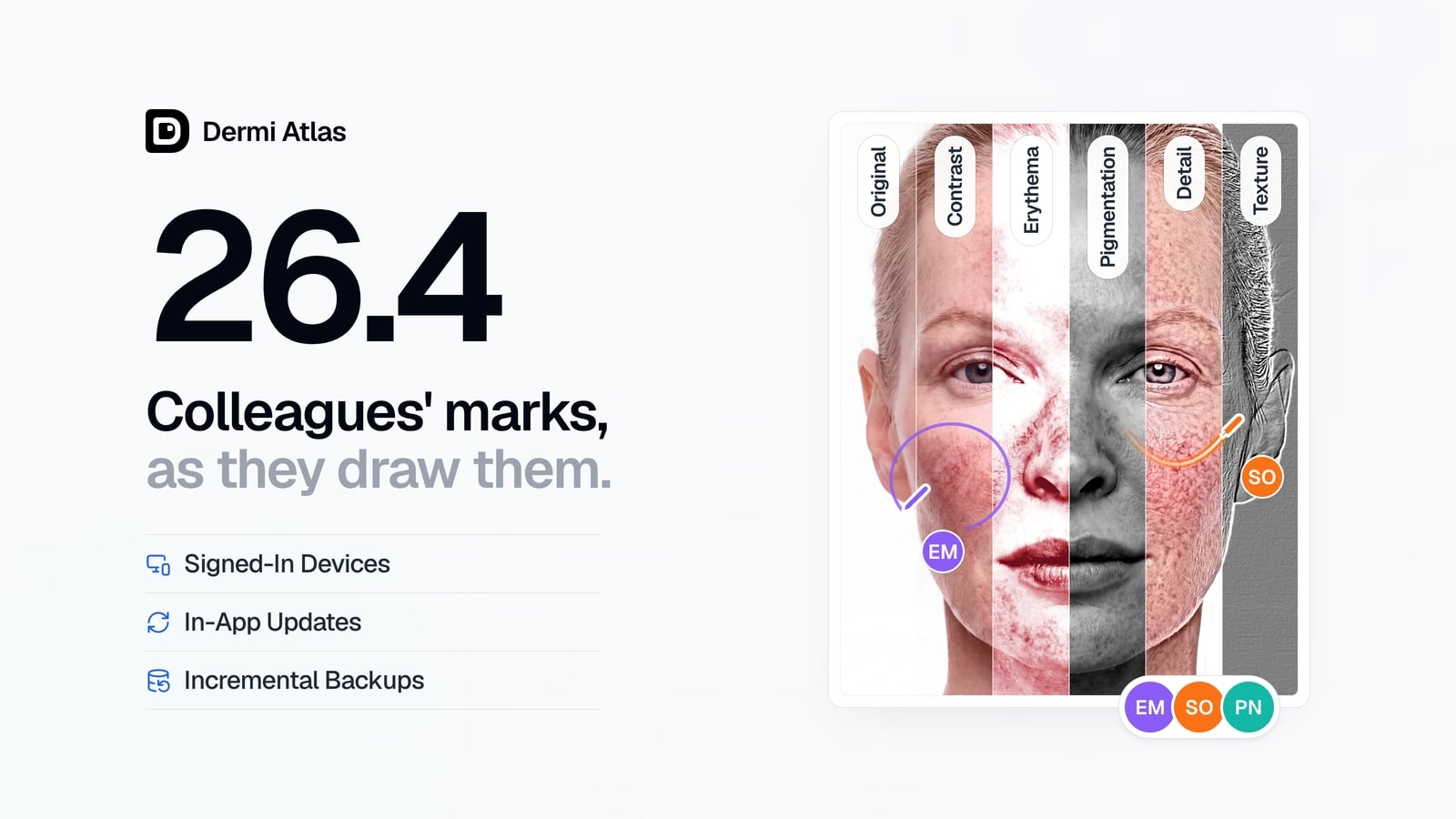 ProductOct 02, 2026
Dermi Atlas 26.4 Release Notes
Dermi Atlas 26.4 introduces real-time collaboration, image filters, and Signed-In Devices in Dermi Atlas Professional, with in-app updates and incremental backups in Dermi Atlas Manager.
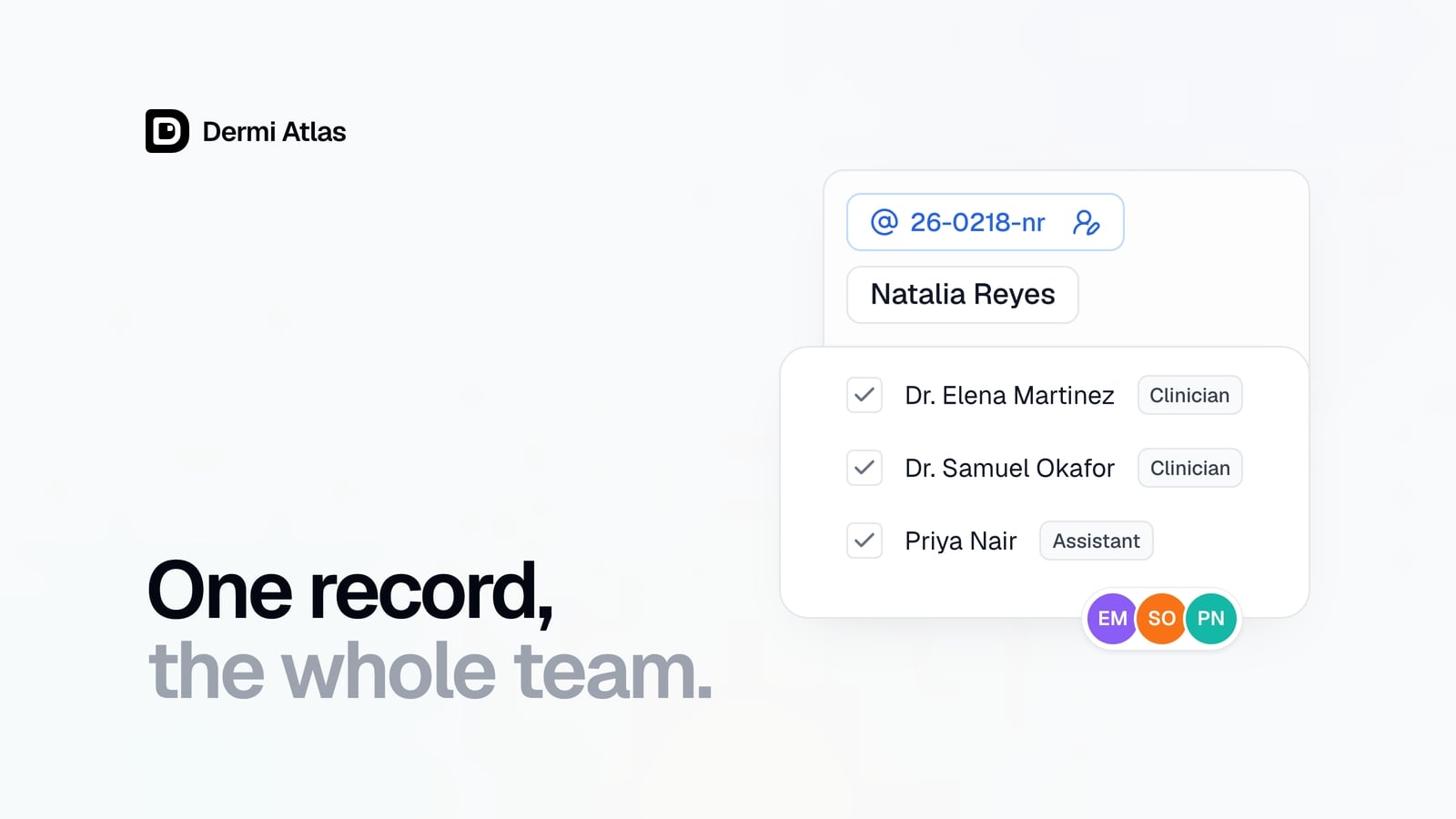 ProductSep 09, 2026
Team Accounts for Dermi Atlas Professional
Dermi Atlas Professional brings one shared patient record to the whole practice, with a login for every person and Clinician and Assistant accounts invited from the Dermi Portal.
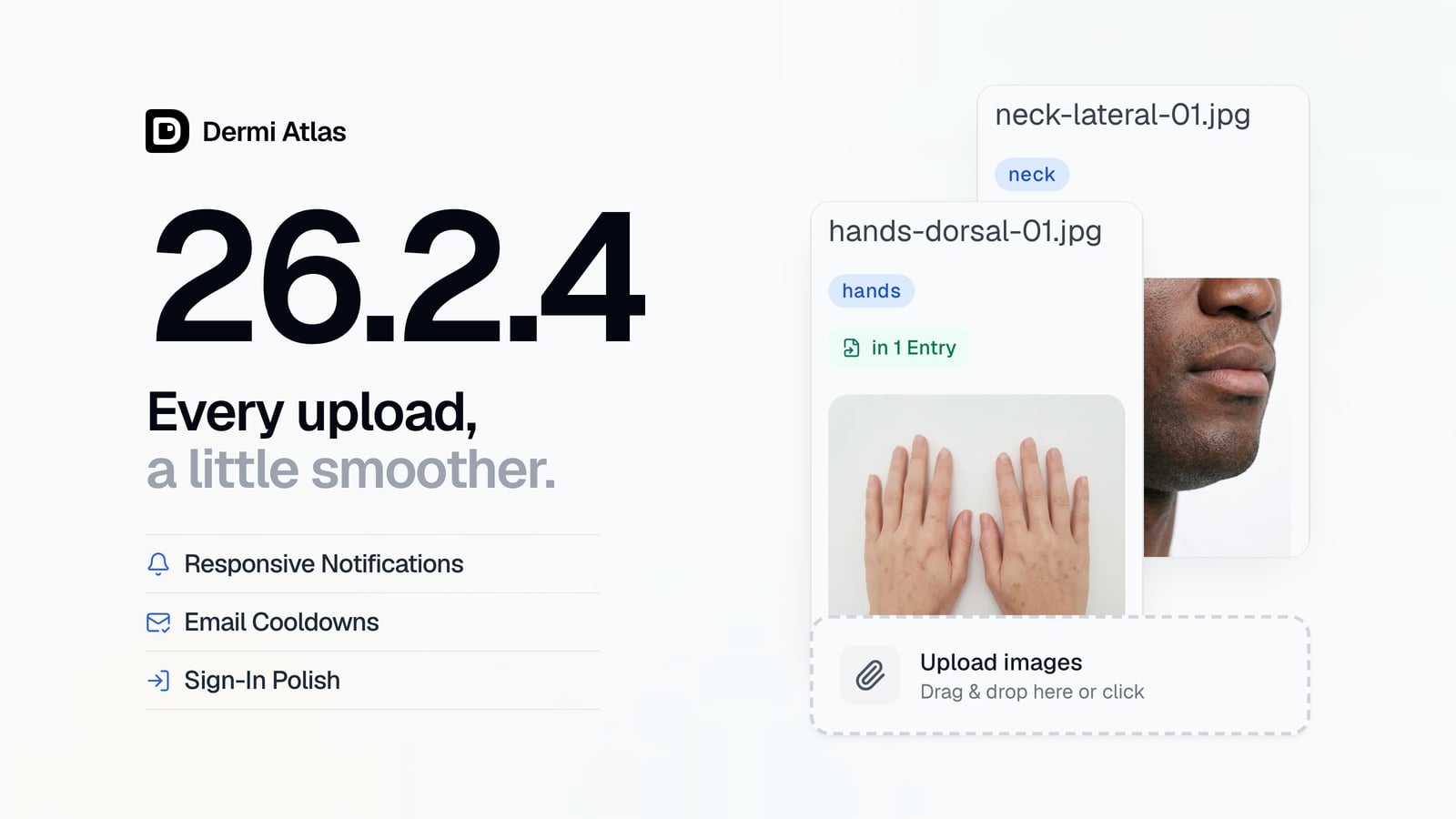 ProductJun 22, 2026
Dermi Atlas 26.2.4 Release Notes
Dermi Atlas 26.2.4 brings a more polished image upload experience, more responsive notifications, brief cooldowns on email requests, and smoother progress animations in Dermi Atlas Manager.
Read more from the newsroom
Synthetic Data Notice
All demonstrations, screenshots, and media on this page use synthetic data only. No real patient information is shown.
The following are synthetic and do not correspond to real patients:
- All human faces and individuals are synthetic and do not represent real people
- All clinical and medical images, including photographs and scans, are synthetic or simulated
- All patient names, dates, identifiers, and other details are fictional
- All clinical notes and documentation are sample content for demonstration only
Media is provided solely to illustrate platform functionality and workflows.