Dermi Atlas 26.4 Release Notes
Dermi Atlas 26.4 introduces real-time collaboration, image filters, and Signed-In Devices in Dermi Atlas Professional, with in-app updates and incremental backups in Dermi Atlas Manager.
October 2, 20264 min read
Dermi Atlas version 26.4 is now available, bringing real-time collaboration, image filters, and Signed-In Devices to Dermi Atlas Professional, along with in-app updates and incremental backups in Dermi Atlas Manager.
Illustrative demo with synthetic data. Learn more
Dermi Atlas Professional
Real-Time Collaboration
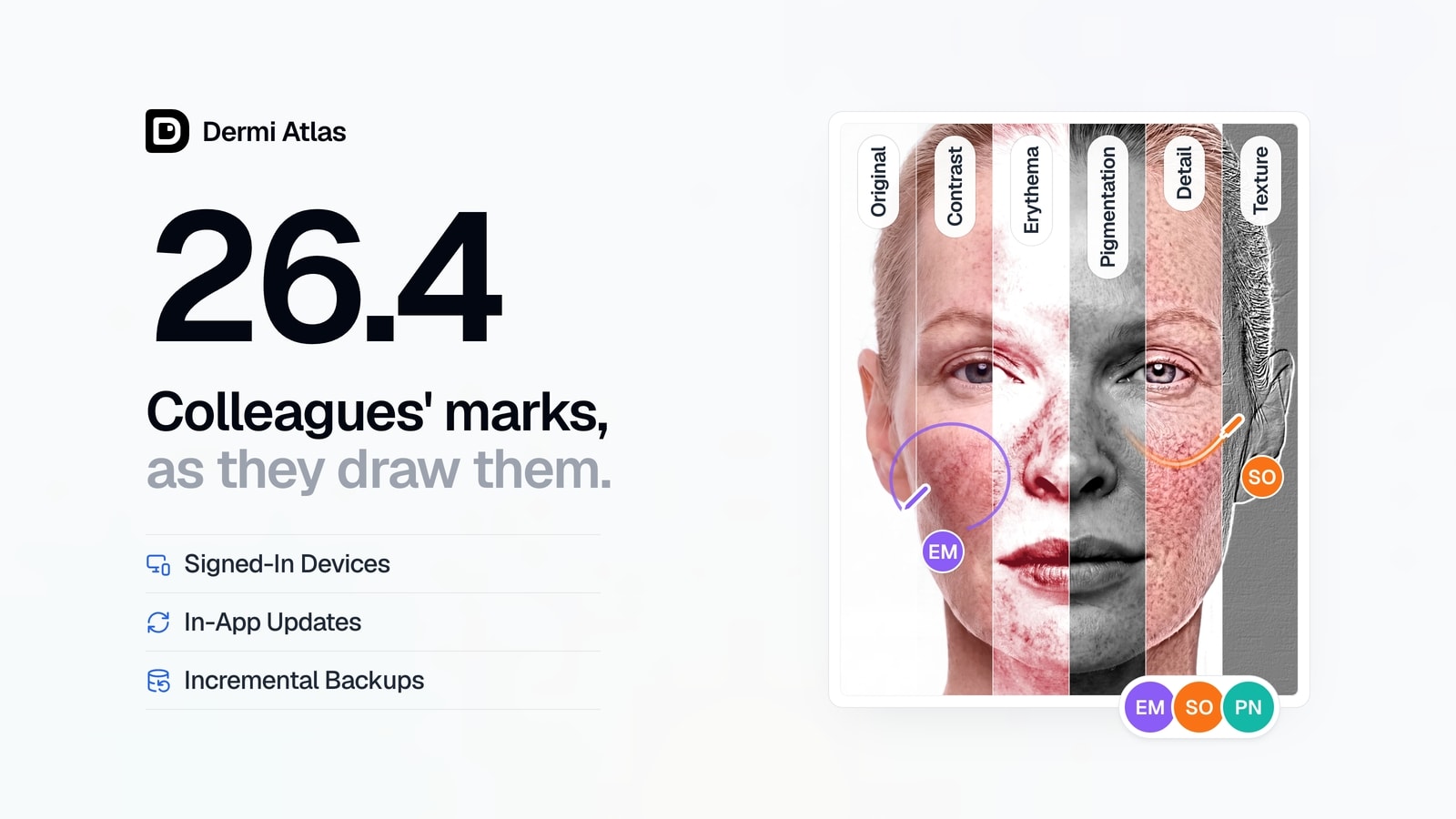
Real-time collaboration now reaches the canvas, where several people can annotate the same image at once. Colleagues' annotations appear as they are drawn, moved, or resized, along with their pointers and Live Pointer strokes. One person arranges a comparison at a time, while everyone can keep annotating it.
Images, comparisons, zones, full body sessions, and lesions also show the initials of the team members working in them, each in their own color, and text fields display a colleague's cursor and selection as they type. Changes from colleagues appear on the open page without interrupting work.
Illustrative demo with synthetic data. Learn more
Image Filters
Image filters have been added to the canvas. Contrast, Erythema, Pigmentation, Detail, and Texture each display the photograph so that one quality of the skin stands out for review, such as redness, pigmentation, or surface texture, and the strength of each can be adjusted. A filter applies to every image on the canvas, so every visit in a split or overlay comparison is viewed under the same filter.
A filter never changes the stored photograph and is not saved with the record, and Custom Export and Quick Export save the filtered view labeled with the filter name.
Illustrative demo with synthetic data. Learn more
Signed-In Devices
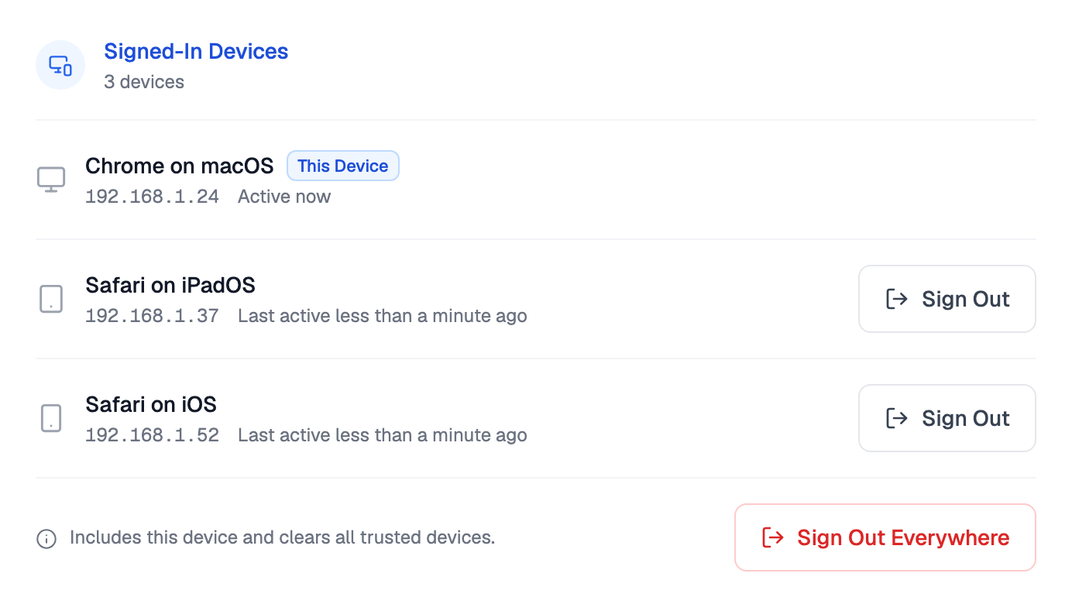
The Account page now lists every device signed in to the account under Signed-In Devices, naming each device and when it was last active. Any other device can be signed out from its row, so a tablet that is lost or no longer in use loses access to the account. Each device signs in once more after the update and then appears in the list.
Illustrative demo with synthetic data. Learn more
Performance and Stability
Last Modified sorting in the Patient Database, and the Recent Patients and Recent Entries sections of the Summary page, now put the patients and entries most recently worked on first. Pages load faster and the interface is more consistent throughout, and general bug fixes and security patches have been applied across Dermi Atlas Professional.
Dermi Atlas Manager
In-App Updates
On macOS and Windows, Dermi Atlas Manager now updates itself from the Atlas Status page, where a new version is downloaded, verified, and installed with Restart and Install.
If an update that required a backup stops partway, for example because the computer restarted, it is recovered automatically the next time the update is run, returning Atlas to the version installed before it. The computer also stays awake while installations, updates, backups, and restores run.
Incremental Backups
Backups are now incremental, finishing faster and using less storage, and a backup made with the installed Atlas version can be restored directly from Backup Management. Backups and exports can be cancelled until they are saved, and restores until they begin replacing data.
Illustrative demo with synthetic data. Learn more
Installation and Network Access
Dermi Atlas Manager checks the free space on the Docker disk before installing, updating, or restoring Atlas, reports Docker status more clearly, and resumes a download after a dropped connection rather than starting over.
On Windows, the firewall rules created by Dermi Atlas Manager now keep Atlas closed to other devices on networks set to Public. A practice network that Windows lists as Public needs to be set to Private before Dermi Atlas Manager 26.4 is installed, so that other devices in the practice keep their access to Atlas, as described in Windows Firewall Configuration for Dermi Atlas Professional.
Support and Administration
Send Diagnostics, in the new Support drawer, shares technical logs with Dermi support and shows a reference to quote when contacting them. Administration Activity can now be filtered by Action, Performed By, and Period. General bug fixes and security patches have been applied across Dermi Atlas Manager as well.
Illustrative demo with synthetic data. Learn more
Availability
Dermi Atlas 26.4 is available now. Dermi Atlas Manager 26.4 is installed first from the Dermi Portal, a one-time step on macOS and Windows, and existing installations are then updated from the Atlas Status page. The update to 26.4 first creates a backup and needs additional free disk space, which Dermi Atlas Manager checks before continuing.
Was this article helpful?
Your feedback helps improve these articles
Related
 ProductSep 09, 2026
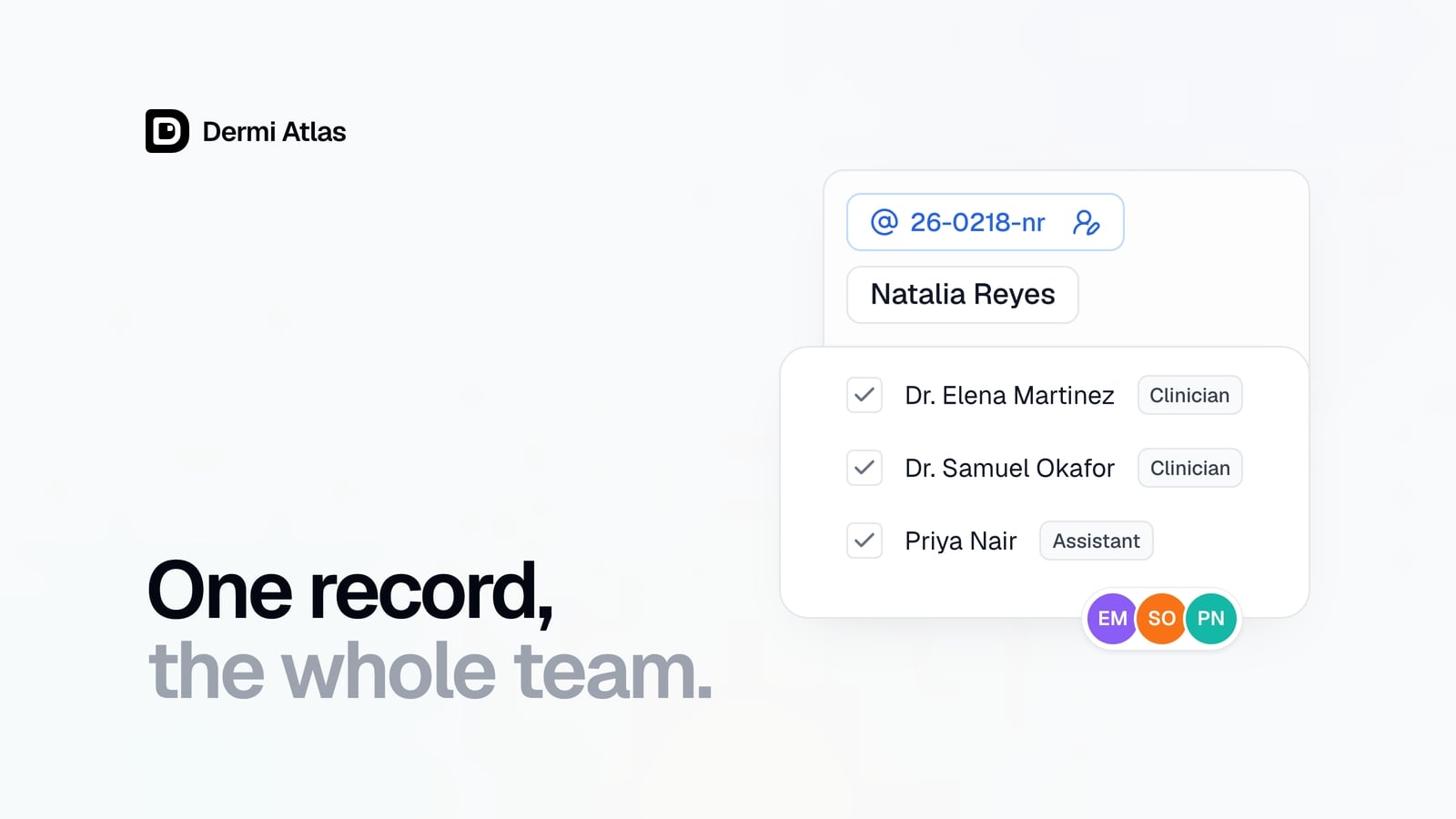
Team Accounts for Dermi Atlas Professional
Dermi Atlas Professional brings one shared patient record to the whole practice, with a login for every person and Clinician and Assistant accounts invited from the Dermi Portal.
 ProductJul 27, 2026
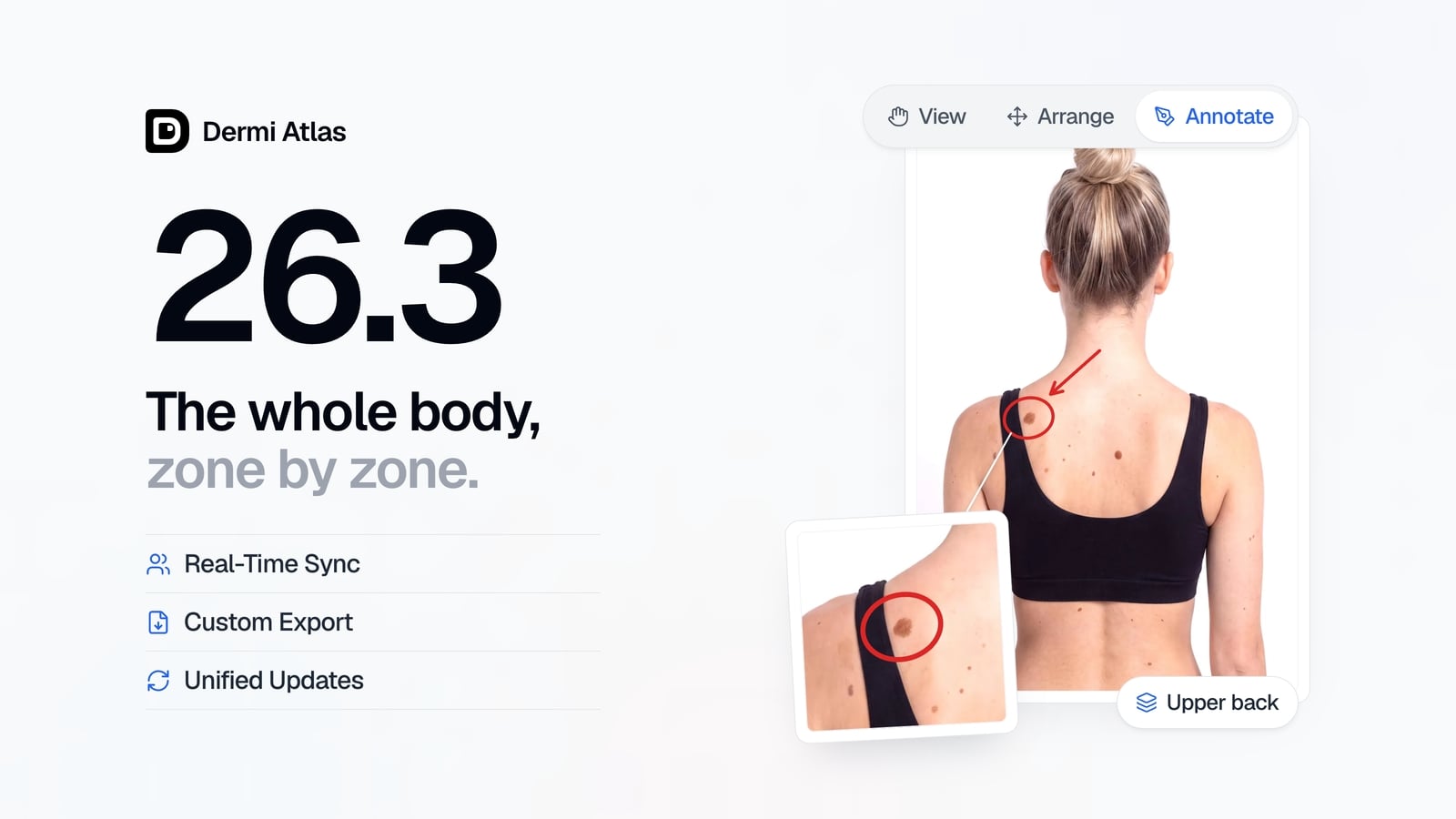
Dermi Atlas 26.3 Release Notes
Dermi Atlas 26.3 introduces persistent annotations, Full Body Photography, Zones, enhanced real-time sync, and Custom Export in Dermi Atlas Professional.
 ProductJun 22, 2026
Dermi Atlas 26.2.4 Release Notes
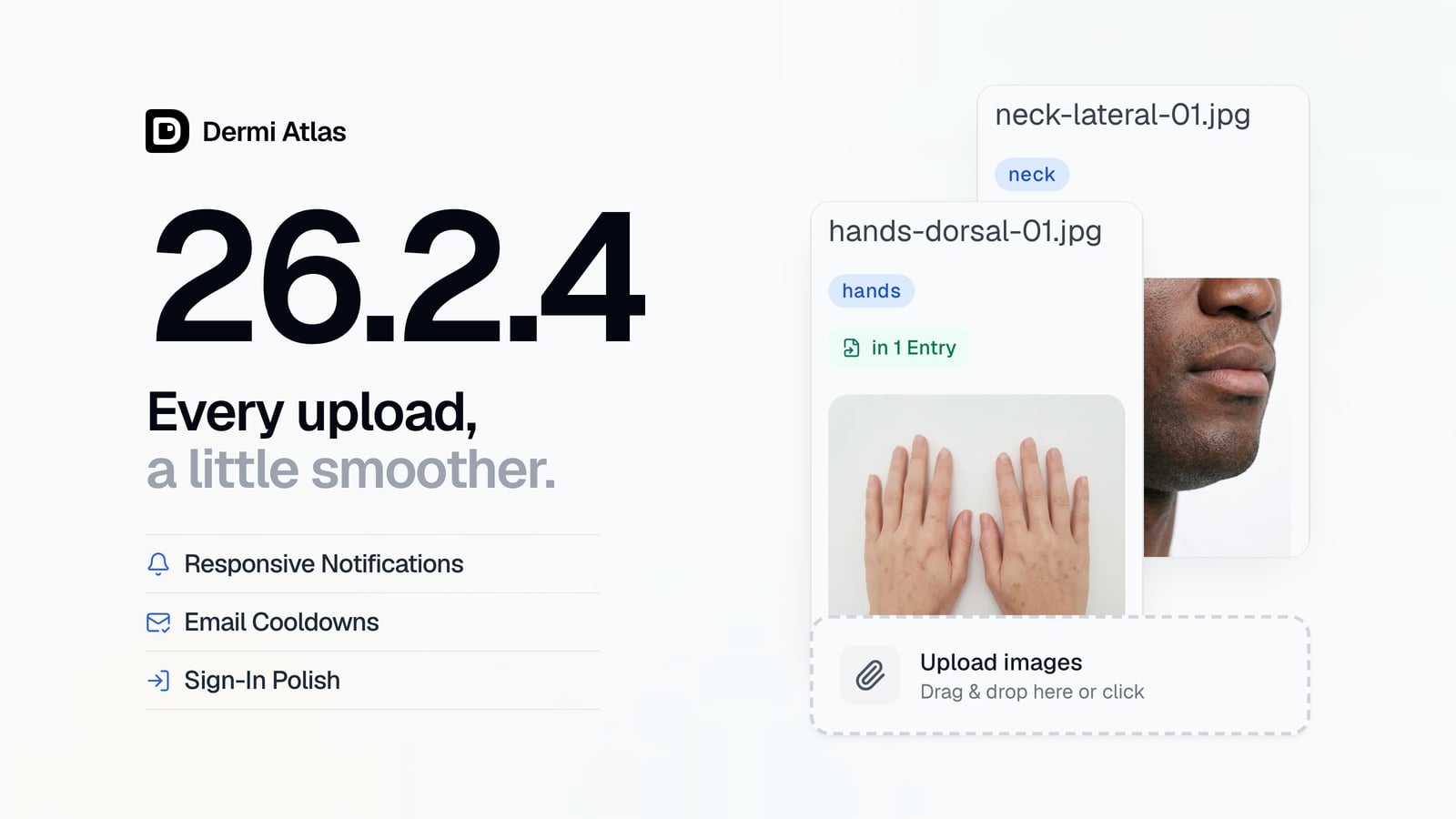
Dermi Atlas 26.2.4 brings a more polished image upload experience, more responsive notifications, brief cooldowns on email requests, and smoother progress animations in Dermi Atlas Manager.
Read more from the newsroom
Synthetic Data Notice
All demonstrations, screenshots, and media on this page use synthetic data only. No real patient information is shown.
The following are synthetic and do not correspond to real patients:
- All human faces and individuals are synthetic and do not represent real people
- All clinical and medical images, including photographs and scans, are synthetic or simulated
- All patient names, dates, identifiers, and other details are fictional
- All clinical notes and documentation are sample content for demonstration only
Media is provided solely to illustrate platform functionality and workflows.