Clinical photographyfor aesthetic clinics and med spas.
How aesthetic clinics use Dermi Atlas
Comparisons, overlays, and the Image Pool
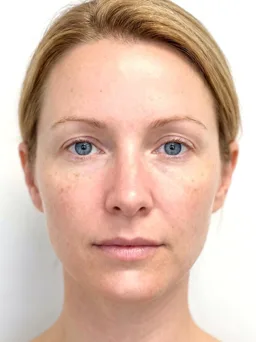
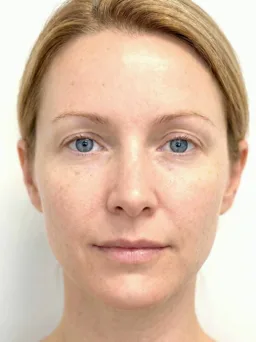
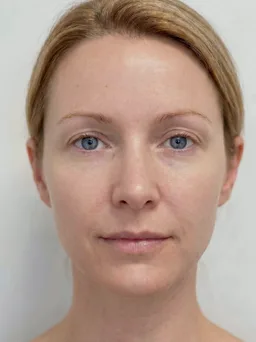
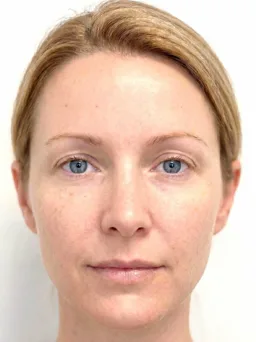
Comparison groups
Comparison groups built from treatment photos, ordered by the date each was taken.
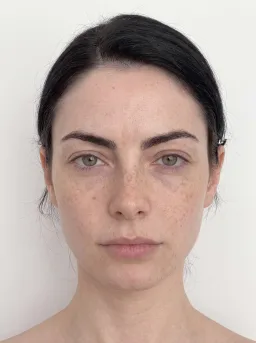
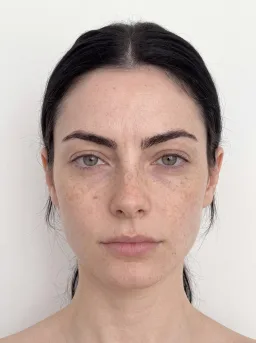
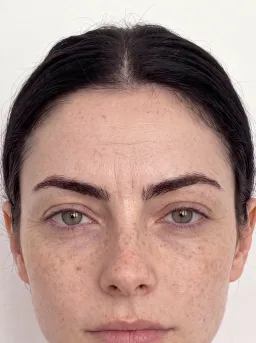
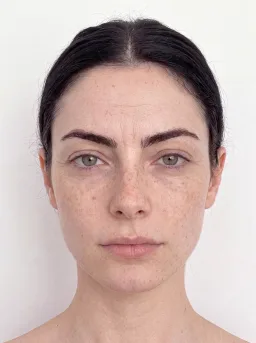
Treatment overlay views
Layer images with adjustable opacity to visualize treatment progress and demonstrate results to clients.
Image Pool summary
View pool statistics, recent uploads, and image thumbnails organized by date for each aesthetic patient.
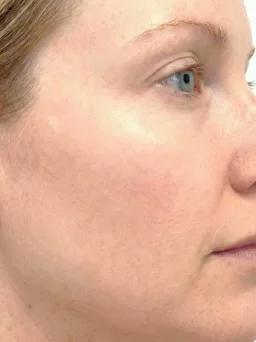
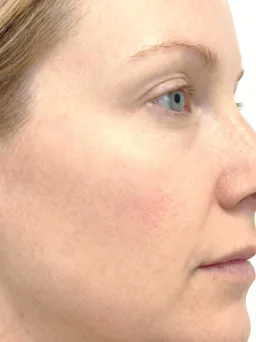
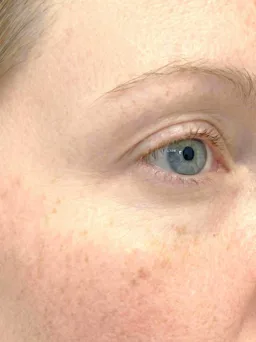
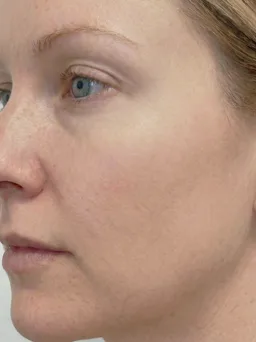
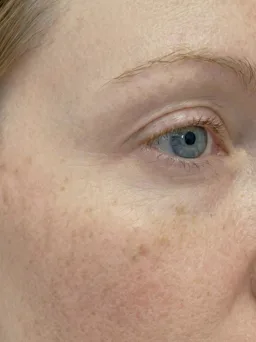
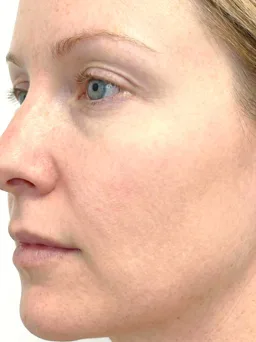
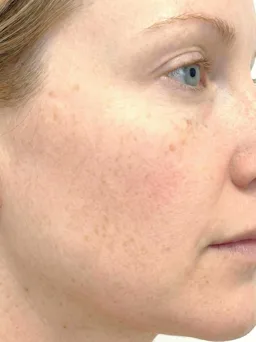
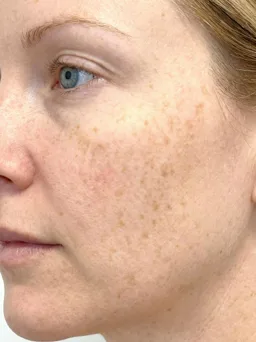
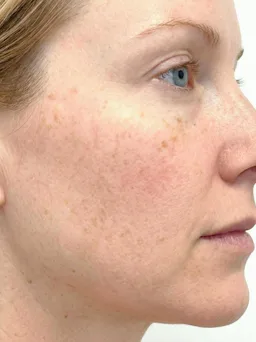
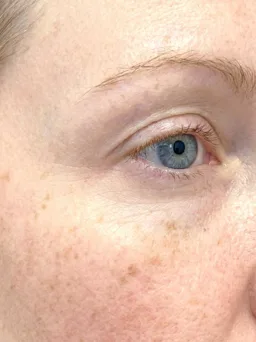
Comparisons, annotations, and exports
Split Comparisons
Grid, vertical, and horizontal layouts for any set of visits, with one-click alignment.
Side-by-side comparison
Illustrative demo with synthetic data. Learn more
- One-click automatic alignment across the whole layout
- Erythema and Texture filters across treatment sessions
- Adjustable image order and comparison captions
Overlay Comparisons
Layered images with per-layer opacity and positioning, and one-click alignment.
Opacity blending
Illustrative demo with synthetic data. Learn more
- Independent opacity adjustment for each image layer
- Automatic alignment, then fine positioning by hand
- Stacking order and layer visibility set per layer
Annotations
Markup drawn on the photograph, anchored to it, and live on every device.
Draw on the image
Illustrative demo with synthetic data. Learn more
- Arrow, shape, freehand, text, and pin tools
- Anchored through zoom, pan, alignment, and rotation
- Colleagues mark up the same image at the same time
Custom Export
Framed, themed, dated, and branded exports in a live preview, with the original unchanged.
Framed export
Illustrative demo with synthetic data. Learn more
- A full-screen live preview before the file is saved
- Square, portrait, story, wide, and original frames
- Themes, date labels, and practice logo placement
Patient Management
Find patients by thumbnail, name, or ID, and create a record from the search.
Visual patient search
Illustrative demo with synthetic data. Learn more
- Thumbnail search for picking out the right patient
- New records with an ID suggested from the search
- PDFs of details, the Image Pool, or the full record
Photo capture on iPhone and iPad
Reference overlay
A live overlay of the prior photograph guides each follow-up into matching framing.
Sent to the record
Photographs go straight to the patient record on the practice network, not to the camera roll.
iPhone and iPad
Capture with the native camera, then continue in the Atlas workspace on the same device.

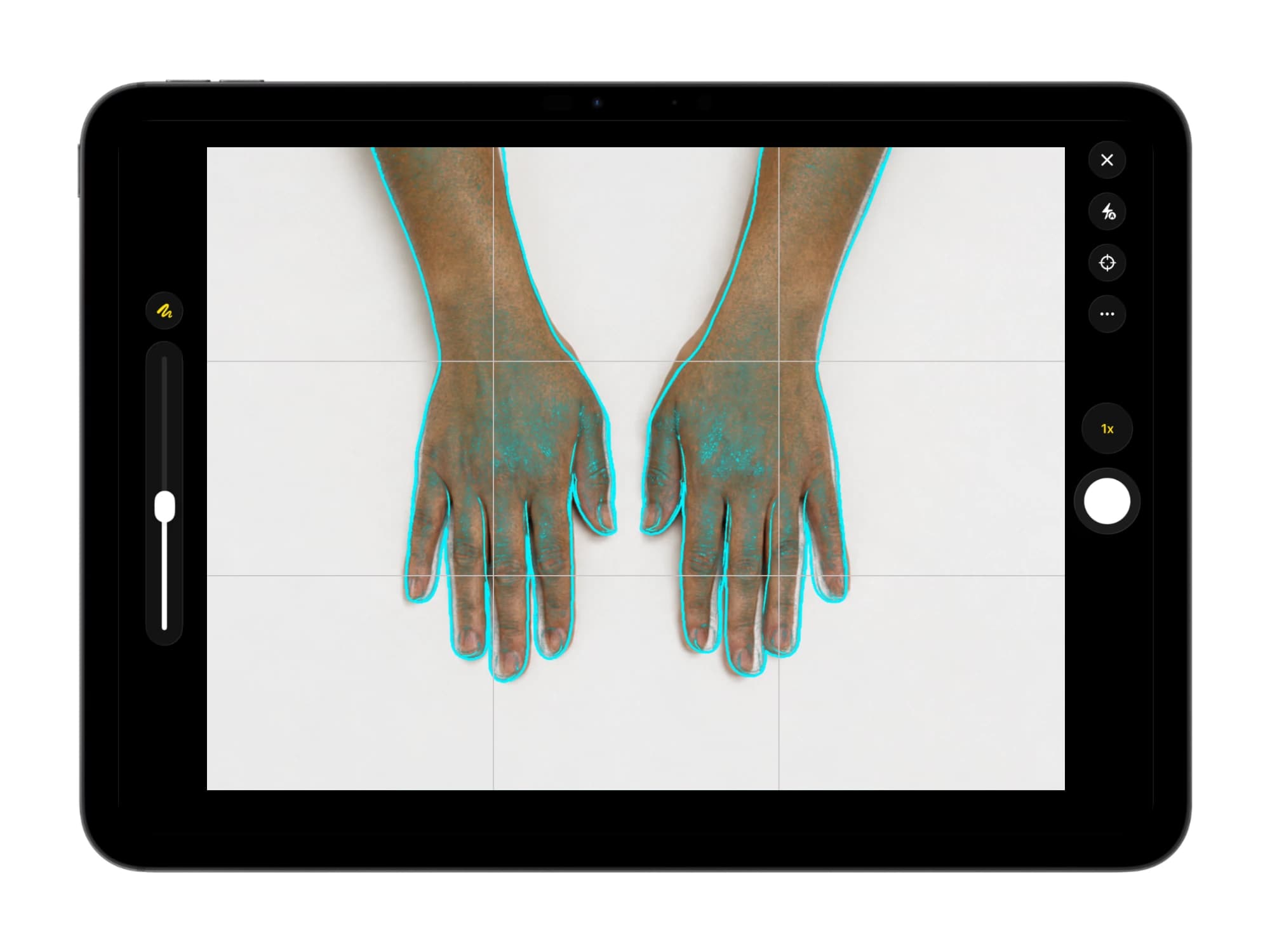
Illustrative demo with synthetic data. Learn more
Frequently asked questions
Atlas documents injectable, laser, and other aesthetic procedure results in aligned before and after comparisons. Split and overlay views show outcomes during consultations, and formatted PDF reports and framed exports go to the client record.
Dermi Atlas Professional starts at $79 USD per month per deployment, with one Clinician and one Assistant account included and the first 30 days free; cancel anytime. Additional clinician seats are $59 USD and assistant seats $12 USD per month, and Atlas runs on computers and iPhones or iPads the practice already owns.
No. Setup is done for you at no charge on a computer that meets the system requirements, or self-served with the Atlas Manager guided installer. Atlas runs on a Windows, macOS, or Linux computer the practice already owns, and the Atlas Companion app adds reference-aligned capture on iPhone and iPad.
Start with the Atlas Cloud Demo: it runs in a browser with no installation and no credit card. When ready for real client data, start the 30-day free trial of Dermi Atlas Professional; the Dermi team confirms the details beforehand and completes setup with you at no charge.
Yes. Every client record on a deployment belongs to the practice's team, and every member works from the same list under their own login. Clinician accounts carry export, deletion, and recovery, Assistant accounts cover documentation and capture, and clients can be assigned to members.
Client photographs are stored on the practice's own computers, not with Dermi. Atlas serves an HTTPS address with a self-signed certificate set up by Atlas Manager, activity logging records access and changes, and optional two-factor authentication protects each login.
Yes. Comparison views show treatment results in the browser during the consultation. Live Pointer highlights an area in the moment without leaving a mark, persistent annotations keep callouts with the photograph, and automatic alignment lines up before and after images for side-by-side review.
Try before and after photography in Dermi Atlas
The demo runs in a browser; the free trial runs on the computers your practice already owns.
Resources and further reading
Related pages
Plans, pricing, and free trial
Atlas Cloud Demo
- No time limit
- No credit card
- Nearly every feature, with photos you upload
- Runs in a browser, nothing to install
- A free Dermi Cloud Services account to sign in
- Not for real patient data
- Data cleared at least weekly
Dermi Atlas Professional
- Base plan per deployment
- First 30 days free
- Additional clinician seat$59 USD / month
- Additional assistant seat$12 USD / month
- Every feature, with real patient records
- Runs on computers the practice already owns
- Technical support at no extra charge
Synthetic Data Notice
All demonstrations, screenshots, and media on this page use synthetic data only. No real patient information is shown.
The following are synthetic and do not correspond to real patients:
- All human faces and individuals are synthetic and do not represent real people
- All clinical and medical images, including photographs and scans, are synthetic or simulated
- All patient names, dates, identifiers, and other details are fictional
- All clinical notes and documentation are sample content for demonstration only
Media is provided solely to illustrate platform functionality and workflows.