Dermi Atlas 26.2 Release Notes
Dermi Atlas 26.2 introduces a data recovery workflow with retention-based record management and retention period safeguards in Dermi Atlas Manager.
April 8, 20262 min read
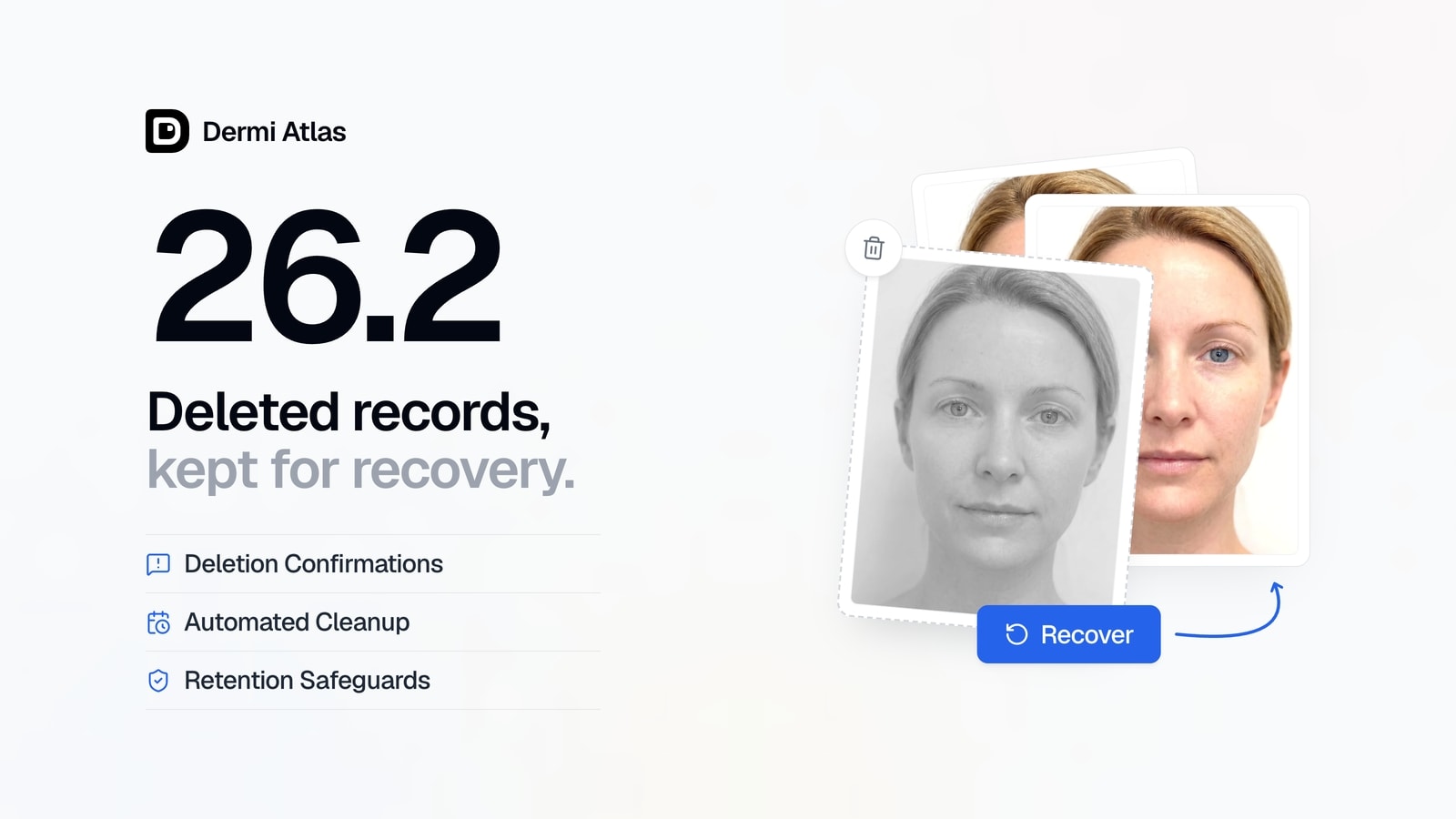
Dermi Atlas version 26.2 is now available, introducing a data recovery workflow with retention-based record management for Dermi Atlas Professional, along with retention period safeguards for Dermi Atlas Manager.
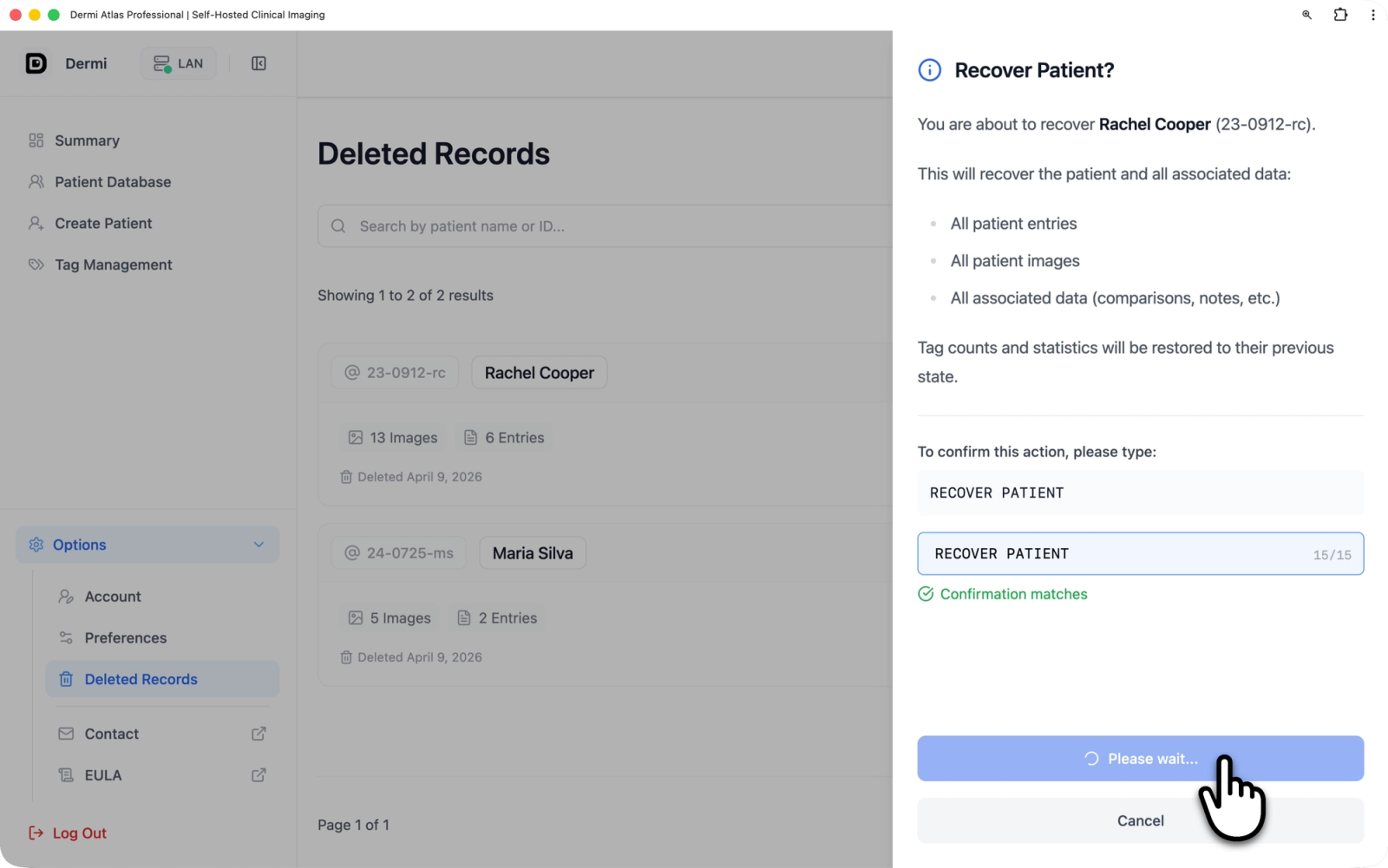
Illustrative demo with synthetic data. Learn more
Dermi Atlas Professional
Data Recovery
A new data recovery workflow has been added, allowing deleted patients, entries, and images to be recovered within the configured retention period. Deleted patients appear on the dedicated Deleted Records page, accessible from the sidebar. Each patient displays the deletion date, associated data counts, and a retention countdown indicating how long it remains available for restoration. Recovery of a full patient record restores all associated entries, images, and metadata, and requires a typed confirmation phrase as a safeguard given the scope of the operation.
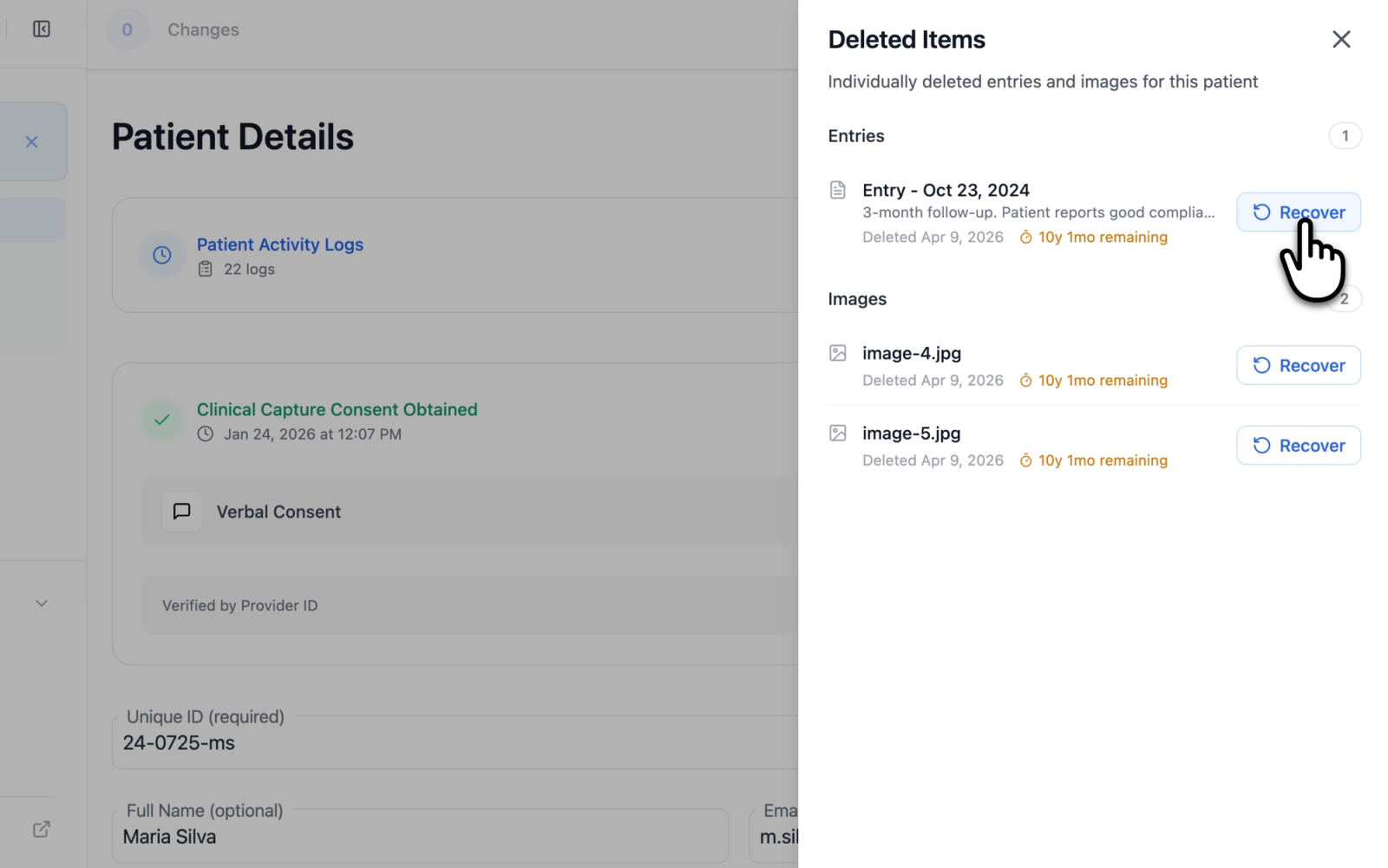
Illustrative demo with synthetic data. Learn more
Individual entries and images that were deleted separately can be recovered from the Deleted Items drawer on the patient detail page. Each item displays its deletion date and retention countdown, and can be restored with a single confirmation step. Recovery of individual items is available only while the parent patient record is active.
Deletion confirmation modals now display level-aware messaging that reflects whether records will be recoverable or permanently removed, giving clear visibility into the outcome of each action.
For details on configuring the retention window, see Configuring Data Retention for Deleted Records. For a broader overview of patient data workflows, see Patient Management in Dermi Atlas.
Performance and Stability
An automated cleanup process has been added for deleted records once their recovery period expires, with safe handling of associated stored files. General performance improvements and bug fixes have been applied.
Dermi Atlas Manager
Retention Period Safeguards
A confirmation step has been added when reducing the data retention period. The confirmation warns that existing deleted, recoverable records may become permanently unrecoverable if the retention window is shortened, ensuring the operator is aware of the impact before changes take effect.
For more information on retention configuration, see Configuring Data Retention for Deleted Records.
Availability
Dermi Atlas 26.2 is available now. Existing installations can be updated through Dermi Atlas Manager.
Was this article helpful?
Your feedback helps improve these articles
Related
 ProductOct 02, 2026
Dermi Atlas 26.4 Release Notes
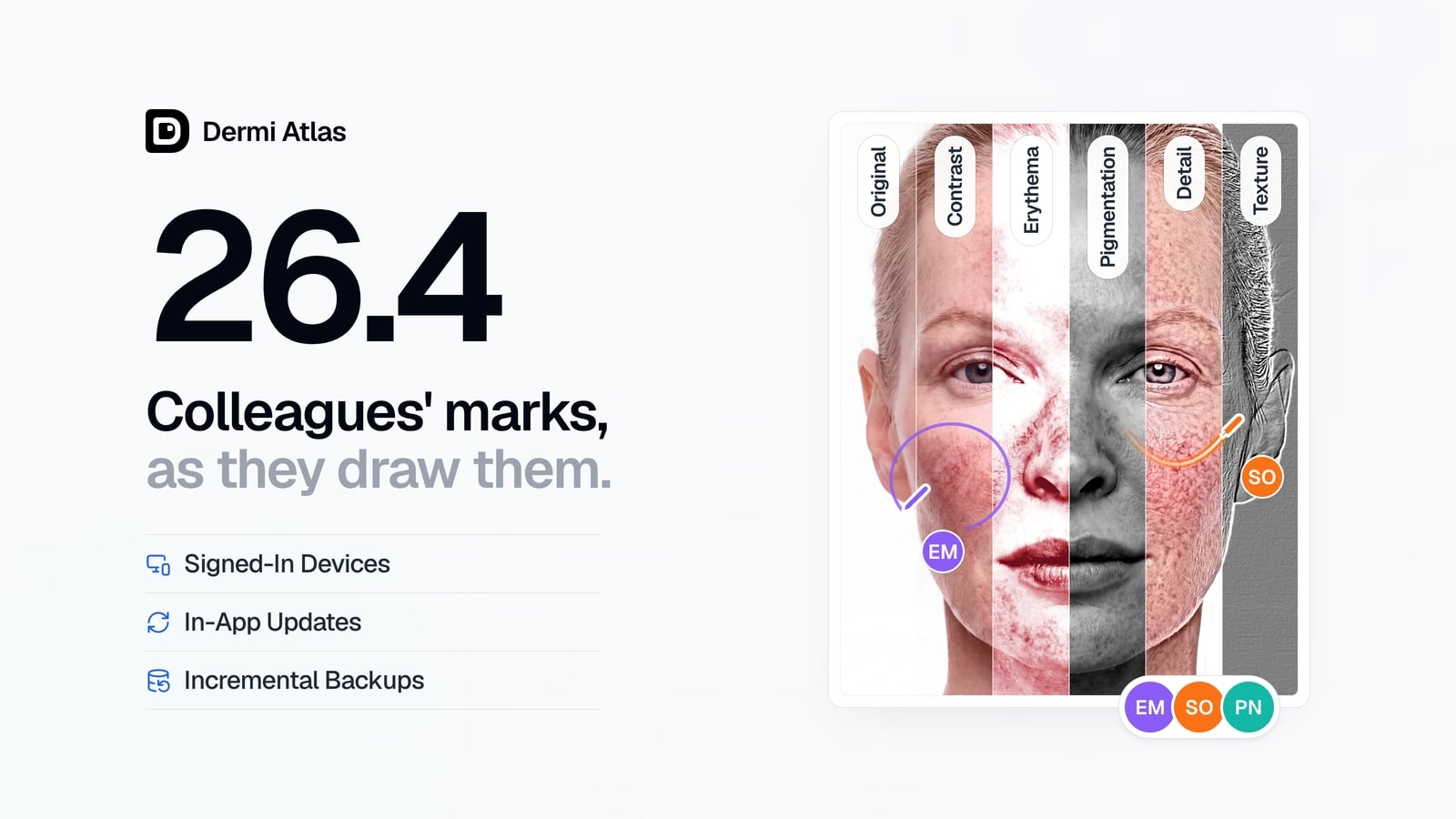
Dermi Atlas 26.4 introduces real-time collaboration, image filters, and Signed-In Devices in Dermi Atlas Professional, with in-app updates and incremental backups in Dermi Atlas Manager.
 ProductSep 09, 2026
Team Accounts for Dermi Atlas Professional
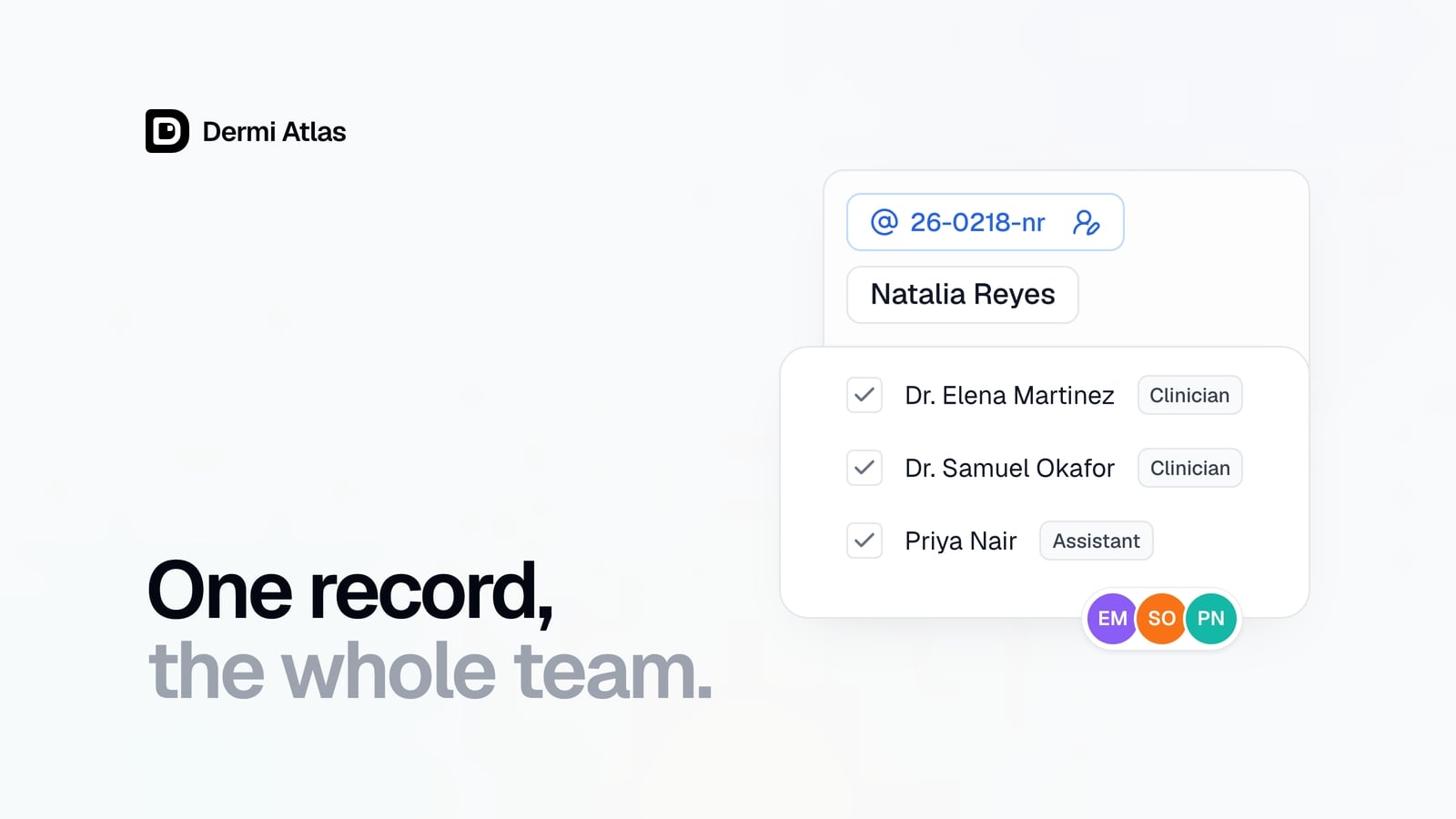
Dermi Atlas Professional brings one shared patient record to the whole practice, with a login for every person and Clinician and Assistant accounts invited from the Dermi Portal.
 ProductJul 27, 2026
Dermi Atlas 26.3 Release Notes
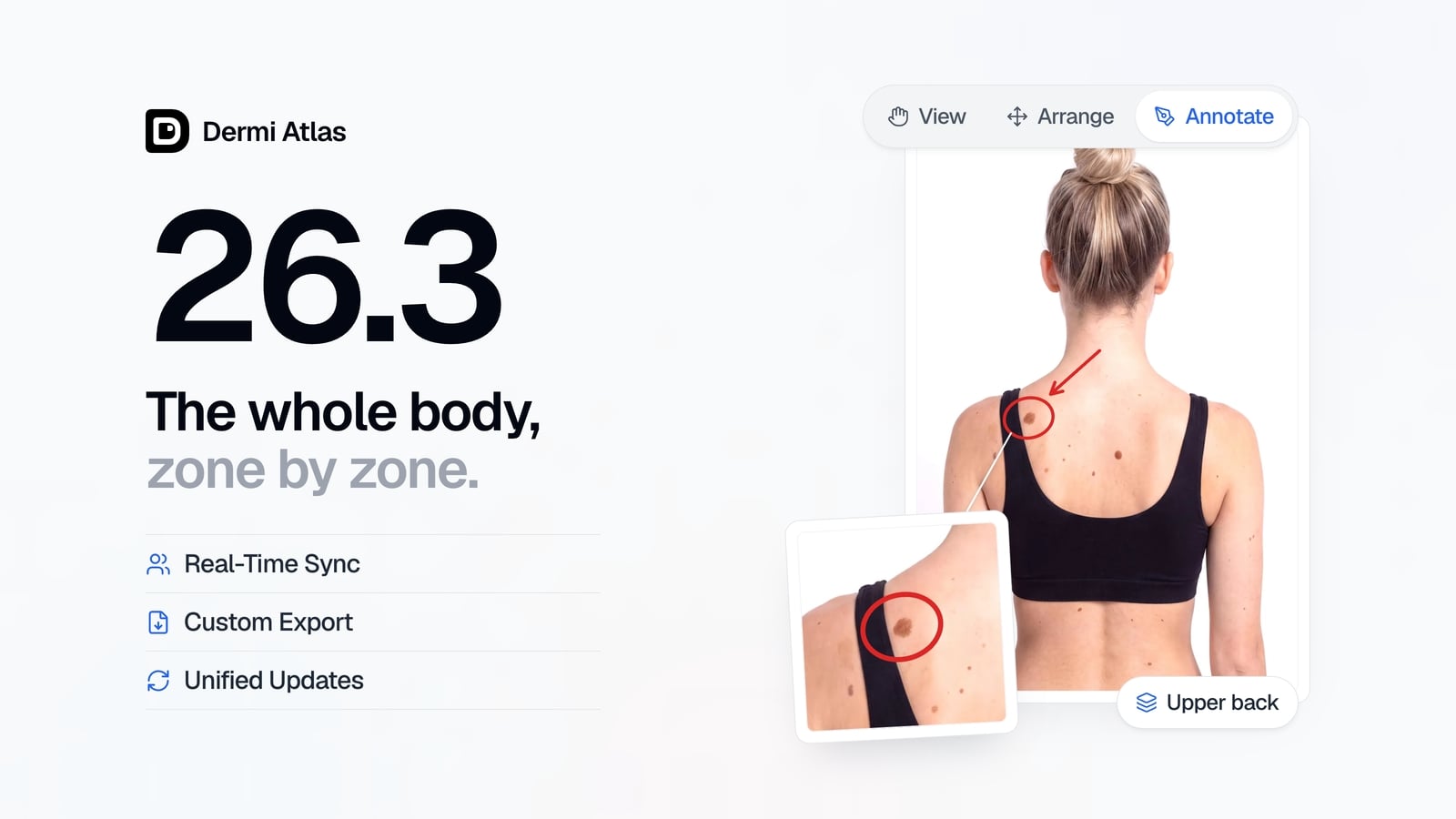
Dermi Atlas 26.3 introduces persistent annotations, Full Body Photography, Zones, enhanced real-time sync, and Custom Export in Dermi Atlas Professional.
Read more from the newsroom
Synthetic Data Notice
All demonstrations, screenshots, and media on this page use synthetic data only. No real patient information is shown.
The following are synthetic and do not correspond to real patients:
- All human faces and individuals are synthetic and do not represent real people
- All clinical and medical images, including photographs and scans, are synthetic or simulated
- All patient names, dates, identifiers, and other details are fictional
- All clinical notes and documentation are sample content for demonstration only
Media is provided solely to illustrate platform functionality and workflows.