Patient Management in Dermi Atlas
How Dermi Atlas organizes patient records, tags, consent tracking, clinical entries, and auditable deletion into a structured clinical workflow.
April 1, 20265 min read
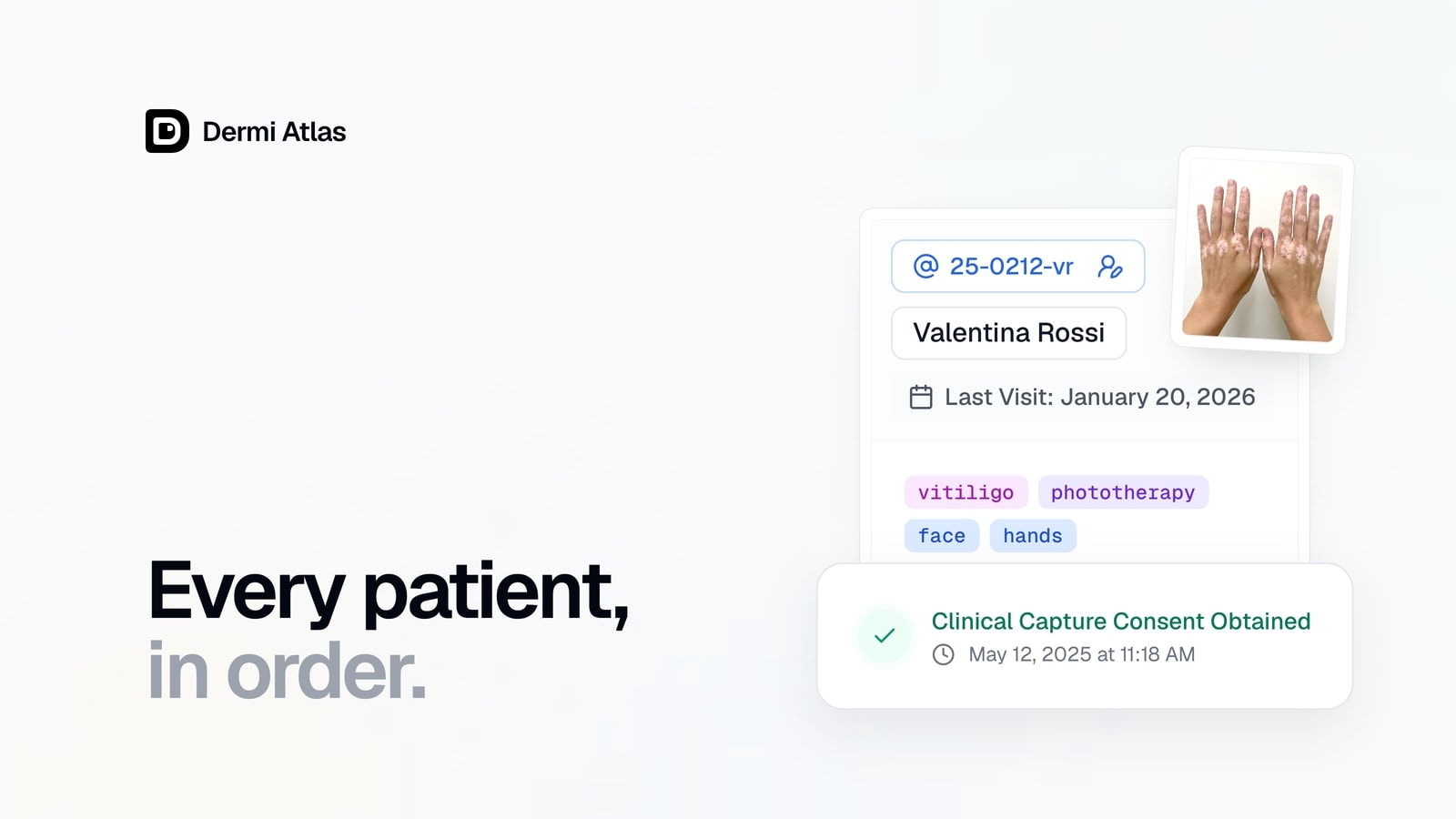
Clinical photography platforms live or die by how well they organize patient data. A system that captures great images but makes it difficult to find, manage, or report on patient records creates friction in the clinical workflow.
Dermi Atlas was designed around the patient record as the central organizing unit. Every image, clinical entry, comparison, and report connects back to a structured patient record. This article walks through how patient management works in Atlas and why the design choices matter for clinical practices.
A Structured Patient Record
Atlas patient records capture the demographic and contact fields that clinical practices need without requiring excessive data entry. The only required field is a unique identifier, supporting 2 to 32 characters composed of lowercase letters, numbers, underscores, and hyphens (input is automatically converted to lowercase). Every other field is optional.
Available fields include:
- Full name, first name, last name
- Email, primary and secondary telephone numbers
- Address and health card number
- Birth date, height, weight, gender
This flexibility matters because different practices have different identification conventions. A dermatology clinic might use medical record numbers, while an aesthetics practice might use a simplified naming scheme. Atlas accommodates both without imposing a rigid format.
Each patient record also tracks computed metadata: total image count, total entry count, last appointment date, and last modified timestamp. These values are updated automatically as clinical data is added, providing a real-time summary of each patient's imaging history without manual bookkeeping.
For the complete guide to creating and managing patient records, see Managing Patients.
Organization Through Tags
Atlas includes a tag management system with color-coded categories. Tags can be assigned directly to patients, clinical entries, and individual images. Tags assigned to images automatically inherit upward to their parent entries, providing a layered classification system without manual duplication.
In practice, this means a dermatologist could tag images with specific conditions (by diagnosis or body region, for example), and those classifications would be reflected at the entry and patient level automatically.
The Patient Database supports filtering by tags, making it possible to find all patients with a specific tag combination across the entire database. Combined with sort options and date range filters, tags provide a structured way to organize and retrieve clinical records at scale.
Built-In Consent Tracking
Clinical image consent is not an afterthought in Atlas. The platform includes a configurable consent enforcement system with three levels:
- Disabled: No consent prompts are shown.
- Advisory: Consent is recommended and a warning is displayed.
- Required: Consent is mandatory before image capture is permitted.
Consent can be captured digitally (with a signature) or verified externally (verbal, written, or other methods with optional notes). Every consent event is timestamped and logged. Consent can also be revoked, with the revocation recorded in the audit trail.
This design supports compliance with HIPAA, PIPEDA, and other regulatory requirements for clinical photography consent, providing a documented and auditable record of patient authorization. For detailed compliance information, see the HIPAA Compliance Guide and PIPEDA Compliance Guide. For a broader overview of the platform's security posture, see Security and Compliance Fundamentals.
Clinical Entries as Visit Records
Each patient visit is documented through a clinical entry. Entries track the appointment date and time, clinical notes, workspace images (drawn from the patient's image pool), and image comparison groups for before-and-after analysis.
Entries support three collapsible sections (workspace, comparisons, tags and notes) so clinicians can customize their view based on the task at hand. All changes sync in real time, with a visible save status indicator, ensuring that data is persisted as it is entered rather than requiring a manual save step.
The combination of structured entries and real-time synchronization means that clinical documentation keeps pace with the consultation, rather than becoming a separate administrative task after the patient has left.
For a complete walkthrough of entry creation and management, see Clinical Entries and Appointment Notes.
Finding Patients Quickly
The Patient Database provides four sort modes (last modified, last appointment, unique ID, and name) with ascending and descending options. Filters include date range, tag selection, and attribute-based criteria (entry count, image count). Pagination supports up to 100 records per page.
For practices managing hundreds or thousands of patient records, these tools make it possible to locate a specific patient or a subset of patients matching clinical criteria without scrolling through an unstructured list. The search field provides direct lookup by unique ID or name for the fastest access path.
Deletion with Audit Accountability
Patient deletion in Atlas is intentionally deliberate. Deleting a patient requires typing a specific confirmation phrase and cascades to all associated entries and images. The outcome depends on the configured Patient Deletion Level: recoverable deletion (Soft, Regular) retains data for a configurable retention period.
The system supports three Patient Deletion Levels (Soft, Regular, and Full), giving practices control over how thoroughly data is removed while maintaining the audit trail required for regulatory compliance. Deleted patients, entries, and images can be recovered from within Dermi Atlas Professional when the Soft or Regular level is used. Deletion events, along with all other significant operations, are captured in the platform's audit logging system.
What This Means for Clinical Practices
Atlas patient management is designed to stay out of the way during a busy clinic day while providing the structure and compliance features needed behind the scenes. The combination of flexible record formats, automated tag inheritance, built-in consent tracking, and auditable deletion creates a foundation that supports both clinical efficiency and regulatory requirements.
Every feature described here is available in Dermi Atlas Professional, the on-premises deployment designed for clinical use. The Dermi Atlas Cloud Demo provides access to core workflows for evaluation, though some capabilities are restricted, including patient detail fields and audit logging. For more on deployment options and the security architecture behind patient data protection, see Our Approach to Patient Data Security.
To get started with patient management, see the full documentation guide: Managing Patients.
Was this article helpful?
Your feedback helps improve these articles
Related
 ProductOct 02, 2026
Dermi Atlas 26.4 Release Notes
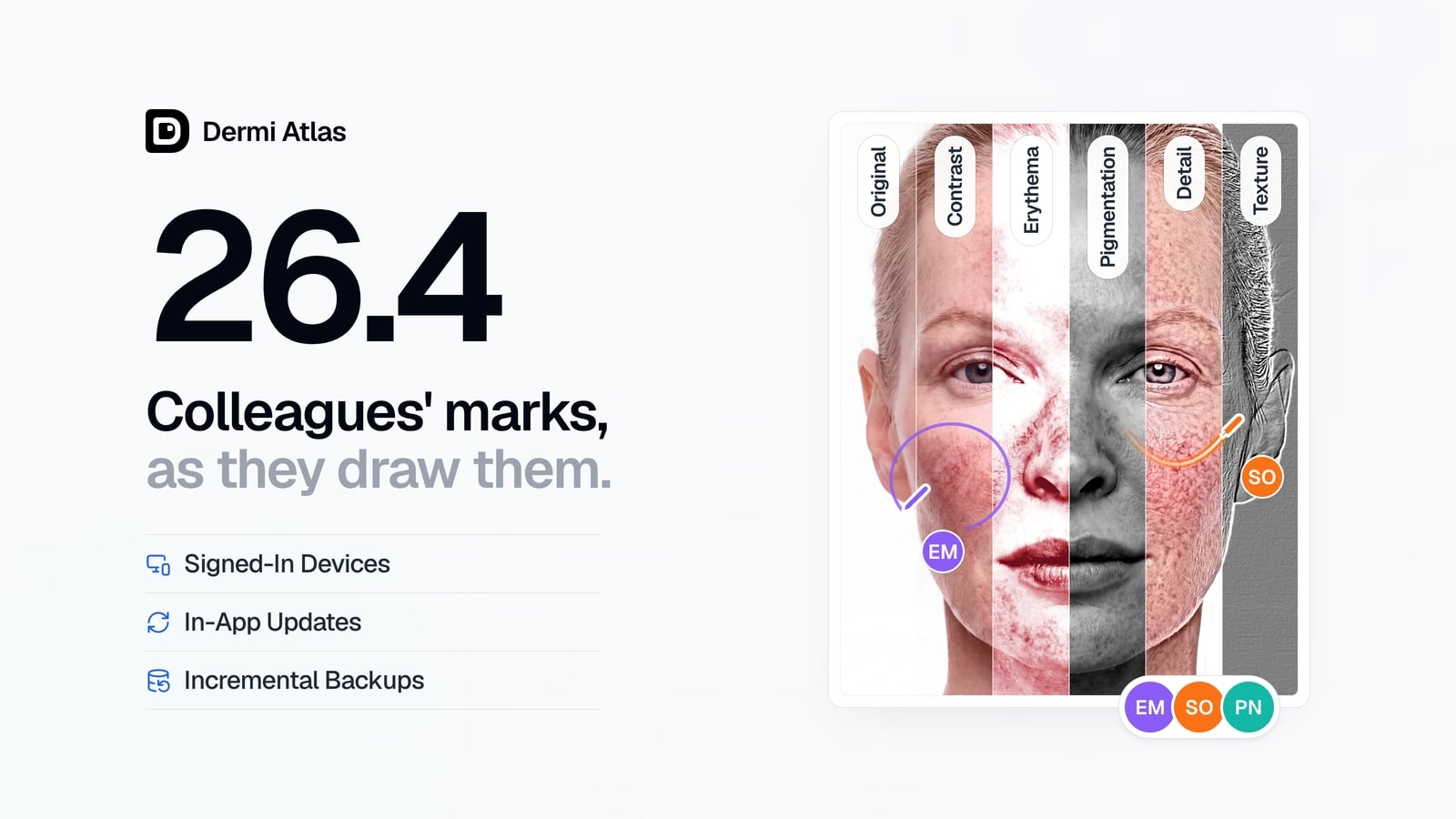
Dermi Atlas 26.4 introduces real-time collaboration, image filters, and Signed-In Devices in Dermi Atlas Professional, with in-app updates and incremental backups in Dermi Atlas Manager.
 ProductSep 09, 2026
Team Accounts for Dermi Atlas Professional
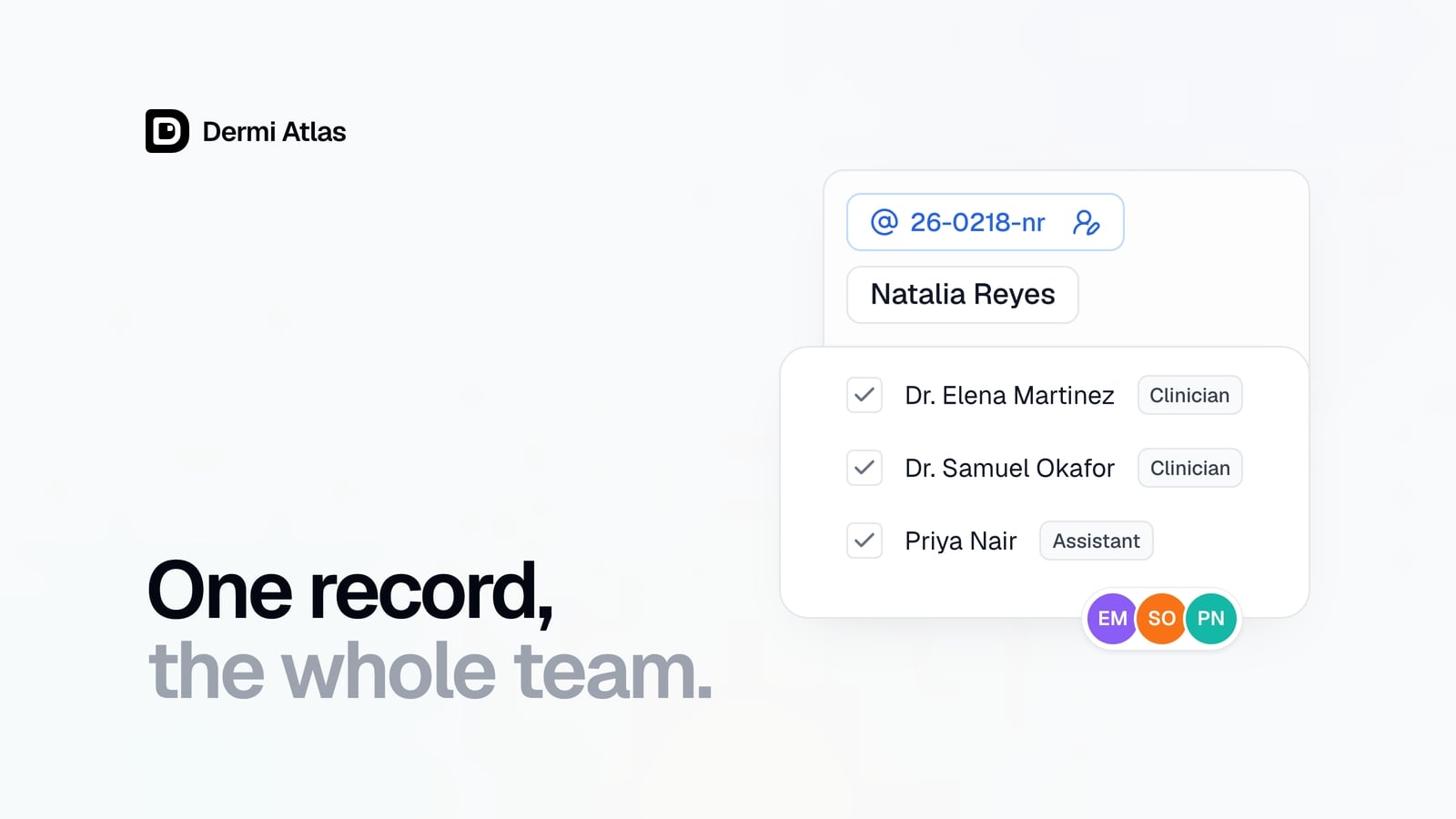
Dermi Atlas Professional brings one shared patient record to the whole practice, with a login for every person and Clinician and Assistant accounts invited from the Dermi Portal.
 ProductJul 27, 2026
Dermi Atlas 26.3 Release Notes
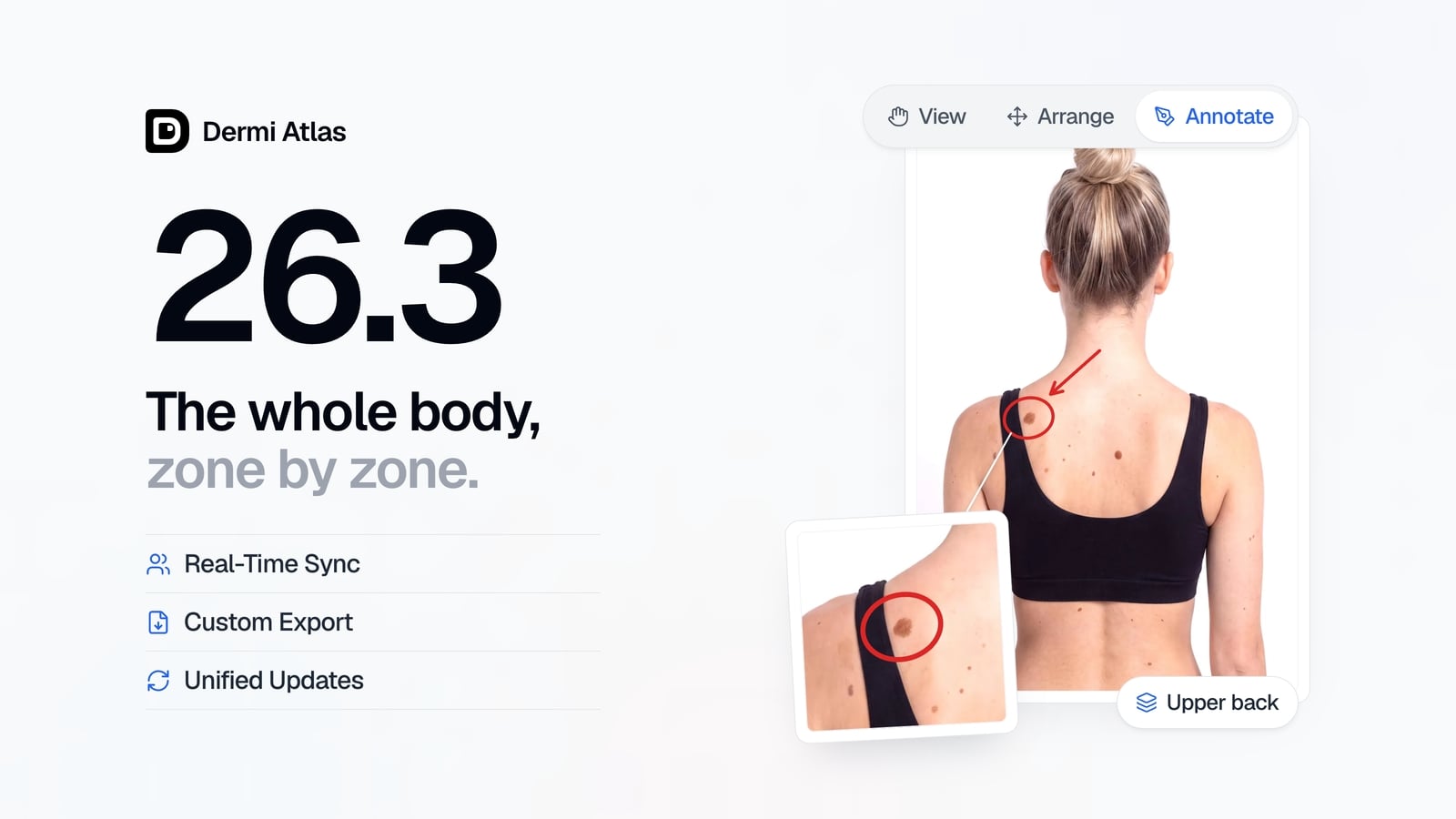
Dermi Atlas 26.3 introduces persistent annotations, Full Body Photography, Zones, enhanced real-time sync, and Custom Export in Dermi Atlas Professional.