Dermi Atlas 26.2.3 Release Notes
Dermi Atlas 26.2.3 introduces a cancel option for image alignment, improved automatic image naming, extended sign-in sessions, and touch refinements.
May 21, 20263 min read
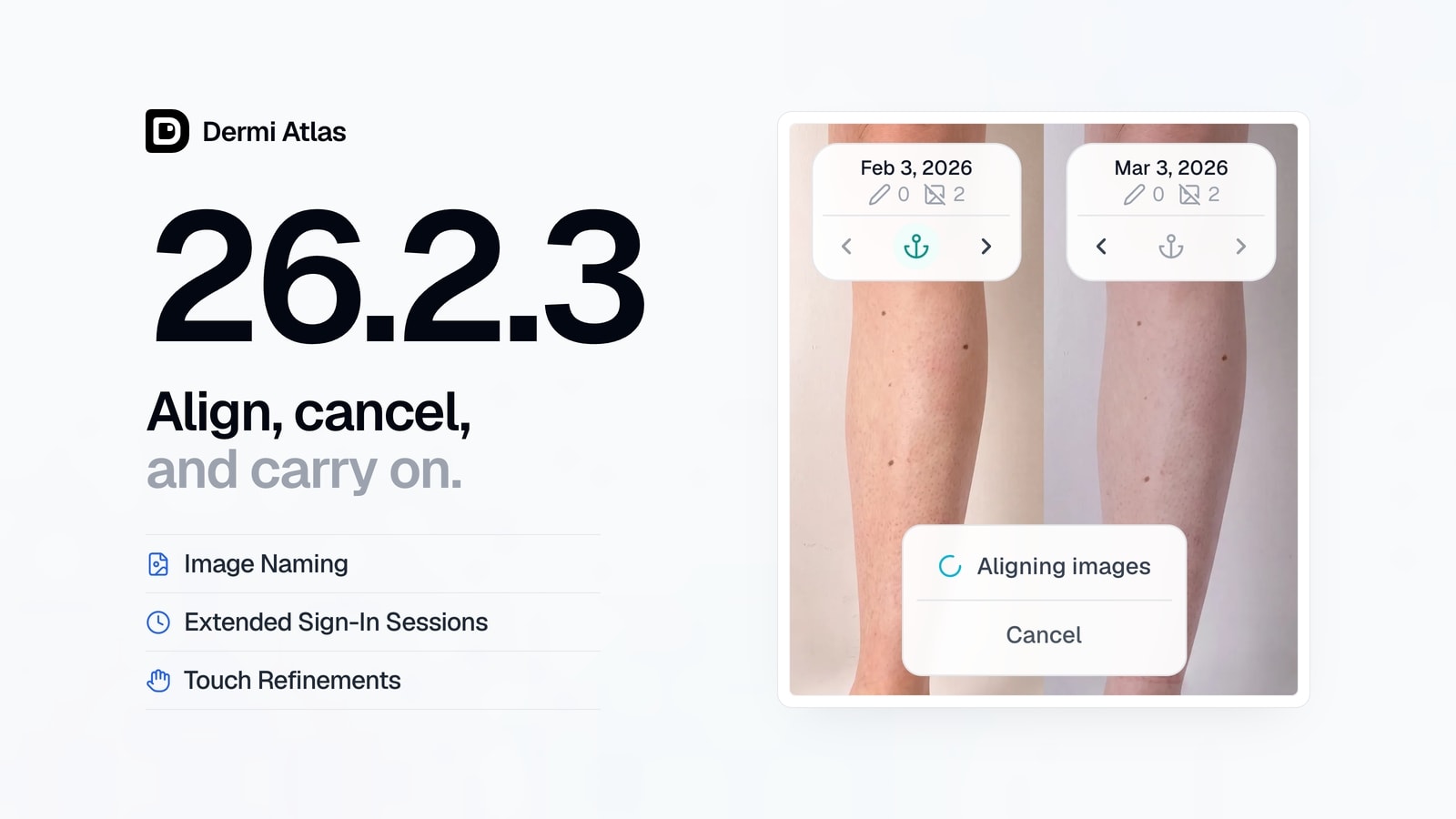
Dermi Atlas version 26.2.3 is now available, introducing a cancel option for image alignment, improvements to automatic image naming, extended sign-in sessions, and a refined touch and mobile experience for Dermi Atlas Professional, along with more reliable HTTPS certificate updates in Dermi Atlas Manager.
Dermi Atlas Professional
Cancelable Image Alignment
A Cancel button has been added to the image alignment progress display, allowing an ongoing alignment to be stopped before it completes. The progress display itself has also been polished for a clearer presentation.
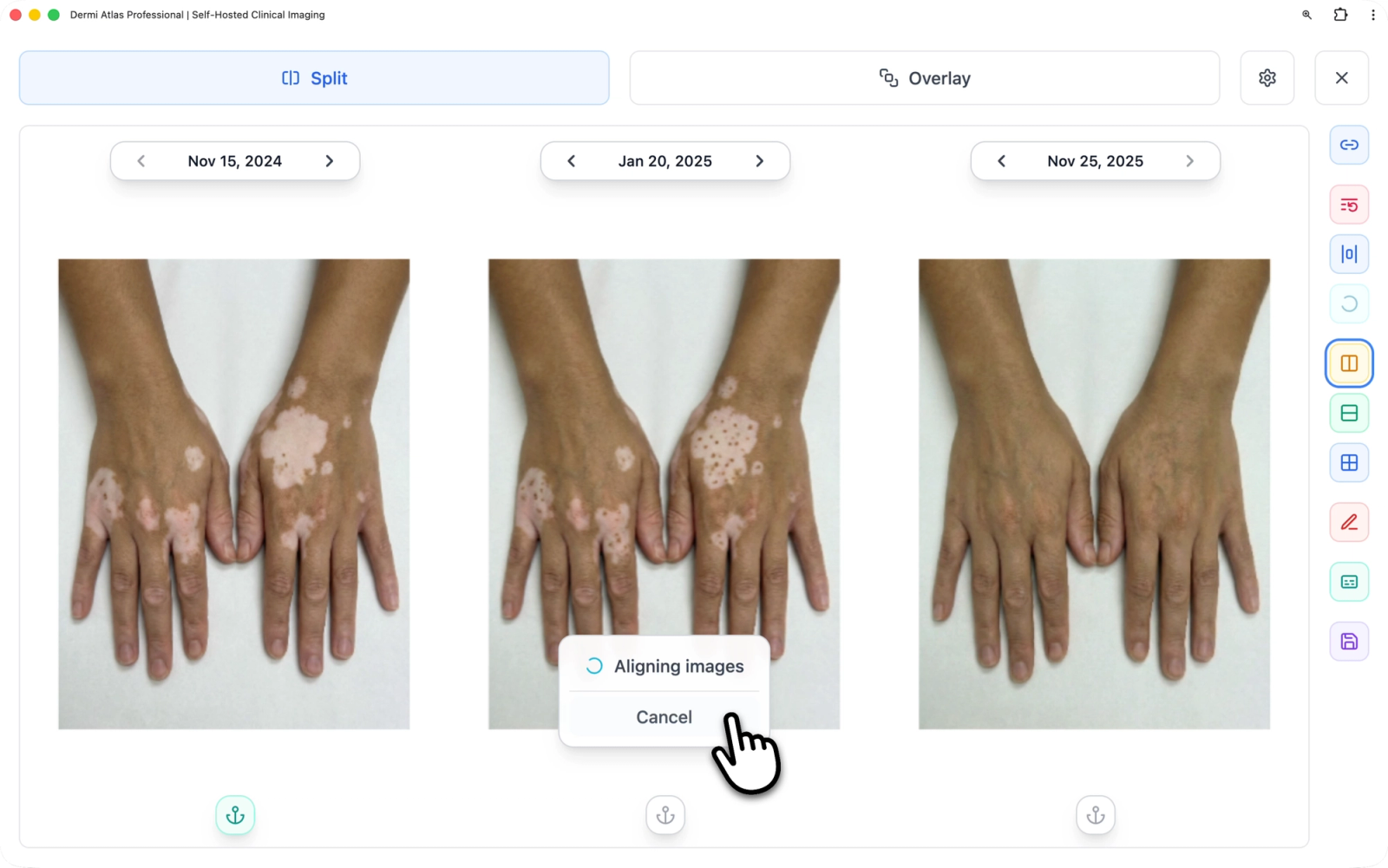
Image Upload Improvements
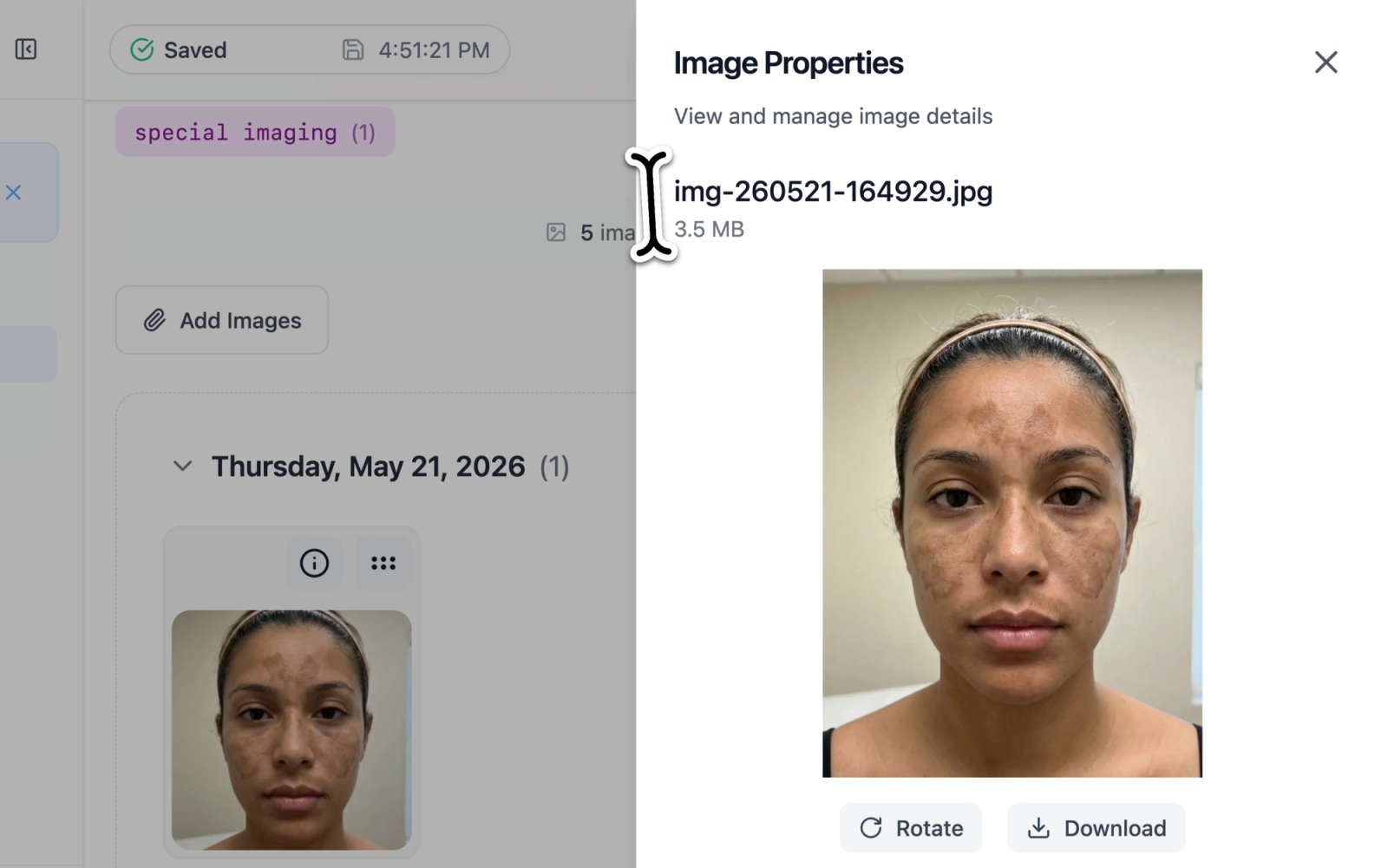
Generic device filenames such as image.jpg are now replaced at upload with short, sortable names like img-260521-164929.jpg, making uploaded images easier to organize and identify at a glance. Image capture dates from cameras that record timezone information are now read correctly as well, improving the accuracy of sorting and display in the image pool.
Extended Sign-In Sessions
Sign-in sessions have been extended to seven days with automatic renewal during regular use, keeping the application signed in throughout the day and reducing the need to re-authenticate during a typical work session.
Touch and Mobile Refinements
The touch and mobile experience has been refined throughout the application. Swipe-to-dismiss gestures have been added for drawers, the sidebar, popovers, and notifications on touch devices, with a drag handle at the top of mobile drawers for a more familiar interaction. Swipe-to-dismiss animations have been smoothed for a more fluid feel, and immediate visual feedback has been added when buttons and other controls are pressed on touch devices.
The layout of patient consent and license warning notices has been refined for cleaner readability on smaller screens, and the PDF print preview layout has been improved on mobile devices.
Interface Polish
The refresh button on dashboard pages has been refined so its spin animation provides clearer feedback during quick refreshes, and the dashboard loading overlay has been polished for smoother transitions during page loads and refreshes. The appearance of primary buttons has been unified across the application, including how they look during loading states.
Security and Bug Fixes
General bug fixes and security patches have been applied.
Dermi Atlas Manager
HTTPS Certificate Reliability
Renewed HTTPS security certificates are now applied during any routine restart of the local Atlas deployment, making certificate updates faster and more reliable.
Interface and Stability Improvements
The refresh button on dashboard pages has been refined to provide clearer feedback during quick refreshes, and the smoothness of scrolling and drawer animations has been improved. General bug fixes and security patches have been applied.
Availability
Dermi Atlas 26.2.3 is available now. Existing installations can be updated through Dermi Atlas Manager.
Was this article helpful?
Your feedback helps improve these articles
Related
 ProductOct 02, 2026
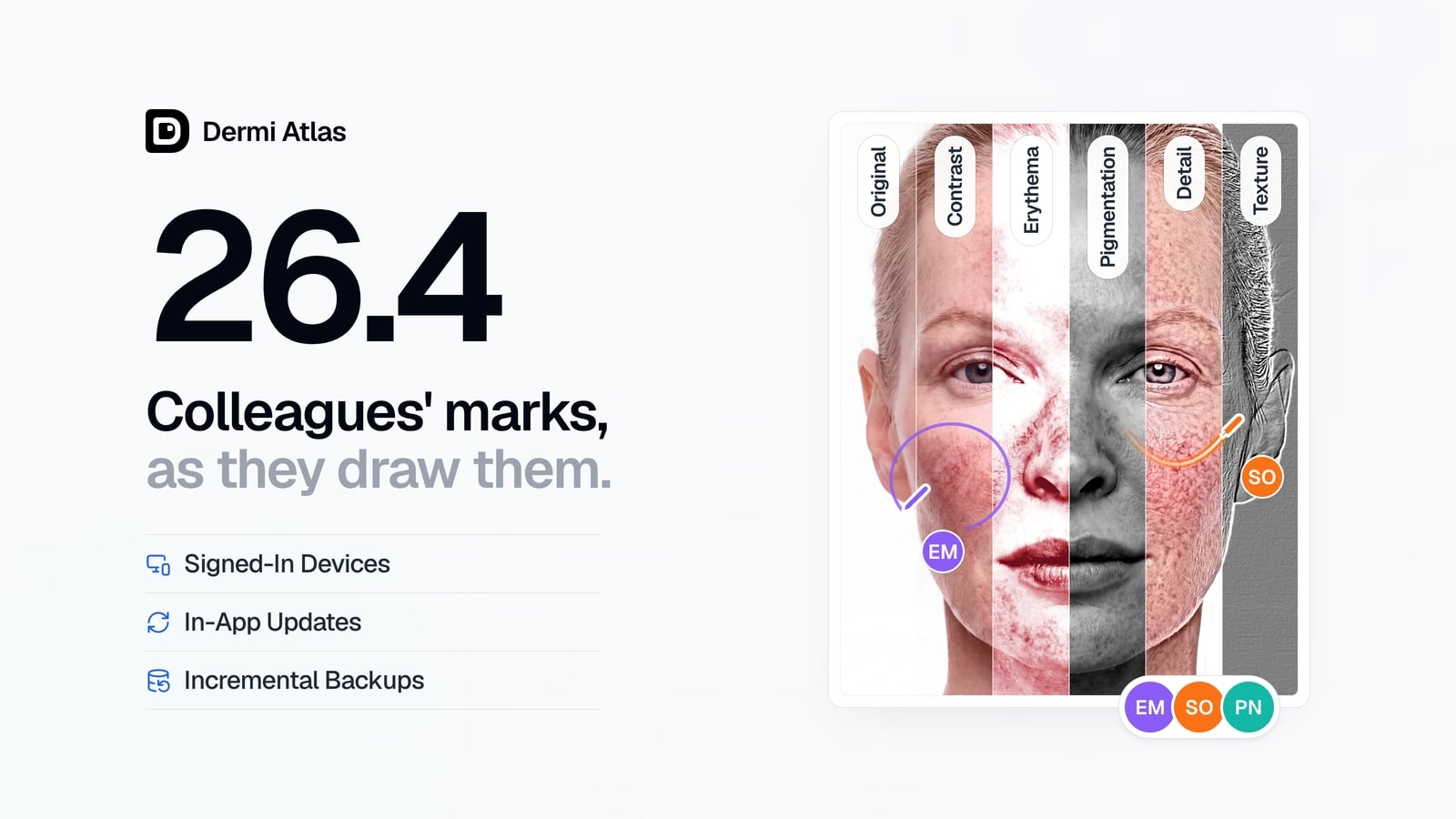
Dermi Atlas 26.4 Release Notes
Dermi Atlas 26.4 introduces real-time collaboration, image filters, and Signed-In Devices in Dermi Atlas Professional, with in-app updates and incremental backups in Dermi Atlas Manager.
 ProductSep 09, 2026
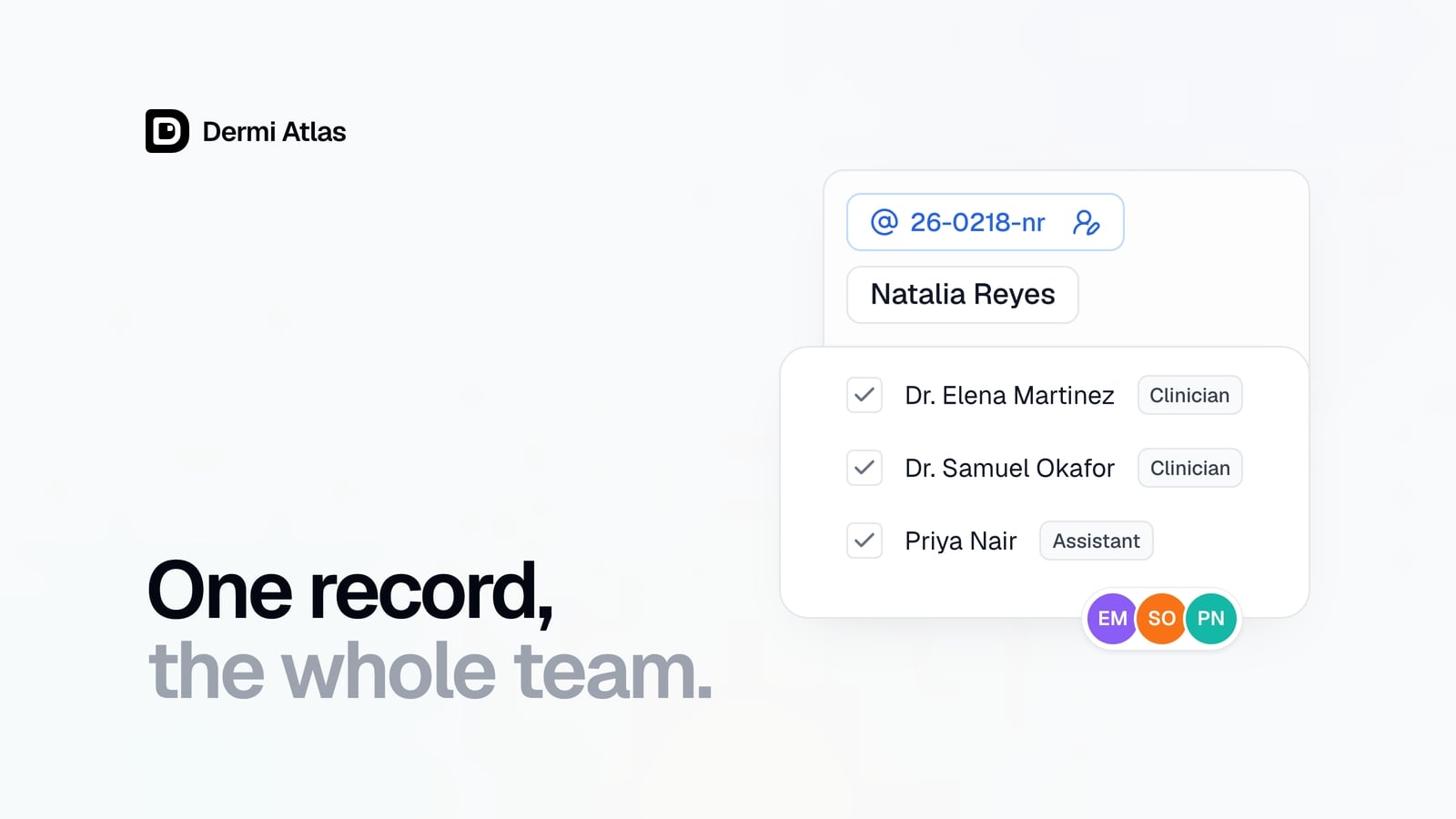
Team Accounts for Dermi Atlas Professional
Dermi Atlas Professional brings one shared patient record to the whole practice, with a login for every person and Clinician and Assistant accounts invited from the Dermi Portal.
 ProductJul 27, 2026
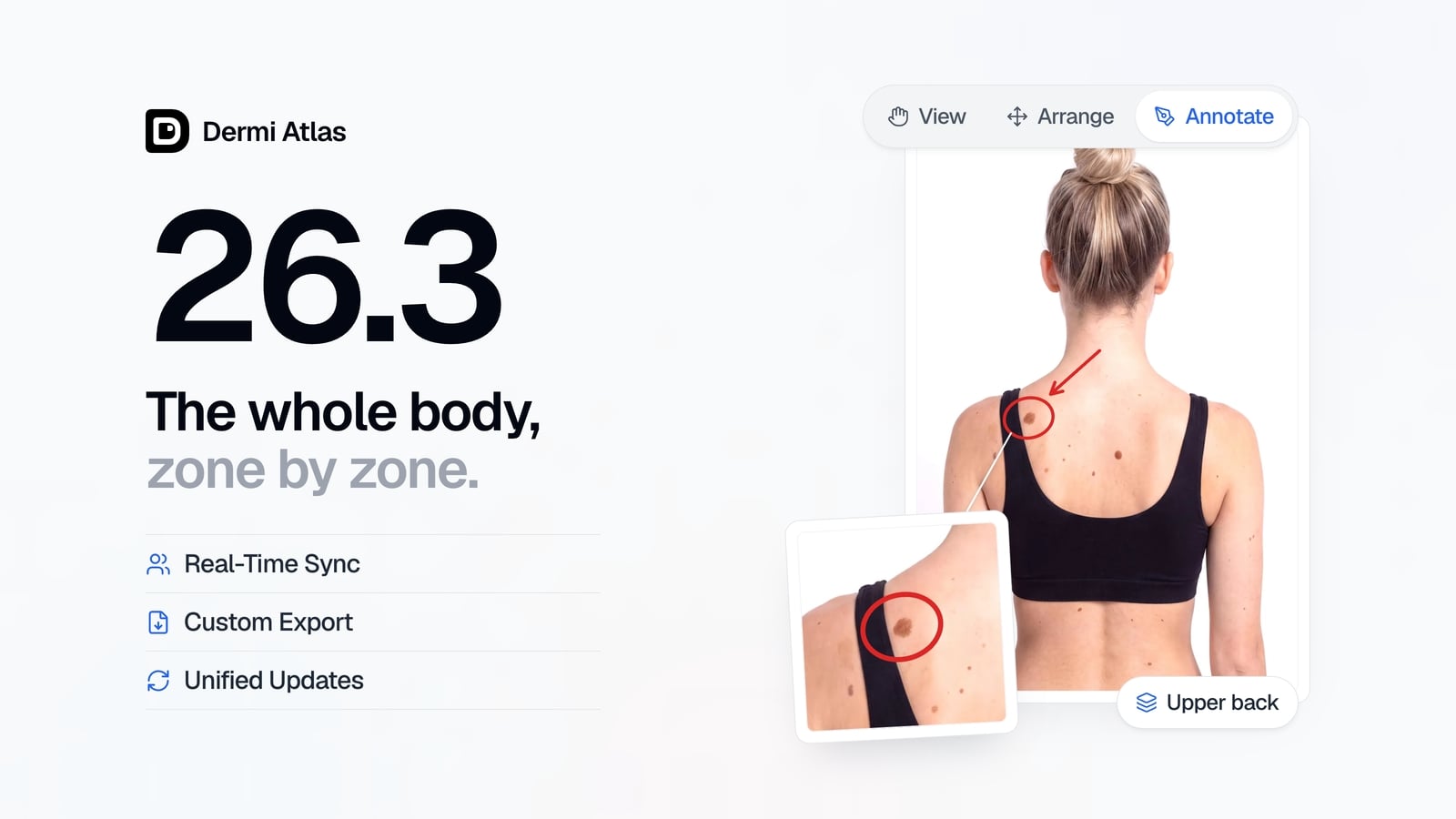
Dermi Atlas 26.3 Release Notes
Dermi Atlas 26.3 introduces persistent annotations, Full Body Photography, Zones, enhanced real-time sync, and Custom Export in Dermi Atlas Professional.