Dermi Atlas 26.1.1 Release Notes
Dermi Atlas 26.1.1 introduces automatic image alignment for comparisons, image sync in overlay mode, and a streamlined update process in Dermi Atlas Manager.
March 5, 20262 min read
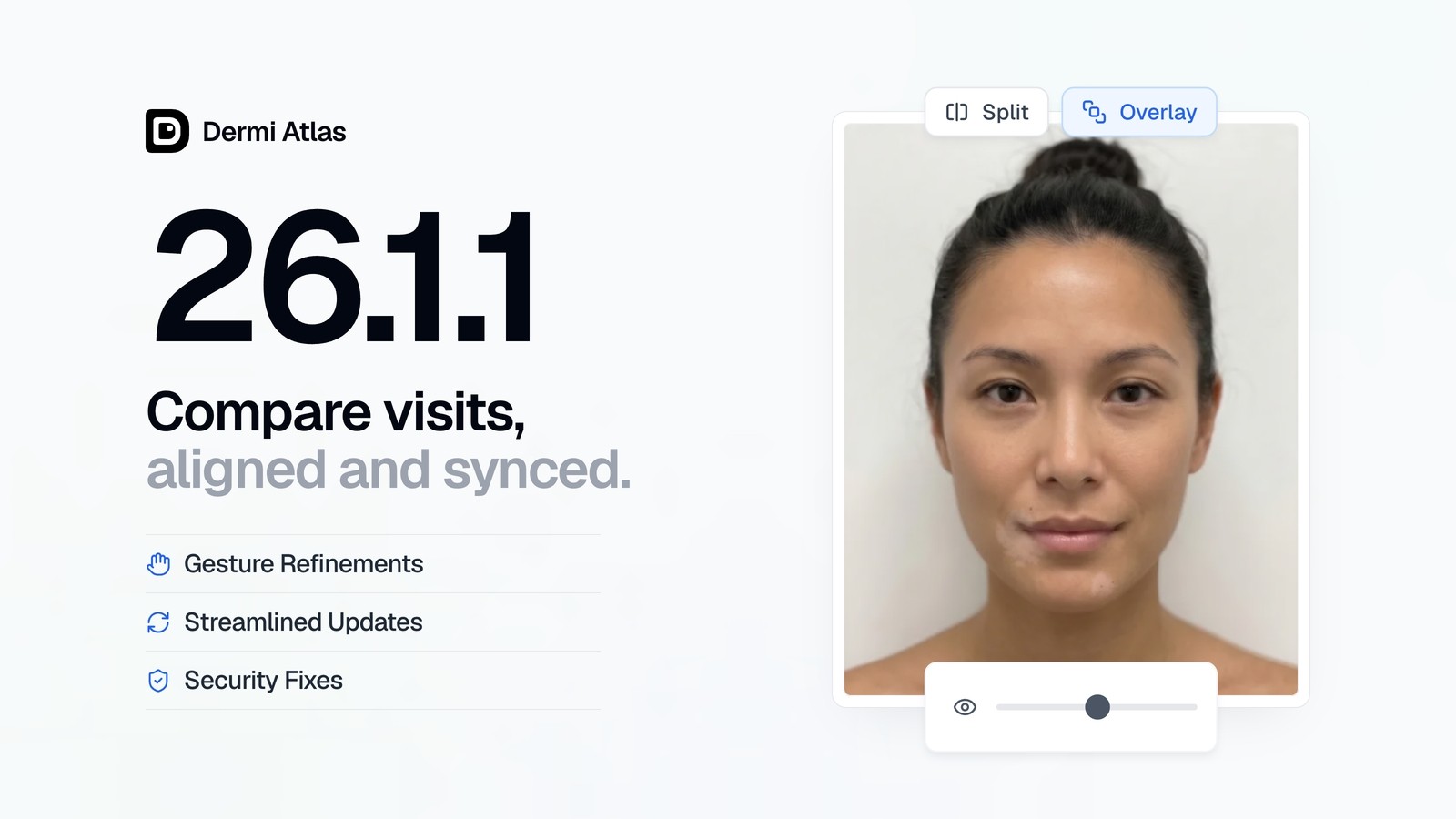
Dermi Atlas version 26.1.1 is now available, introducing automatic image alignment, image sync in overlay mode, refined gestures for Dermi Atlas Professional, and a streamlined update process for Dermi Atlas Manager.
Dermi Atlas Professional
Automatic Image Alignment
Automatic image alignment has been introduced for split and overlay comparisons. Images are aligned based on their content, giving more accurate comparisons even when images are taken from different angles or zoom levels.
For more details, see Automatic Alignment and the automatic alignment documentation.
Image Sync in Overlay Mode
Image sync has been added to overlay mode, locking all images together to prevent accidental movement of individual images during comparison review. This enables synchronized panning and zooming across all layers in the overlay.
For more details, see Comparing Images in Split and Overlay Views.
Gesture Refinements and Viewer Improvements
Touch and pointer gestures have been further refined across the image viewer and comparison views. Pinch-to-zoom behavior has been improved on both desktop and touch devices, and the overall image viewer and comparison experience has been polished.
Security and Stability
General bug fixes and security patches have been applied.
Dermi Atlas Manager
Streamlined Updates
The Dermi Atlas Professional update process has been streamlined. Backups are now optional during updates, so an update finishes faster when no backup is needed.
Security and Stability
General bug fixes and security patches have been applied.
Availability
At release, Dermi Atlas 26.1.1 was available to existing installations through Dermi Atlas Manager.
Was this article helpful?
Your feedback helps improve these articles
Related
 ProductNov 10, 2026
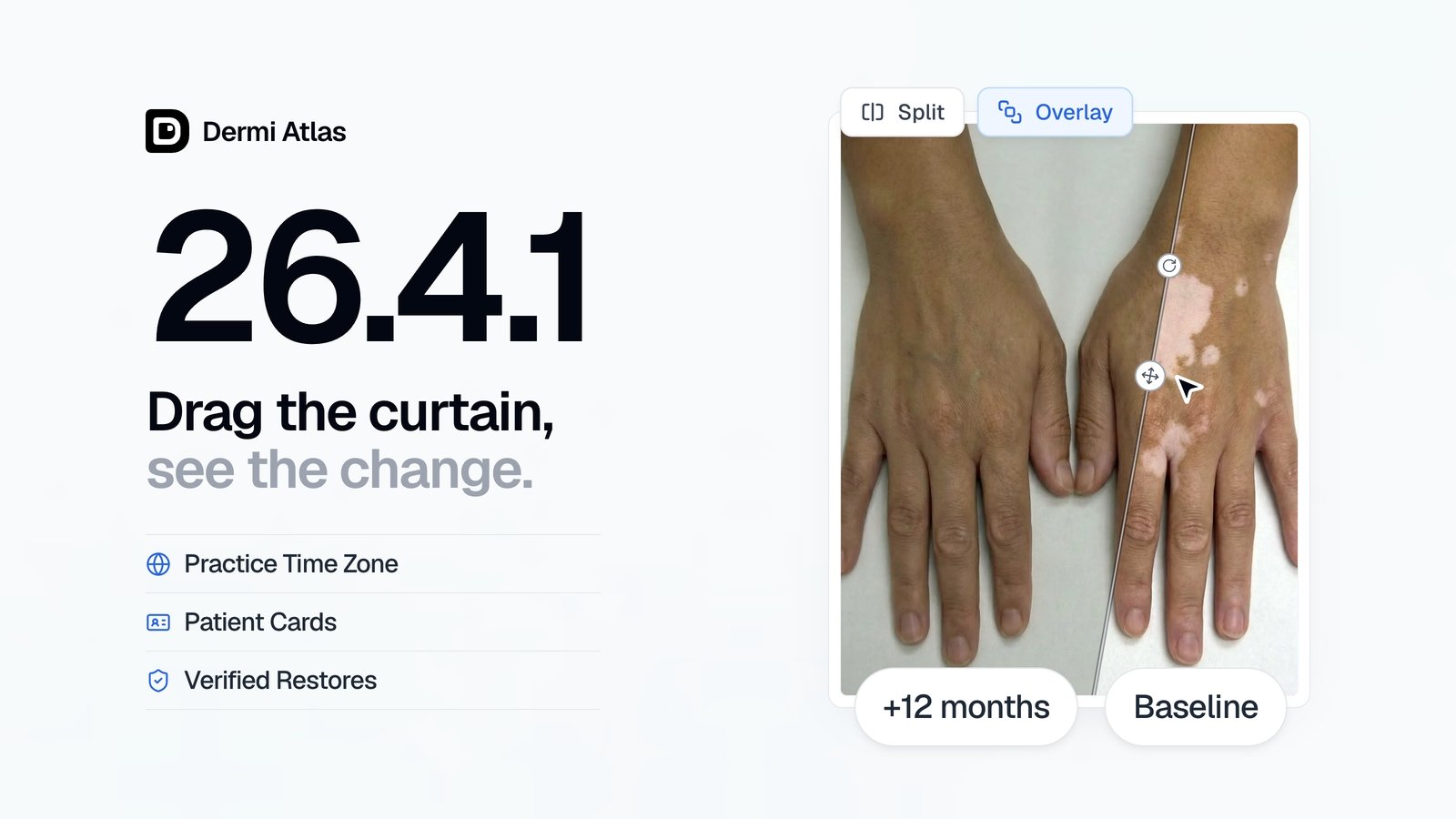
Dermi Atlas 26.4.1 Release Notes
Dermi Atlas 26.4.1 introduces overlay curtains, a practice time zone, and redesigned patient cards in Dermi Atlas Professional, with safer updates and verified restores in Dermi Atlas Manager.
 ProductOct 02, 2026
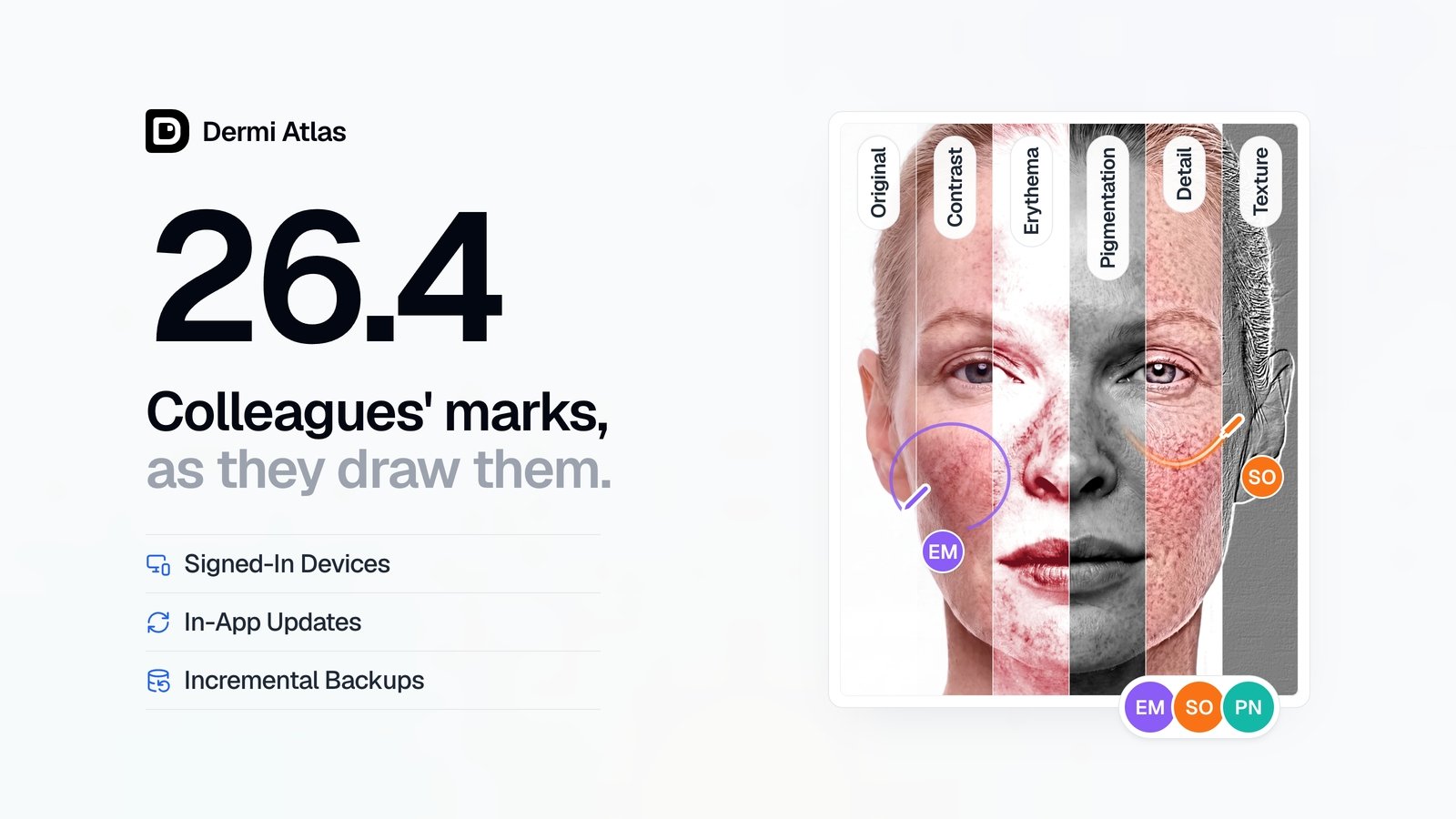
Dermi Atlas 26.4 Release Notes
Dermi Atlas 26.4 introduces real-time collaboration, image filters, and Signed-In Devices in Dermi Atlas Professional, with in-app updates and incremental backups in Dermi Atlas Manager.
 ProductSep 09, 2026
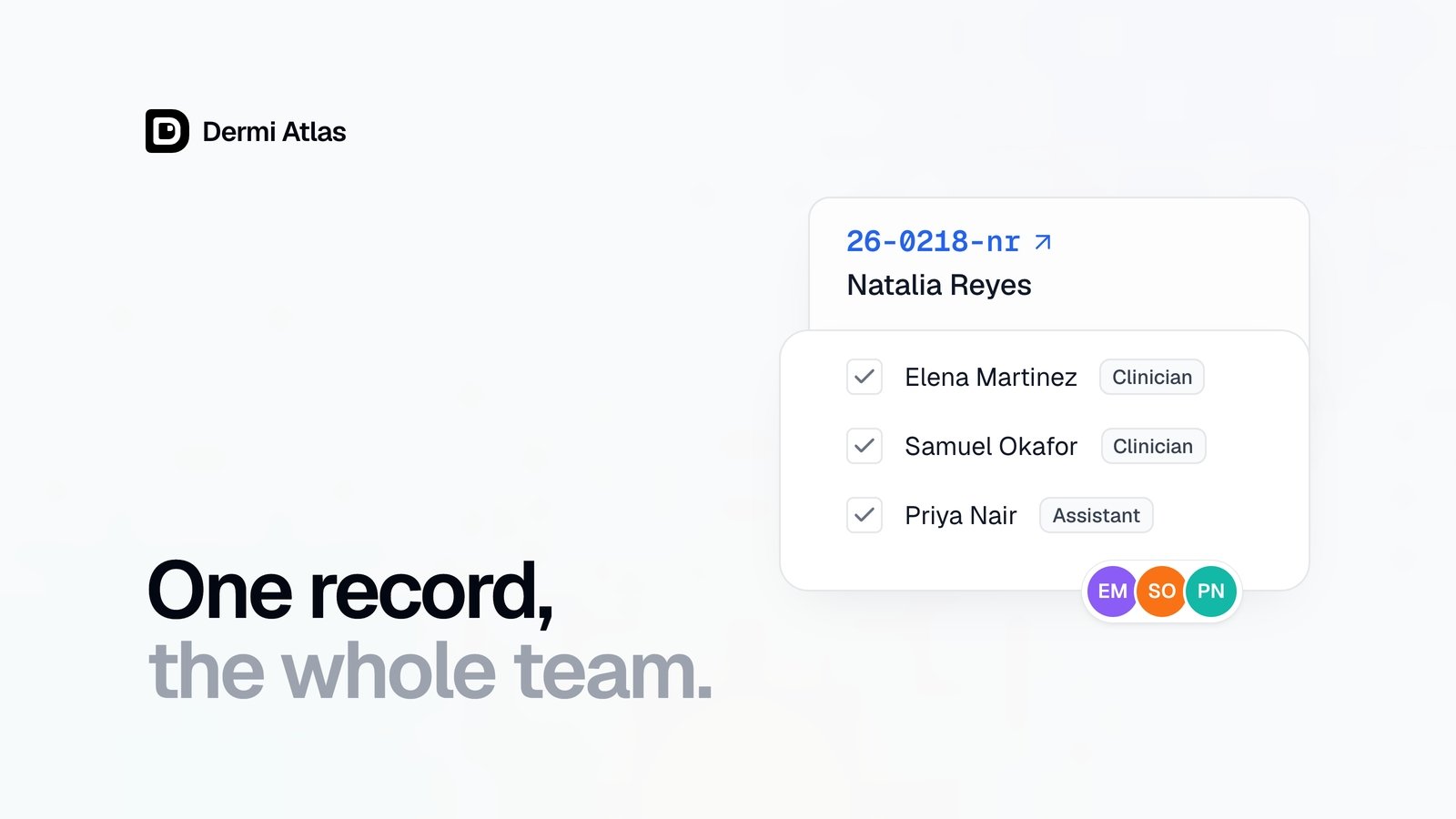
Team Accounts for Dermi Atlas Professional
Dermi Atlas Professional brings one shared patient record to the whole practice, with a login for every person and Clinician and Assistant accounts invited from the Dermi Portal.