Dermi Atlas 26.1 Release Notes
Dermi Atlas 26.1 introduces the live pointer tool, improved touch gestures, Linux support for Dermi Atlas Manager, and enhanced progress tracking.
February 12, 20262 min read
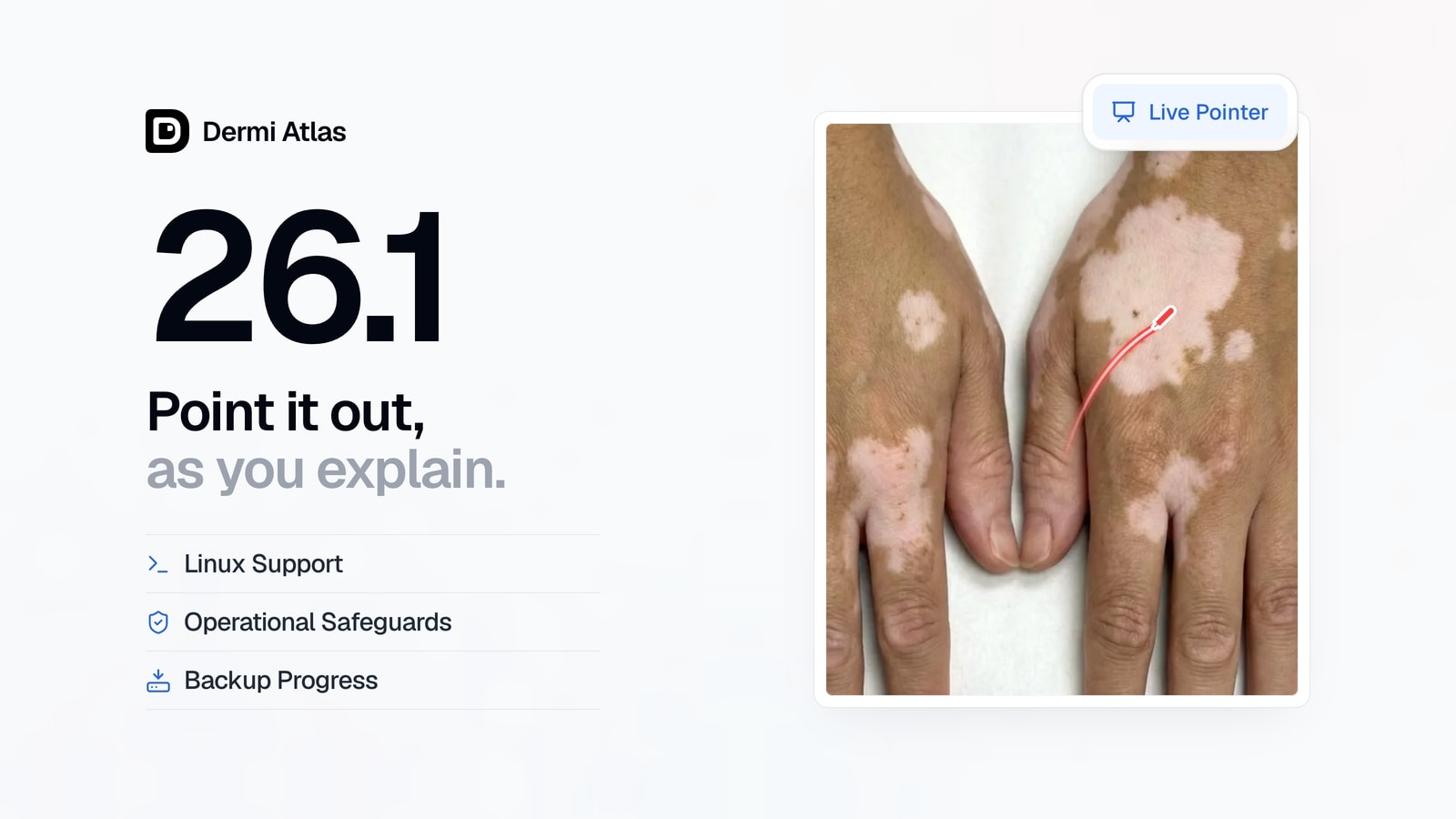
Dermi Atlas version 26.1 is now available, bringing a new live pointer annotation tool, improved touch gestures, performance enhancements for Dermi Atlas Professional, and expanded platform support with improved progress tracking for Dermi Atlas Manager.
Dermi Atlas Professional
Live Pointer
A new live pointer tool has been added for drawing non-persistent annotations on images and comparisons. Strokes fade automatically after being drawn, allowing guided review during consultations without leaving permanent markings on clinical images.
For more details, see Live Pointer: Real-Time Annotation for Patient Consultations.
Touch Gesture Improvements
Touch gestures across the image viewer and comparison views have been improved. Pinch-to-zoom is smoother, simultaneous panning is now supported, and overall responsiveness has been enhanced for both desktop and touch devices.
Performance and Stability
General performance improvements have been applied across the application. Various bugs have been resolved and minor issues have been addressed.
Dermi Atlas Manager
Progress Tracking
Progress tracking for long-running operations such as backups and restores has been improved. Progress indicators are now more accurate and provide more detailed status information throughout each operation.
Linux Support
Linux has been added as a supported platform for Dermi Atlas Manager. Installation instructions are available in Installing Dermi Atlas Manager on Linux.
Operational Safeguards
Close prevention has been added while operations are in progress, preventing accidental interruption of installations, updates, and restores. The reliability of these workflows has also been improved.
Availability
Dermi Atlas 26.1 is available now. Existing installations can be updated through Dermi Atlas Manager.
Was this article helpful?
Your feedback helps improve these articles
Related
 ProductOct 02, 2026
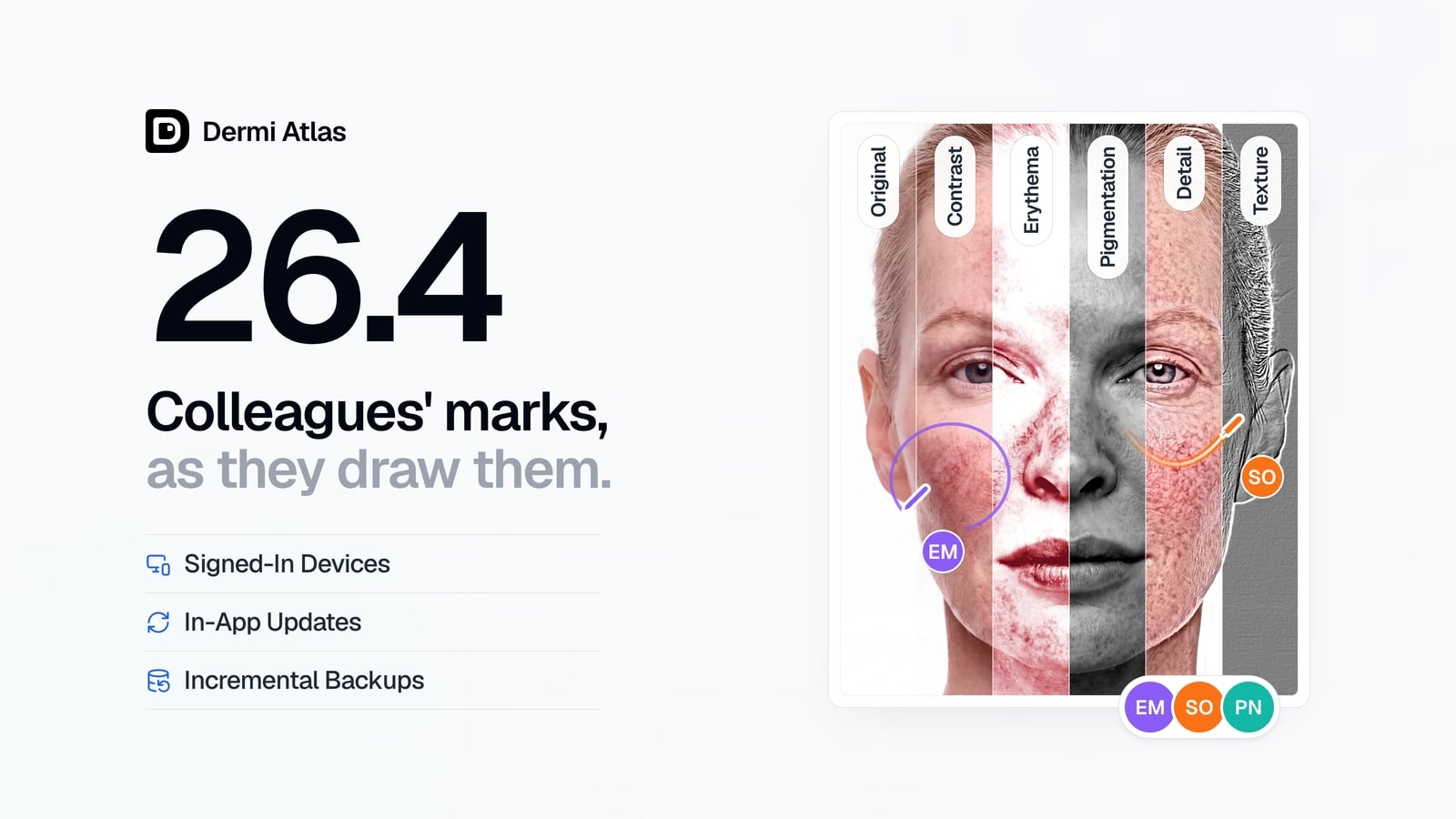
Dermi Atlas 26.4 Release Notes
Dermi Atlas 26.4 introduces real-time collaboration, image filters, and Signed-In Devices in Dermi Atlas Professional, with in-app updates and incremental backups in Dermi Atlas Manager.
 ProductSep 09, 2026
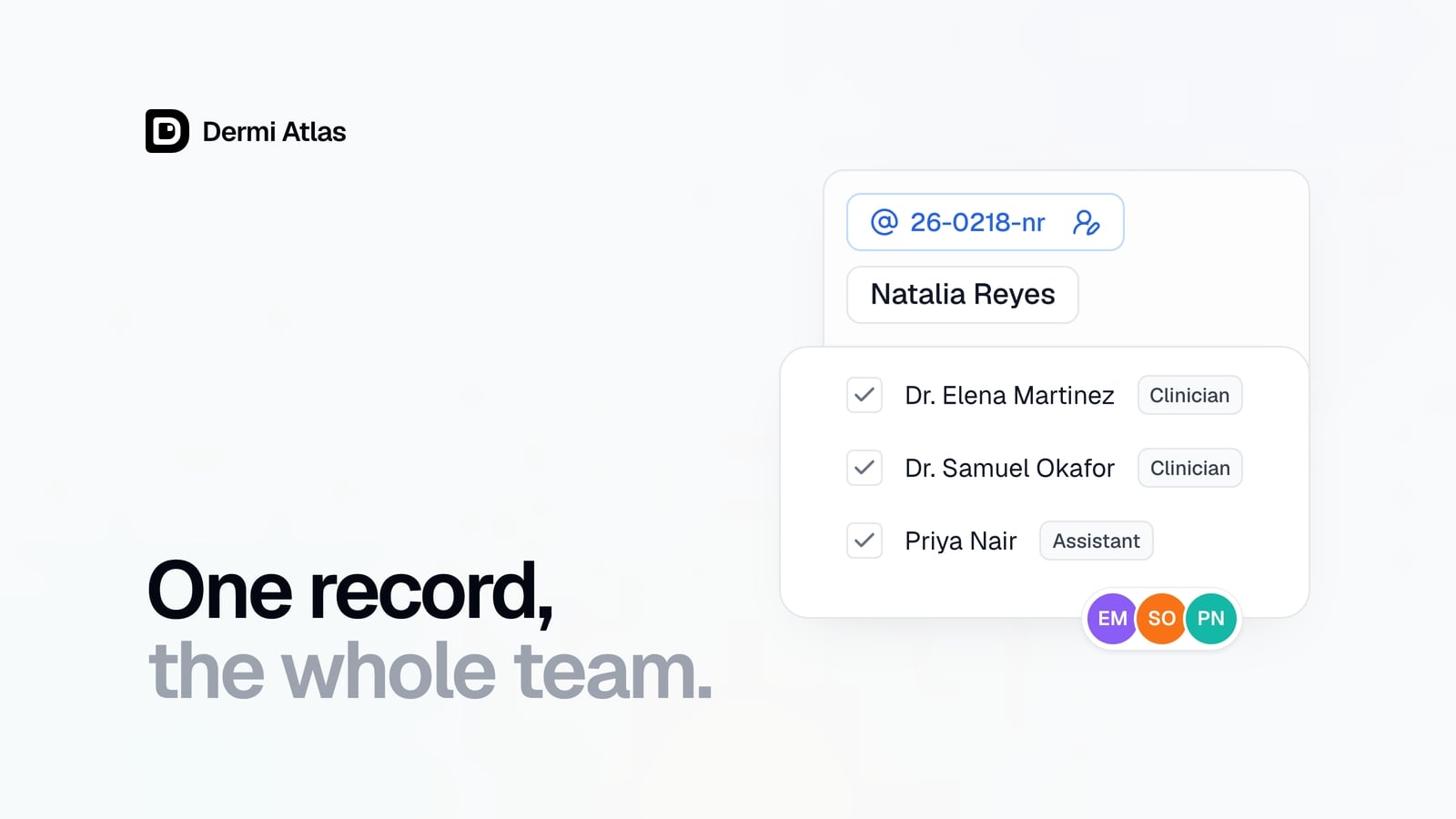
Team Accounts for Dermi Atlas Professional
Dermi Atlas Professional brings one shared patient record to the whole practice, with a login for every person and Clinician and Assistant accounts invited from the Dermi Portal.
 ProductJul 27, 2026
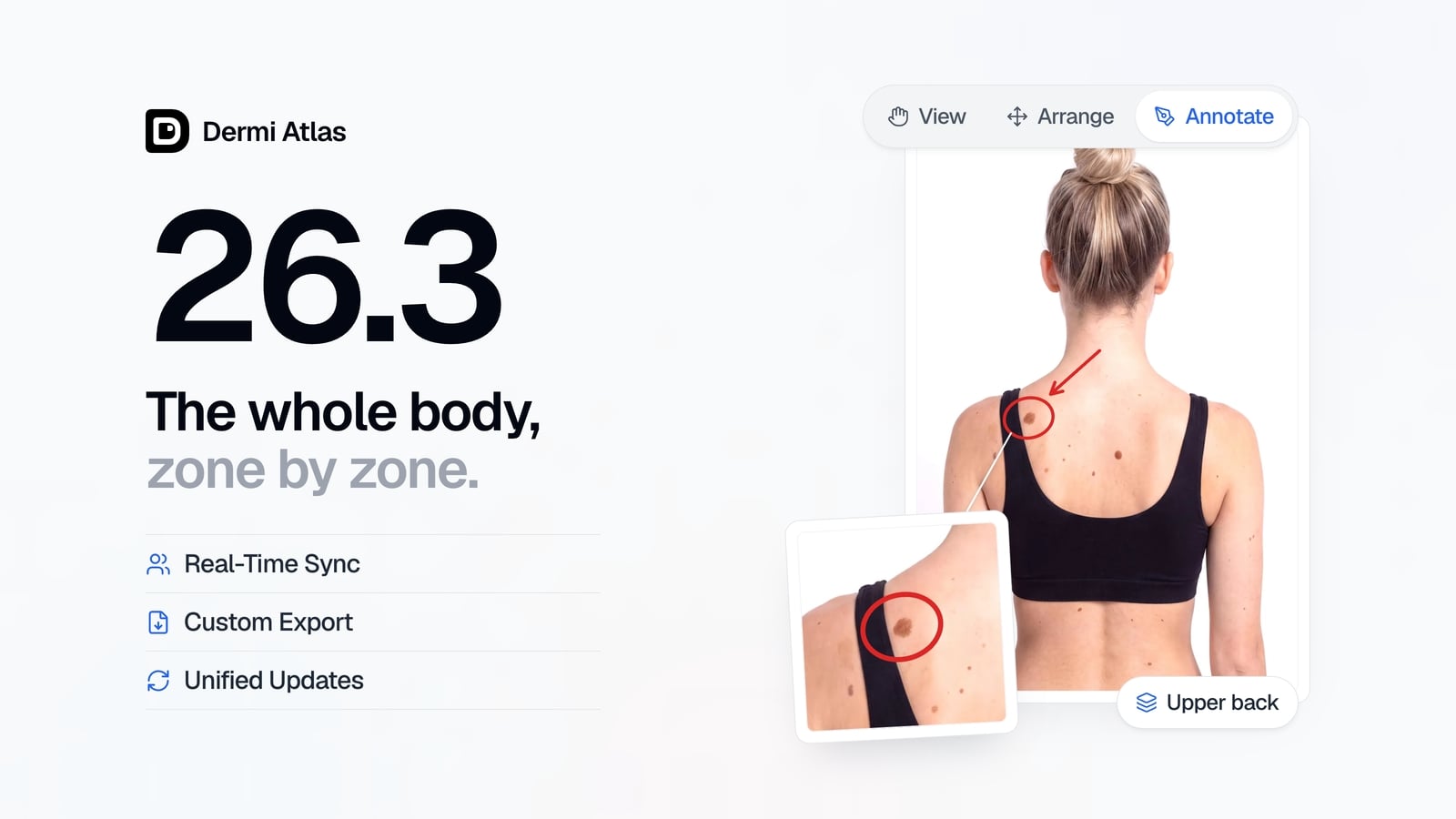
Dermi Atlas 26.3 Release Notes
Dermi Atlas 26.3 introduces persistent annotations, Full Body Photography, Zones, enhanced real-time sync, and Custom Export in Dermi Atlas Professional.