Dermi Atlas Companion Arrives on the App Store
Dermi Atlas Companion, the free iOS app for the Dermi Atlas platform, is now on the App Store for iPhone and iPad, with reference-aligned native capture and the full Atlas workspace.
June 16, 20263 min read
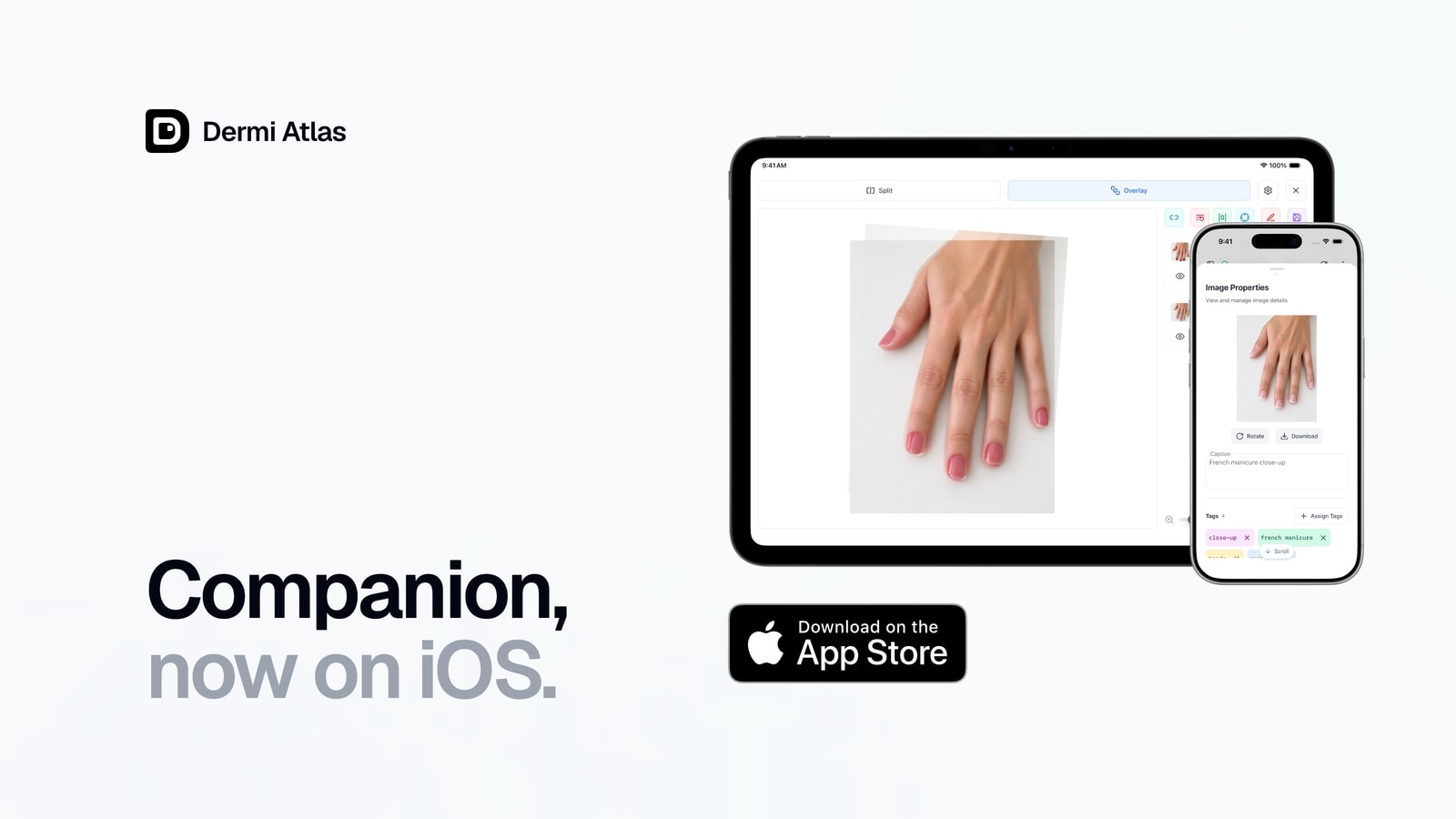
Dermi Atlas Companion, the iOS app for the Dermi Atlas clinical photography platform, is now available on the App Store for iPhone and iPad. The app is free, with no in-app purchases and no subscription, and is offered in the United States, Canada, and Australia. It works with a practice's existing Dermi Atlas Professional server at no additional cost, and a built-in Dermi Atlas Cloud Demo is included for evaluation.
Until now, Dermi Atlas ran in the browser, and capturing a consistent follow-up photograph meant matching angle, framing, and distance by eye, often on a separate camera, and then importing the result. Dermi Atlas Companion closes the distance between capture and the record by bringing native camera capture, on-device capture assists, and the full Atlas workspace to the device a clinician already carries.
Reference-Aligned Capture
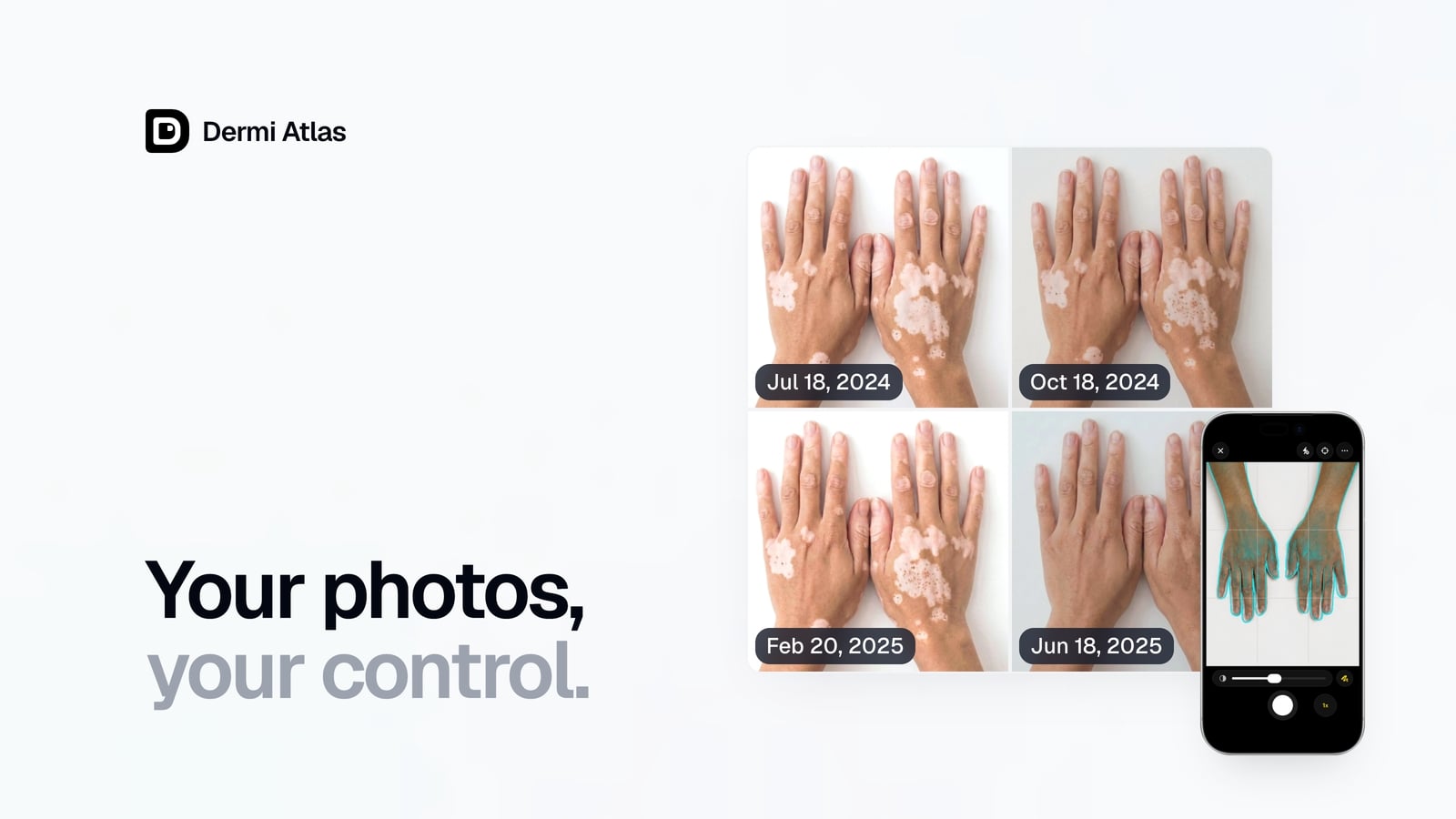
A clinician selects a prior reference image in Atlas, and it appears over the live camera as a clean subject outline, with the subject detected and isolated on device, or as the full image. Capture assists support a steady, repeatable frame. These include an opacity slider, a digital level, gridlines, tap-to-focus, lens and zoom controls, a self-timer, hardware-shutter capture, and a low-light cue. The aligned photo returns directly to the patient record, ready to compare.
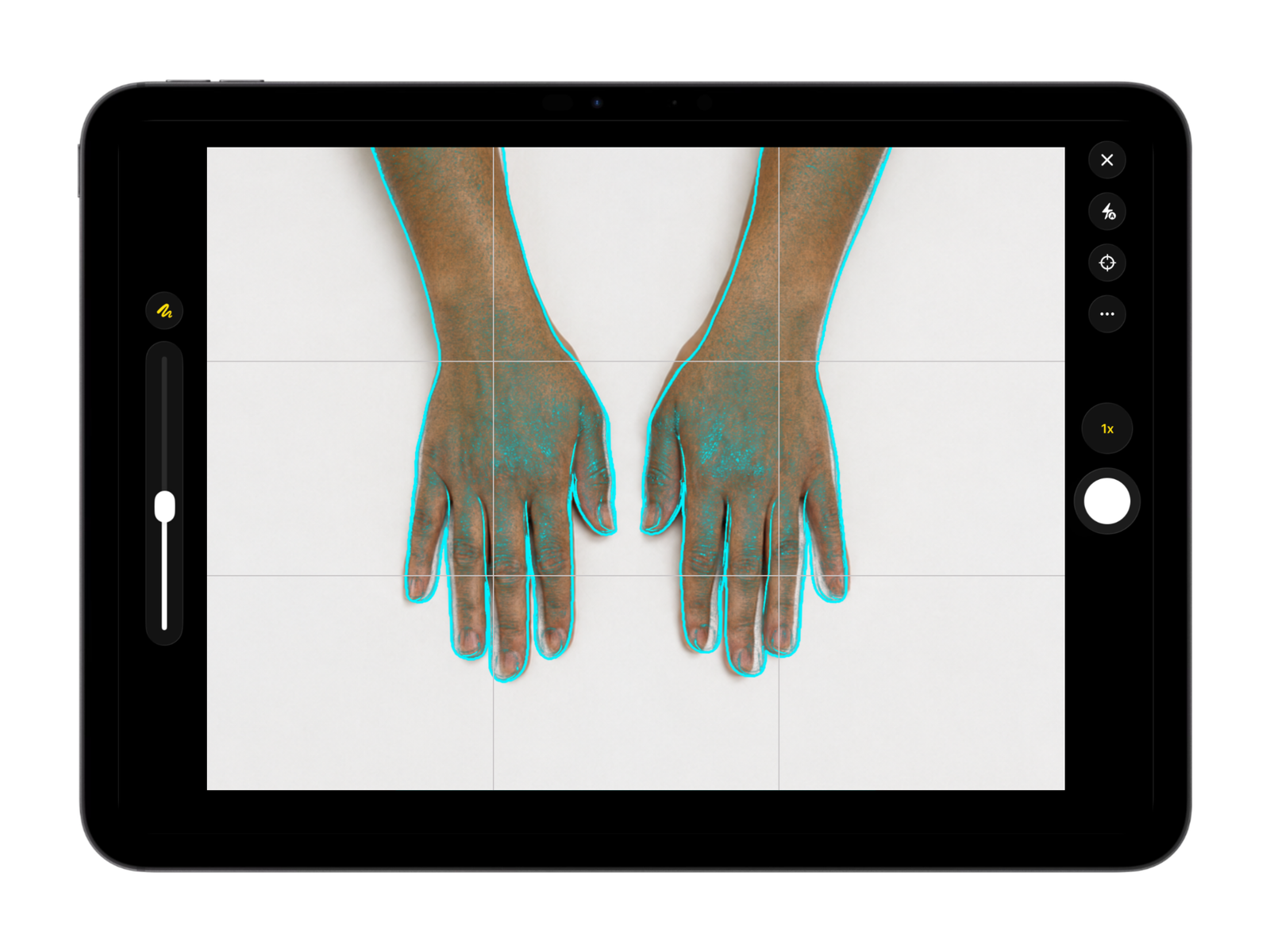
Illustrative demo with synthetic data. Learn more
A Multi-Server Workspace
The app connects to Dermi Atlas Professional servers on the local network, and each server carries its own name, color, and icon. Live reachability badges show whether a server is trusted, unreachable, or still needs its certificate, and locations switch with a single tap. The built-in Dermi Atlas Cloud Demo connects to a hosted Atlas instance for evaluation, and is not intended for real patient data. A Professional server is deployed with Dermi Atlas Manager.
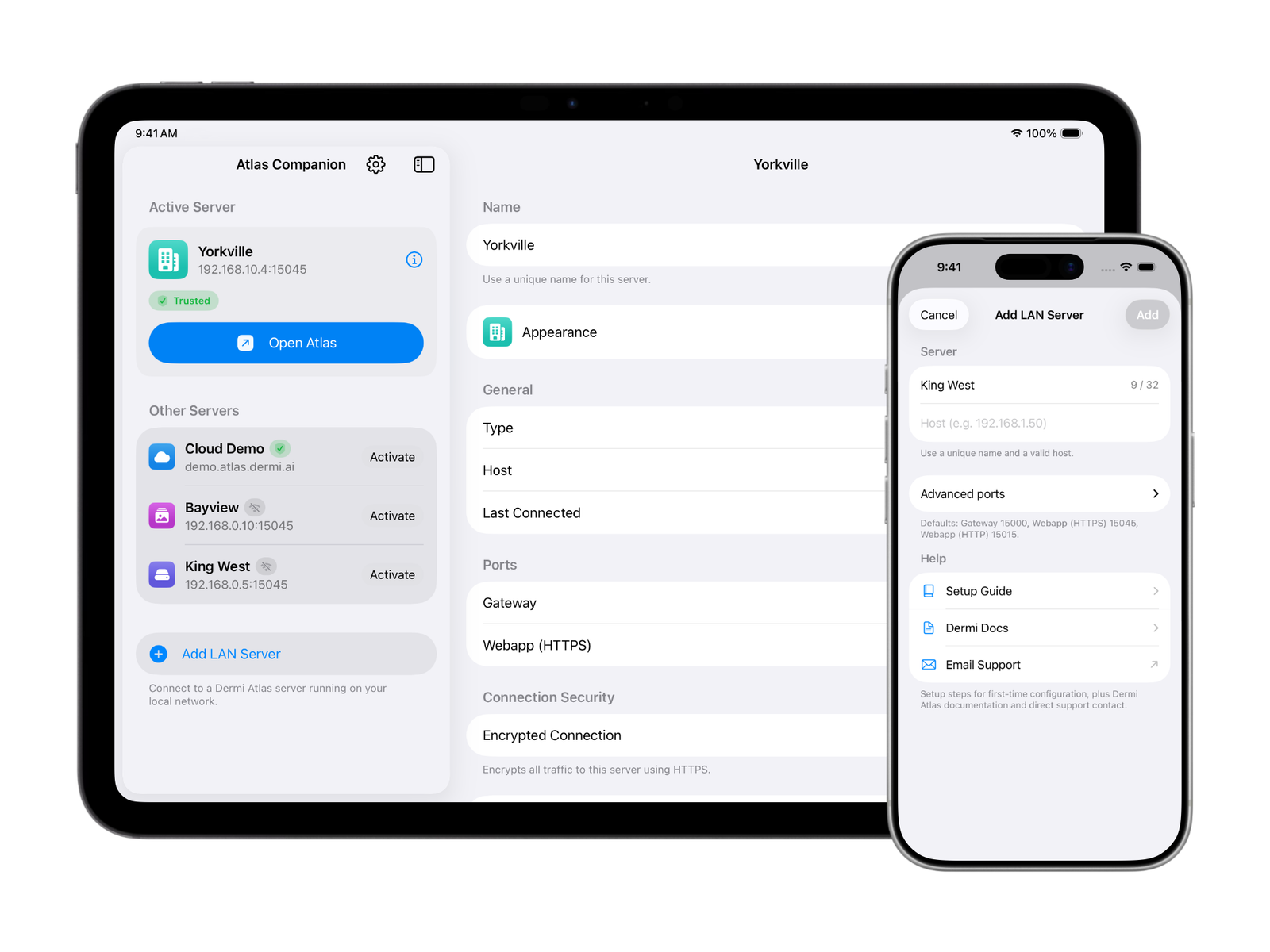
The Full Atlas Workspace on iPhone and iPad
Every Atlas workflow runs full screen on both iPhone and iPad. Server setup and switching adapt to each device, with a focused, one-handed flow on iPhone and a sidebar of servers beside a detail pane on iPad. Capture controls stay oriented in portrait and landscape, for handheld and mounted work. Downloads and printing run through the standard share and print panels, and a quick return-home gesture, a three-finger swipe down or a shake, returns to the server list at any time.
Private by Design
Connections to local-network servers use HTTPS with certificate pinning, so the app trusts only the exact server it was paired with. The certificate fingerprint is verified during setup, a rotated certificate is surfaced for review before reconnecting, and each server keeps its session and data isolated. Because Dermi Atlas Professional runs on a practice's own on-premises infrastructure, data stays on that infrastructure, consistent with the principle of patient data sovereignty.
Dermi Atlas Companion is a capture tool for clinical documentation; Dermi Atlas does not make diagnoses, and every clinical assessment is made and recorded by the clinician.
Availability
Dermi Atlas Companion is available now, free, on the App Store in the United States, Canada, and Australia, with no in-app purchases and no subscription. Practices without a server can evaluate the platform through the built-in Cloud Demo, a free hosted instance for evaluation only that is not intended for real patient data. The complete tour of reference-aligned capture, the multi-server workspace, and the iPhone and iPad layouts is documented on the Dermi Atlas Companion product page.
Was this article helpful?
Your feedback helps improve these articles
Related
 AnnouncementsDec 01, 2025
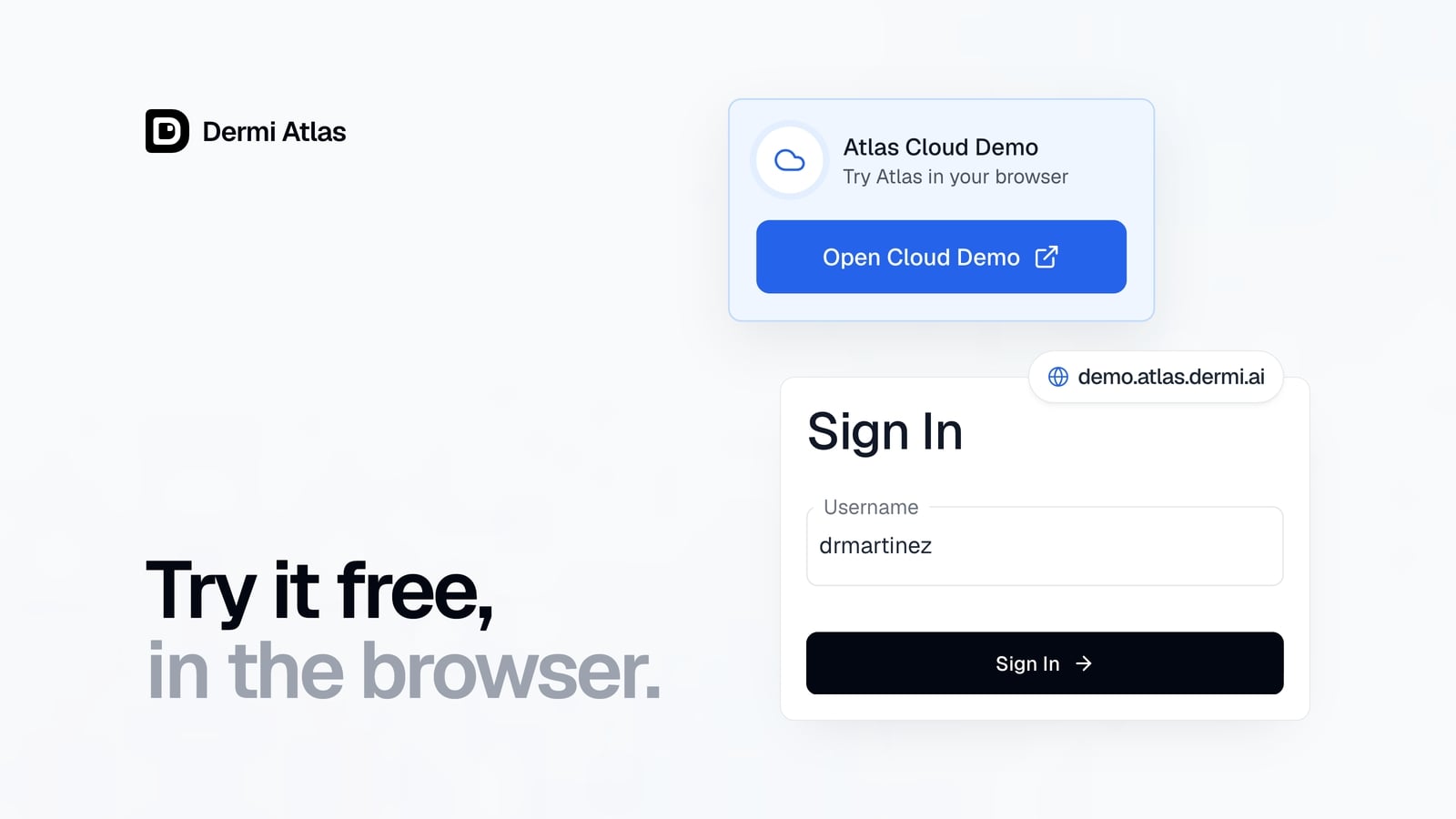
Dermi Atlas Cloud Demo: Try the Full Platform for Free
Dermi Atlas Cloud Demo is now available, providing free access to explore the core features of the clinical photography platform without installation.
 AnnouncementsAug 21, 2025
Introducing Dermi Atlas: Clinical Photography Under Your Control
Official launch announcement for Dermi Atlas, the on-premises clinical photography platform built for data sovereignty and compliance.
Read more from the newsroom
Synthetic Data Notice
All demonstrations, screenshots, and media on this page use synthetic data only. No real patient information is shown.
The following are synthetic and do not correspond to real patients:
- All human faces and individuals are synthetic and do not represent real people
- All clinical and medical images, including photographs and scans, are synthetic or simulated
- All patient names, dates, identifiers, and other details are fictional
- All clinical notes and documentation are sample content for demonstration only
Media is provided solely to illustrate platform functionality and workflows.