Encrypted Connections Now Standard in Dermi Atlas
Every Dermi Atlas Professional installation includes an HTTPS address that encrypts connections between client devices and the practice server, with its certificate managed by Dermi Atlas Manager.
November 12, 20252 min read
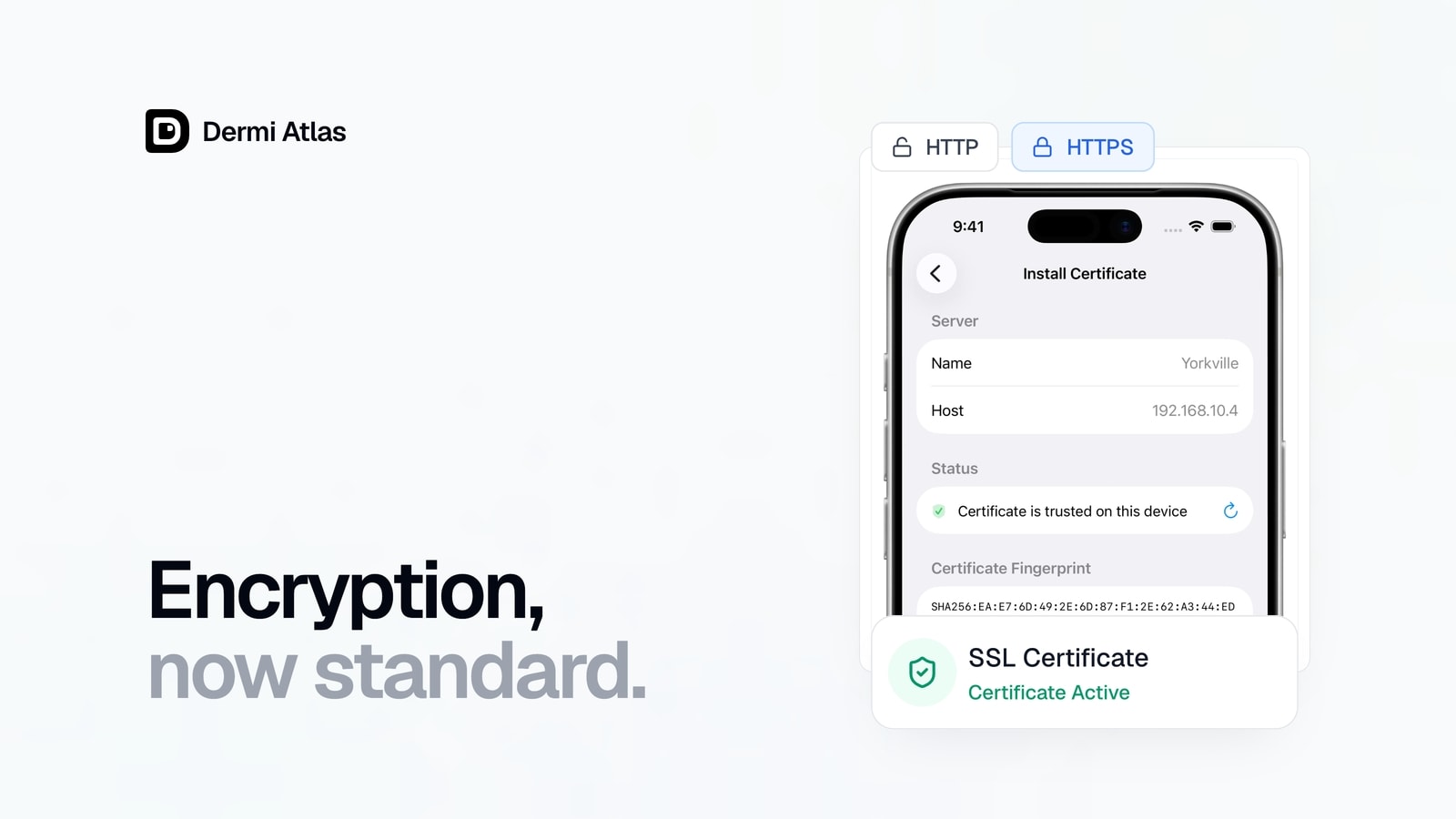
Every Dermi Atlas Professional installation includes an HTTPS address with TLS encryption, securing clinical data in transit across the local network for the devices that connect on it. On that address, both the web application and the real-time synchronization channel are protected by TLS certificates managed through Dermi Atlas Manager.
Why Local Network Encryption Matters
In an on-premises deployment, clinical data travels across the local area network between client devices and the server. Without encryption, this traffic could be intercepted by any device on the same network. In healthcare environments where multiple devices, users, and sometimes guest networks coexist, encrypting data in transit is essential for maintaining patient privacy and meeting regulatory requirements.
Automated Certificate Management
Managing TLS certificates on a local network presents unique challenges. Certificates for an on-premises deployment on a private network require installation on each device that connects to the server, repeated whenever the certificate is replaced. Dermi Atlas Manager prepares those certificates and automates the rest:
- Certificates are generated automatically during deployment
- The certificate is regenerated to cover a new IP address when Atlas starts from Atlas Manager
- Certificate files are made available for installation on client devices
- No manual certificate creation or command-line interaction is required
Encryption on the HTTPS Address
Everything that travels between client devices and the practice server on the HTTPS address is encrypted. Whether a page of the web application is being viewed, an image is being uploaded to a patient record, or connected devices are being kept in sync with each other, the traffic is protected by encrypted connections and the certificates issued for the deployment.
The HTTP address remains available for devices that are not set up with the certificate. Its connections are unencrypted, and HTTPS is recommended wherever the network includes Wi-Fi or is shared.
Compliance Benefits
TLS encryption in transit is a key technical safeguard under healthcare privacy regulations including HIPAA and PIPEDA. HTTPS is available on every Dermi Atlas Professional installation without third-party tools, which helps practices meet these requirements; meeting them remains the responsibility of each practice.
For detailed setup instructions, see the SSL Certificate Setup for HTTPS Access and Data Security Architecture documentation.
Was this article helpful?
Your feedback helps improve these articles
